
EQ is the simplest mixing tool… and the quickest way to make a mix sound like it’s wearing a sweater two sizes too small. The goal isn’t “perfect curves.” The goal is clarity, tone, and headroom—with moves you can repeat on every session.
- The 3 EQ jobs you’ll do in real life
- 1) Frequency zones you’ll actually use (and how to verify fast)
- 2) Filters, bells, shelves (the “what tool for what job” part)
- 3) Q (bandwidth): how to avoid “weird EQ”
- 4) Static EQ vs Dynamic EQ (where mixes start sounding “pro”)
- 5) Gain staging: EQ decisions that aren’t volume tricks
- 6) The fast EQ workflow (free or paid)
- Step 1 — Clean
- Step 2 — Fix resonances (1–3 max)
- Step 3 — Shape tone
- Step 4 — Control “only when it happens”
- 7) Quick starting points (beginner-friendly)
- A practical “Free vs Paid” EQ toolkit
This version includes free and paid plugins you can use at each step.
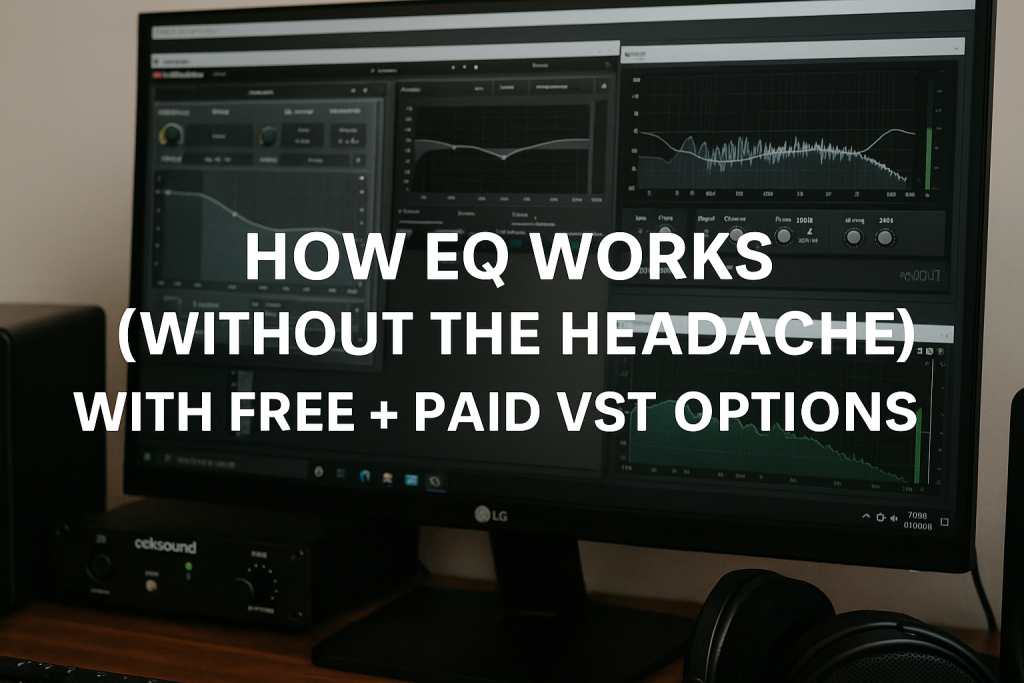
The 3 EQ jobs you’ll do in real life
- Clean-up (remove rumble, useless lows/highs)
- Surgical fixes (tame resonances, harshness, boxiness)
- Tone shaping (presence, warmth, air)
Recommended tools (pick your lane)
Free
- TDR Nova (Dynamic EQ): https://www.tokyodawn.net/tdr-nova/
- Voxengo SPAN (Analyzer): https://www.voxengo.com/product/span/
- Melda MEqualizer (EQ): https://www.meldaproduction.com/MEqualizer
Paid
- FabFilter Pro-Q 4 (EQ): https://www.fabfilter.com/products/pro-q-4-equalizer-plug-in
- oeksound soothe2 (Resonance suppressor): https://oeksound.com/plugins/soothe2/
1) Frequency zones you’ll actually use (and how to verify fast)
You don’t need a textbook chart. You need a few “feel zones”:
- 20–60 Hz (Sub): power + headroom (easy to overdo)
- 60–200 Hz (Bass): weight / boom
- 200–600 Hz (Low-mids): mud / box / blanket
- 600 Hz–2 kHz (Mids): intelligibility / honk
- 2–6 kHz (Presence): clarity / harshness risk
- 8–16 kHz (Air): sheen / hiss risk
Use an analyzer while learning (not forever, just until your ears lock in):
Free: Voxengo SPAN — https://www.voxengo.com/product/span/
Pro move: don’t EQ with your eyes—use SPAN to confirm what your ears suspect.
2) Filters, bells, shelves (the “what tool for what job” part)
High-pass (Low Cut)
Removes rumble, opens headroom.
- Great on vocals, guitars, pads, FX
- Dangerous when you high-pass until thin, then “fix” it with boosts
Free EQ option: Melda MEqualizer — https://www.meldaproduction.com/MEqualizer
Paid EQ option: FabFilter Pro-Q 4 — https://www.fabfilter.com/products/pro-q-4-equalizer-plug-in
Low-pass (High Cut)
Removes fizz/hiss you don’t want.
- Great on distorted guitars, noisy synths, harsh loops
Bell (Peak)
Main tool for surgery and shaping.
- Narrow cuts for resonances
- Wide moves for tone
Shelves
Broad tonal moves.
- High shelf = air
- Low shelf = warmth (also: goodbye headroom if you overdo it)
3) Q (bandwidth): how to avoid “weird EQ”
The classic pro workflow works with any EQ:
- Make a narrow bell, boost slightly, sweep quickly to find the ugly resonance
- Flip to a cut (often -1 to -4 dB)
- Widen Q a touch so it sounds natural
- Level-match and A/B
Paid advantage: Pro-Q 4 is ridiculously fast for this kind of work.
https://www.fabfilter.com/products/pro-q-4-equalizer-plug-in
Free alternative: Melda MEqualizer is totally capable for surgical sweeps and cuts.
https://www.meldaproduction.com/MEqualizer
4) Static EQ vs Dynamic EQ (where mixes start sounding “pro”)
If a frequency is only annoying sometimes (vocal bite when the singer pushes, cymbal peaks, harsh guitar moments), static EQ forces you to cut it all the time—and that’s how tone gets hollow.
Dynamic EQ: the smarter approach
Dynamic EQ reduces a band only when it crosses a threshold.
Free dynamic EQ: TDR Nova — https://www.tokyodawn.net/tdr-nova/
Use it for:
- de-essing style control (5–10 kHz)
- harsh vocal presence control (2–5 kHz)
- cymbal spikes (3–8 kHz)
- boomy notes in bass (80–200 Hz)
Paid “make it effortless” option: oeksound soothe2 — https://oeksound.com/plugins/soothe2/
Use it when:
- the source has many moving resonances (vocals, cymbals, distorted guitars)
- you want “less harsh” without carving the life out of the sound
Practical take: Nova is a scalpel, soothe2 is a resonance vacuum cleaner (in a good way).
5) Gain staging: EQ decisions that aren’t volume tricks
EQ changes level. Louder almost always sounds “better,” so you must level-match.
Habits that save mixes:
- After EQ, match output so bypass isn’t louder
- Don’t boost lows into compressors/limiters unless you want them to clamp harder
- If a move only sounds good when it’s louder, it’s not a good move—it’s a magic trick
Pro-Q 4 makes level-matching and A/B fast, but you can do this with any EQ.
6) The fast EQ workflow (free or paid)
Step 1 — Clean
- High-pass where needed
- Remove obvious rumble/noise
Tools:
- Free: MEqualizer + SPAN
- Paid: Pro-Q 4 + SPAN
Step 2 — Fix resonances (1–3 max)
- Find the worst offenders, small cuts, widen slightly
Tools:
- Free: MEqualizer (static), TDR Nova (dynamic when needed)
- Paid: Pro-Q 4 (static), soothe2 (moving resonances)
Step 3 — Shape tone
- Wide moves, subtle gains
- Prefer cutting competing parts over boosting everything
Tools:
- Free: MEqualizer / Nova
- Paid: Pro-Q 4
Step 4 — Control “only when it happens”
- Dynamic EQ or soothe2 for harshness that comes and goes
Tools:
- Free: TDR Nova
- Paid: soothe2
7) Quick starting points (beginner-friendly)
These aren’t rules—just reliable first moves.
Vocals
- High-pass: ~70–120 Hz (depends on voice)
- Mud: light cut around 200–400 Hz if needed
- Harshness: dynamic control around 2–5 kHz
- Sibilance: dynamic around 5–10 kHz
Cymbals / Overheads
- Avoid big presence boosts
- If harsh: dynamic control (Nova) or soothe2
- Add “air” only after harshness is under control
Guitars
- High-pass to remove low clutter
- Tame bite (often 2–4 kHz) dynamically if it only spikes sometimes
- Control fizz with gentle low-pass if needed
A practical “Free vs Paid” EQ toolkit
If you want two clean “shopping lists”:
Free setup that can mix a full track
- Analyzer: Voxengo SPAN — https://www.voxengo.com/product/span/
- Static EQ: Melda MEqualizer — https://www.meldaproduction.com/MEqualizer
- Dynamic EQ: TDR Nova — https://www.tokyodawn.net/tdr-nova/
Paid setup that’s fast and surgical
- EQ: FabFilter Pro-Q 4 — https://www.fabfilter.com/products/pro-q-4-equalizer-plug-in
- Resonance control: oeksound soothe2 — https://oeksound.com/plugins/soothe2/
- (Optional but useful) Analyzer: SPAN — https://www.voxengo.com/product/span/