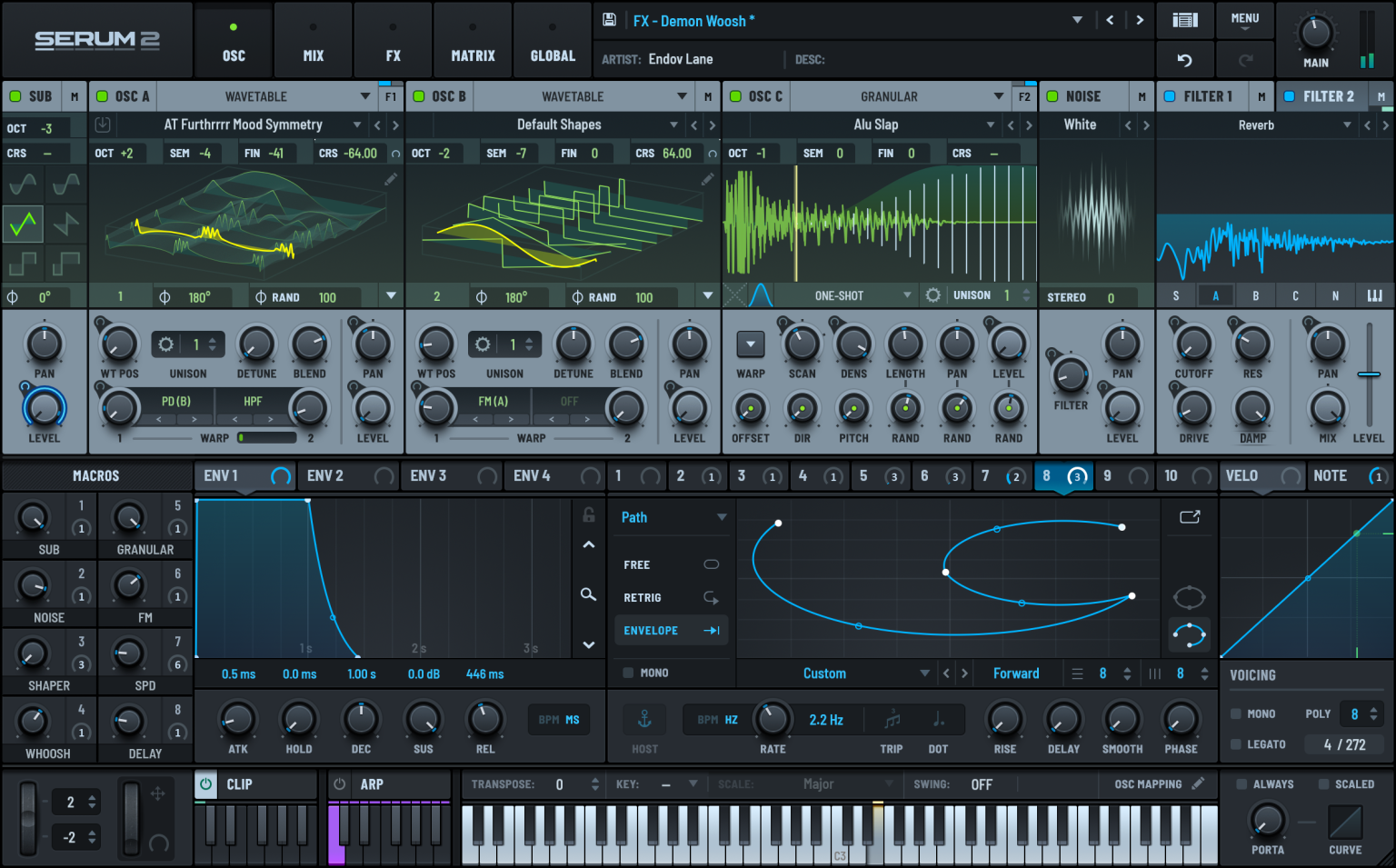

Serum is still the “default weapon” for modern electronic music—because it’s fast, visual, and brutally effective. It’s a high-quality wavetable synth where you can see modulation, sculpt wavetables, and finish a sound inside one plugin thanks to a strong built-in FX rack. In short: perfect for writing quickly, and deep enough to lose an afternoon (in a good way).
- How to install Serum presets (quick)
- 1) Cymatics — Xfer Serum Starter Pack (big all-rounder)
- 2) Sonicspore — Free Serum Pack (100 presets + LFO shapes)
- 3) Echo Sound Works — Free Serum Sounds (musical, tweak-friendly)
- 4) W. A. Production — Free Serum Presets Mega Pack (drop energy)
- 5) Ghosthack — Free Serum Presets (bass-focused + extra wavetables)
- 6) ModeAudio — Free Ambient Presets for Serum (space & texture)
- 7) EDMProd — Serum EDM Essentials (fast workflow pack)
- 8) PresetShare — Free community Serum presets (endless library)
- Leads (make them cut)
- Basses (make them hit)
- Plucks (make them catchy)
- Pads (make them cinematic)
- AUDIARTIST
Official Serum page (Xfer Records): https://xferrecords.com/
Serum product page: https://xferrecords.com/products/serum-2
How to install Serum presets (quick)
Most free presets come as .fxp files, sometimes packaged in folders with extra wavetables and LFO shapes.
- Open Serum → Menu → Show Serum Presets Folder
- Drop the downloaded folders into the matching directories (Presets / Wavetables / LFOs)
- Back in Serum: Menu → Rescan folders on disk
Pro tip: if a preset loads “wrong” (thin, missing movement), it often needs the pack’s wavetables. Install those too.
The best free Serum preset banks (curated)
1) Cymatics — Xfer Serum Starter Pack (big all-rounder)
https://cymatics.fm/products/xfer-serum-starter-pack
Why it’s worth it: it’s the “cover the basics and keep moving” pack. Great spread across the sounds you actually use when building a track.
What you’ll use it for
- Leads: bright hooks that cut
- Basses: clean subs to harder mid-bass starters
- Plucks/Keys: instant chord and melody fuel
- Pads: wide layers for intros and breakdowns
Quick customize
- Pull Reverb Mix down 10–20% to avoid washing the mix
- Map a macro to Filter Cutoff + Drive for drop energy control
2) Sonicspore — Free Serum Pack (100 presets + LFO shapes)
https://sonicsporesounds.com/products/sonicspore-free-serum-pack
Why it’s worth it: it feels like a real working library, not random demo patches. Bonus: extra LFO shapes you’ll reuse in your own patches.
Preset types you’ll actually grab
- Atmos/Pads: cinematic beds, emotional layers
- Keys/Plucks: clean and musical, easy to place
- Sequences: instant motion and rhythm
- Subs/Basses: solid foundations
Quick customize
- For bass: shorten Release, check Mono, then add a touch of Drive
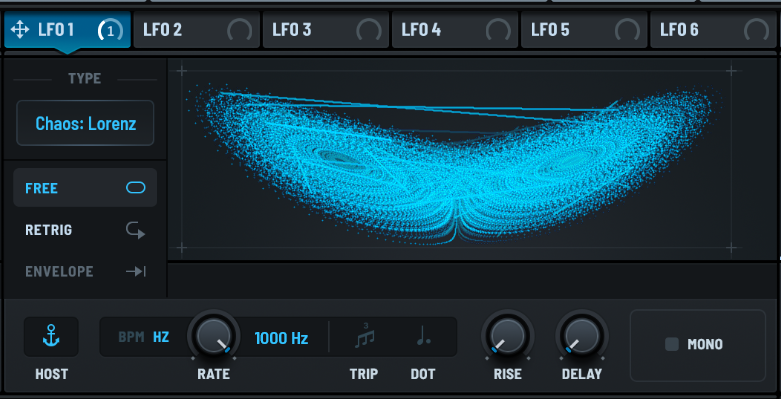
- For sequences: swap the LFO shape first—huge vibe change, zero effort
3) Echo Sound Works — Free Serum Sounds (musical, tweak-friendly)
https://www.echosoundworks.com/freeserumsounds
Why it’s worth it: these freebies tend to be more “song-ready” than “look what my plugin can do.” Great starting points that respond well to small tweaks.
Where it shines
- Plucks: pop/house hooks
- Leads: smooth, expressive, less harsh by default
- Pads: warm and usable without endless EQ
Quick customize
- Reduce Unison voices for clarity, then widen with FX if needed
- Replace the wavetable but keep the same envelope = new signature sound
4) W. A. Production — Free Serum Presets Mega Pack (drop energy)
https://www.waproduction.com/sounds/view/free-serum-presets-mega-pack
Why it’s worth it: more aggressive, more “club-ready.” Great when you need sounds that already feel hyped.
Best uses
- Talking leads / growls
- Heavy bass starters
- FX patches for transitions
Quick customize
- Reduce distortion amount, then use filter drive for tighter control
- Map a macro to Warp amount for movement you can automate
5) Ghosthack — Free Serum Presets (bass-focused + extra wavetables)
https://www.ghosthack.de/free_sample_packs/free-serum-presets
Why it’s worth it: smaller pack, but very targeted. If you make bass music, it’s a quick win.
Best uses
- Bass patches with strong character
- Sounds that respond well to macro automation
Quick customize
- Lower Sub if your kick starts crying
- Keep the modulation, swap the wavetable: same groove, new identity
6) ModeAudio — Free Ambient Presets for Serum (space & texture)
https://modeaudio.com/magazine/free-ambient-presets-for-serum
Why it’s worth it: pure atmosphere. Great for intros, breakdowns, cinematic moments, and emotional builds.
Best uses
- Evolving pads
- Textured soundscapes
- Shimmer-ish motion layers
Quick customize
- Automate cutoff slowly (over bars, not beats)
- High-pass the pad so it doesn’t swallow your low-mids
7) EDMProd — Serum EDM Essentials (fast workflow pack)
https://www.edmprod.com/serum-edm-essentials/
Why it’s worth it: made for “open DAW → write track.” The sounds are straightforward, clean, and usually sit well without endless fixing.
Best uses
- Leads + basses for modern EDM structures
- Quick songwriting sessions
8) PresetShare — Free community Serum presets (endless library)
https://presetshare.com/presets?instrument=1&page=1
Why it’s worth it: volume + variety. It’s the thrift shop of presets: you won’t keep everything, but you’ll find gems.
How to use it like a pro
- Download in batches of 10–20
- Keep only what inspires you within 60 seconds
- Build a personal “Favorites” bank and stop scrolling like it’s TikTok
The “How to customize” cheat sheet (fast, effective)
Leads (make them cut)
- Lower reverb, use tighter delay
- Reduce unison if it feels blurry
- Macro idea: Cutoff + FX mix for build/drop automation
Basses (make them hit)
- Short release, mono check, control the sub
- Drive via filter before stacking distortion
- If harsh: tame highs with subtle EQ after Serum
Plucks (make them catchy)
- Tight envelope (short decay, controlled release)
- Minimal reverb, a touch of chorus
- Add slight pitch envelope for bite
Pads (make them cinematic)
- Slow LFOs (bars, not beats)
- High-pass to clear the mix
- Gentle cutoff automation to create arrangement lift