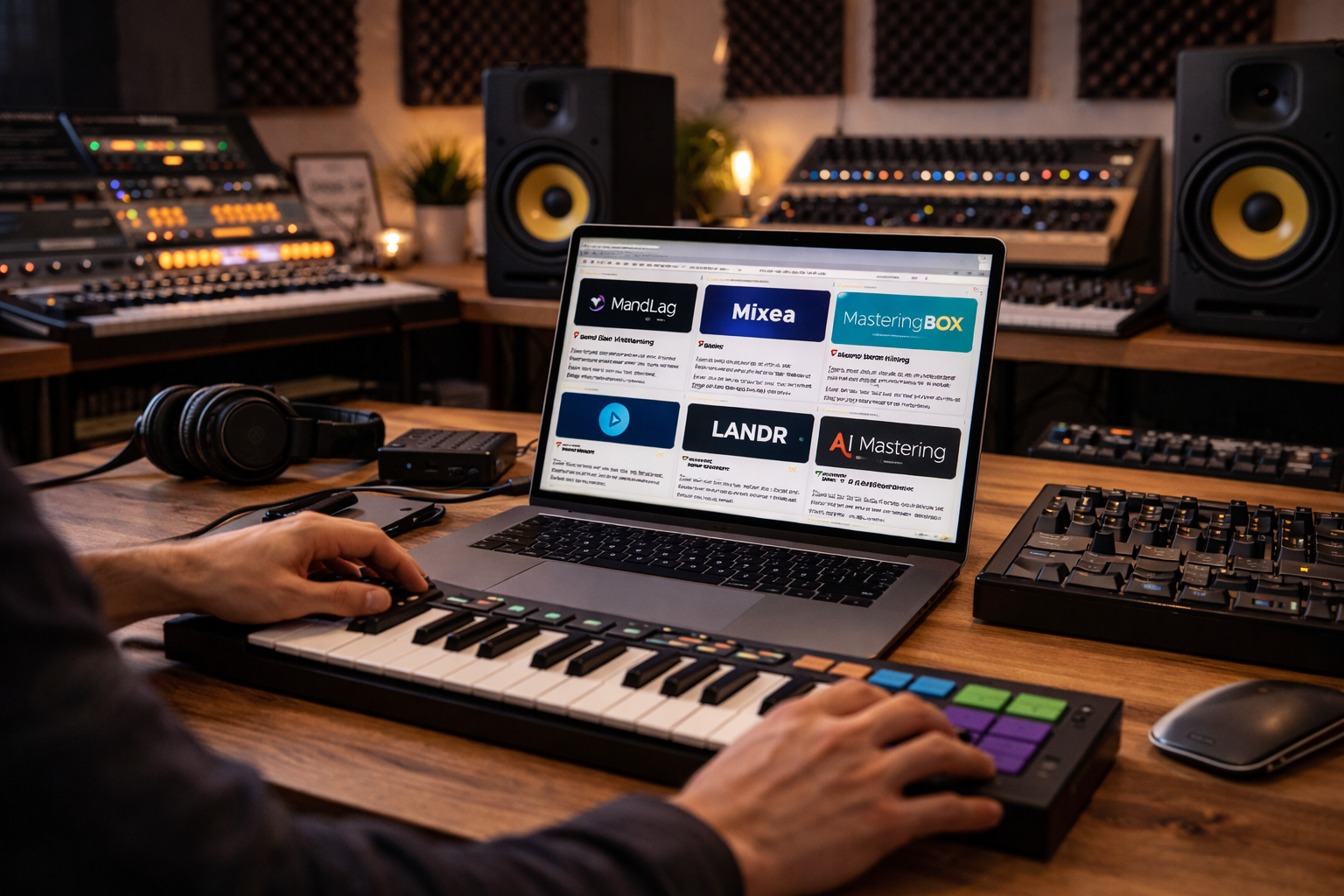

Mastering can make or break a track. In 2026, a wave of online tools — from free AI processors to premium cloud platforms — gives producers of all levels access to polished, release-ready masters. Below is a curated list of the best mastering services, with detailed descriptions, pricing info, and direct links.
- 🎚️ BandLab Mastering — Free and Immediate
- 🧠 MasteringBOX — Simple AI Tool With Free Tier
- 🧑🔬 LANDR Mastering — Established AI Cloud Master
- ⚙️ AI Mastering — Straightforward Loudness & Balance
- 💡 TuneCore Mastering — Try Before You Buy
- 📊 SoundBoost.ai — Natural-Language AI Mastering
- 🎛️ Mixea (by DistroKid) — AI Mastering for Releases
- 🧠 How to Choose What Fits Your Needs
- Pro Tip
🎚️ BandLab Mastering — Free and Immediate
Website
https://www.bandlab.com/mastering
Price: Free
Overview:
BandLab’s mastering tool is entirely free and browser-based. Upload your mix, choose a flavor like Fire, Clarity, or CD Quality, and download the mastered audio instantly. It’s fast and intuitive — perfect for indie artists, beat makers, and demos.
Best for:
Beginners, quick drafts, budget-friendly projects
Pros:
- No cost
- Several preset styles
- Easy and fast
Cons:
- Limited control over parameters
- Not as deep as professional mastering
🧠 MasteringBOX — Simple AI Tool With Free Tier
Website
https://www.masteringbox.com
Price: Free plan available; premium exports at modest cost
Overview:
MasteringBOX analyzes your track and applies EQ, compression, and loudness adjustments automatically. The interface walks you through a quick, three-step process: upload, choose settings, and export.
Best for:
Producers who want mastering with minimal technical decisions
Pros:
- Free tier
- Clean, intuitive interface
Cons:
- Fewer advanced options than some AI rivals
🧑🔬 LANDR Mastering — Established AI Cloud Master
Website
https://www.landr.com/online-audio-mastering
Price: Free basic mastering; paid plans from about $4/mo to $25/mo depending on quality and file formats
Overview:
LANDR is one of the most recognized names in online mastering. Upload your track, choose style and loudness, and let the AI generate a master ready for streaming or release. You can also subscribe for batch mastering and high-quality WAV exports.
Best for:
Artists who want control over export formats and louder masters
Pros:
- Widely trusted
- Multiple format options
- Good balance of control and simplicity
Cons:
- Some features require subscription
⚙️ AI Mastering — Straightforward Loudness & Balance
Website
https://aimastering.com
Price: Free trials / entry options; subscriptions for full downloads
Overview:
AI Mastering offers automatic balancing and loudness optimization with a clean drag-and-drop workflow. You can customize target loudness and dynamics before export.
Best for:
Quick AI tales without tunneling into knobs
Pros:
- Easy to use
- Loudness tailoring
Cons:
- Less depth than premium rivals
💡 TuneCore Mastering — Try Before You Buy
Website
https://www.tunecore.com/mastering
Price: Free preview; full download from about $5 per track
Overview:
TuneCore lets you preview a mastered version for free before purchasing. If you like it, you pay per mastered file. It’s a smart choice for artists who want to audition results first.
Best for:
Artists who prefer no subscription
Pros:
- Free preview
- Per-track pricing
Cons:
- No bulk plans
📊 SoundBoost.ai — Natural-Language AI Mastering
Website
https://soundboost.ai
Price: Free preview; paid for full downloads
Overview:
SoundBoost uses natural-language prompts to tailor mastering (e.g., “warmer bass,” “smoother vocals”). It’s creative and intuitive when you want specific sonic adjustments without tech menus.
Best for:
Creative producers looking for guided AI
Pros:
- Prompt-based controls
- Unique mastering experience
Cons:
- Results vary by mix quality
🎛️ Mixea (by DistroKid) — AI Mastering for Releases
Website
https://mixea.ai
Price (2026): ~$4–$5 per track (often discounted or included with DistroKid subscription plans)
Overview:
Mixea is DistroKid’s own AI mastering tool built for simplicity and release readiness. You upload your mix, choose intensity or style, and receive a master optimized for streaming platforms. The focus is on clarity, punch, and overall balance that works across genres.
Best for:
Independent artists, quick release workflows
Pros:
- Affordable per-track pricing
- Seamless DistroKid integration
- Fast and no-fuss
Cons:
- Limited advanced controls
- Not a full replacement for human mastering
🧠 How to Choose What Fits Your Needs
Budget masters:
- BandLab Mastering and MasteringBOX give you zero-cost starts. Great for demos or early drafts.
Balanced AI mastery:
- LANDR and Mixea combine quality and usability for artists prepping releases.
Preview before buying:
- TuneCore Mastering lets you hear results before spending.
Creative AI prompts:
- SoundBoost.ai lets you guide the sound intuitively.
Quick final polish:
- AI Mastering is simple, fast, and effective.
Pro Tip
AI mastering has evolved immensely — it’s now good enough for Spotify, Apple Music, SoundCloud, and playlist placement. But for major releases, consider sending your tracks to a seasoned mastering engineer after AI runs. A human ear can balance emotion, nuance, and musical intention in ways algorithms still can’t.