Mastering is the final stretch between “this mix is done” and “this record sounds consistent everywhere”—from studio monitors to earbuds, cars, and the tiny Bluetooth speaker that somehow rules your life. Mixea positions itself as a quick, online mastering solution: upload your track, choose a vibe, and export a polished master without booking a studio session or diving deep into technical mastering workflows.
What Mixea Is (and What It Isn’t)
Mixea is an online mastering service designed for speed and accessibility. It analyzes your audio and applies a mastering chain to improve balance, loudness, and overall translation across playback systems. Instead of requiring you to tweak dozens of parameters, it focuses on a handful of high-level choices—more “pick the flavor” than “rebuild the circuit.”
What it isn’t: a replacement for a human mastering engineer when you need surgical fixes, album-wide cohesion, or highly intentional artistic shaping. Mixea shines when your mix is already solid and you want a clean, modern finish—fast.
The Mixea Workflow: Simple by Design
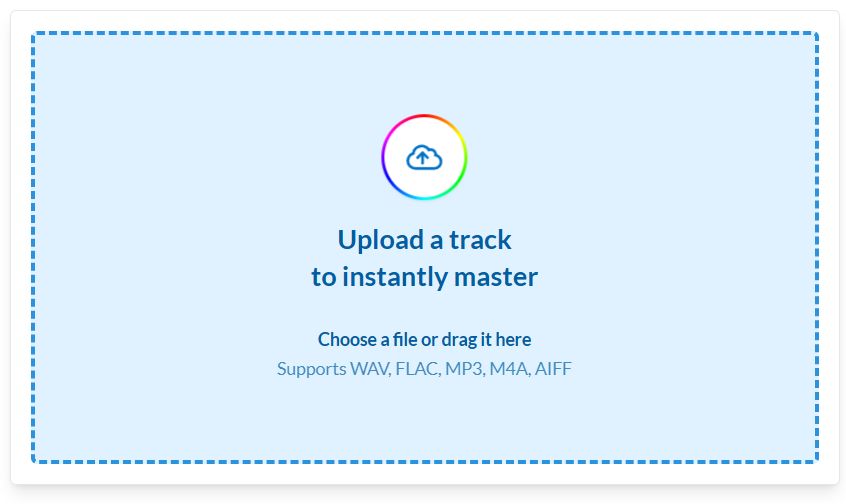
1) Upload your track
You provide a stereo mix (ideally a high-quality WAV). Mixea processes it in the cloud.
2) Choose a mastering direction
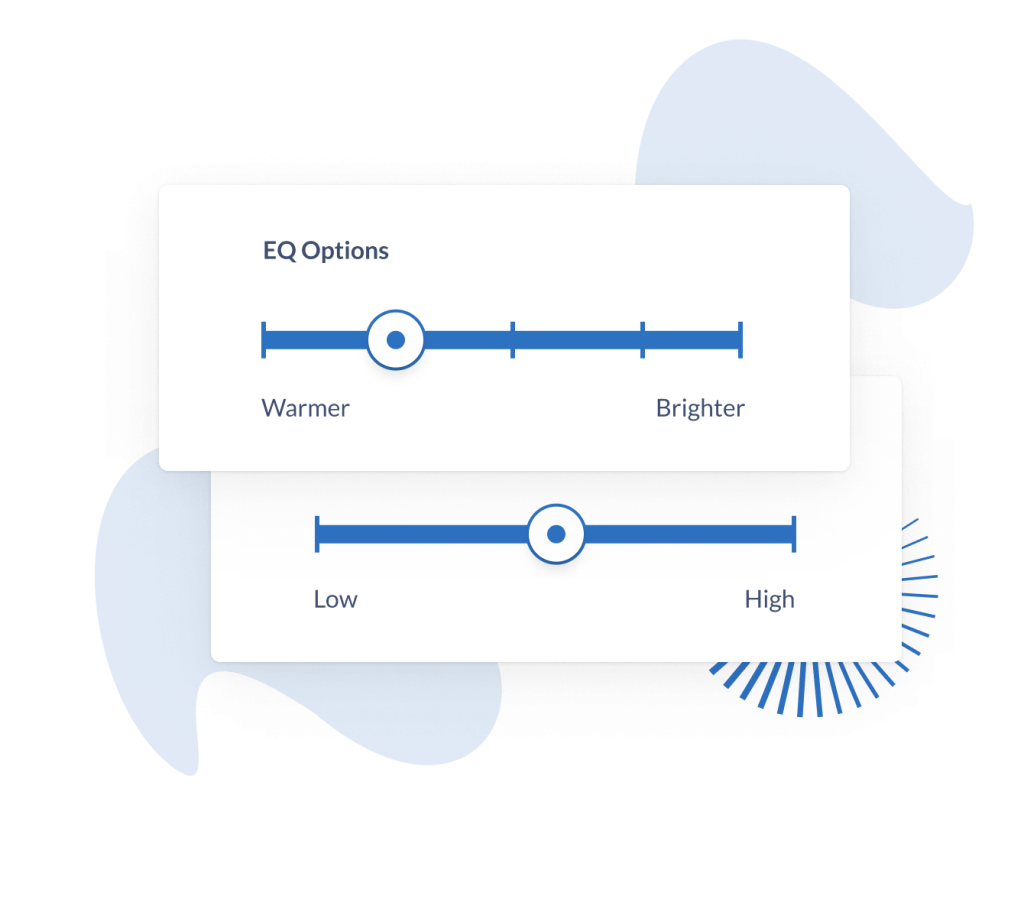
Instead of drowning you in technical jargon, Mixea offers creative-leaning options that influence tone and intensity—think “cleaner vs thicker,” “brighter vs warmer,” “punchier vs smoother.” You audition versions and pick what fits your track.
3) Download a ready-to-distribute master
Once you choose, you export a mastered file intended for streaming and distribution.
How to Get the Best Results From Mixea
Online mastering is like a suit: it can elevate your look instantly, but it can’t fix the posture. The quality of the master depends heavily on the quality of the mix you feed it.
Deliver a “masterable” mix
- Leave headroom: Avoid slamming your mix into a limiter. Give the processing space to work.
- Control the low end: If kick and bass are fighting, mastering will magnify the mess.
- Tame harshness early: Sibilance, brittle hats, and sharp synth peaks should be handled in the mix, not hoped away in mastering.
- Keep your master bus sensible: Gentle glue is fine, heavy compression/limiting often makes online mastering less effective.
Audition like a pro
When comparing versions, don’t choose the loudest one by default. Choose the one that stays musical over time:
- Are the vocals or lead stable and present?
- Does the kick still punch without pumping?
- Are the highs detailed without turning edgy?
- Does the groove feel alive, not flattened?
Test in the real world
Before you commit:
- Listen on earbuds, car, phone speaker, Bluetooth speaker.
- Check at low volume—the best masters still feel balanced when quiet.
Loudness: The Trap That Catches Everyone
A louder master can feel more exciting in a quick A/B test. But most streaming platforms normalize playback level, which means “louder” often just becomes “more squashed”—and then turned down anyway. The smarter goal is impact and clarity, not maximum loudness at all costs.
If your track is dance-oriented (house, afro house, techno, EDM), this matters even more: the groove needs transient punch and breathing room. Over-limiting can turn a club-ready record into a tired brick.
Who Mixea Is Best For
Great fit if you…
- Release lots of singles and want a fast, consistent finish
- Need masters quickly for playlists, content, promos, or demos
- Want a straightforward workflow without technical mastering knowledge
- Prefer to audition multiple “vibes” instead of requesting revisions
Not the best fit if you…
- Need detailed corrective work (resonances, harshness, dynamic issues)
- Want album-wide cohesion across multiple tracks
- Have a complex arrangement that needs intentional shaping and automation
- Require a highly specific sonic signature that’s part of your brand
Mixea vs a Human Mastering Engineer: The Real Difference
Mixea is about efficiency: a polished result, quickly, with minimal friction.
A mastering engineer is about intentionality: critical listening, problem-solving, creative direction, and consistency across releases—plus feedback that can improve your future mixes.
A practical approach many artists use:
- Mixea for speed (singles, drafts, quick releases, volume output)
- Human mastering for big moments (EPs/albums, label submissions, flagship releases)

Practical Tips Before You Upload
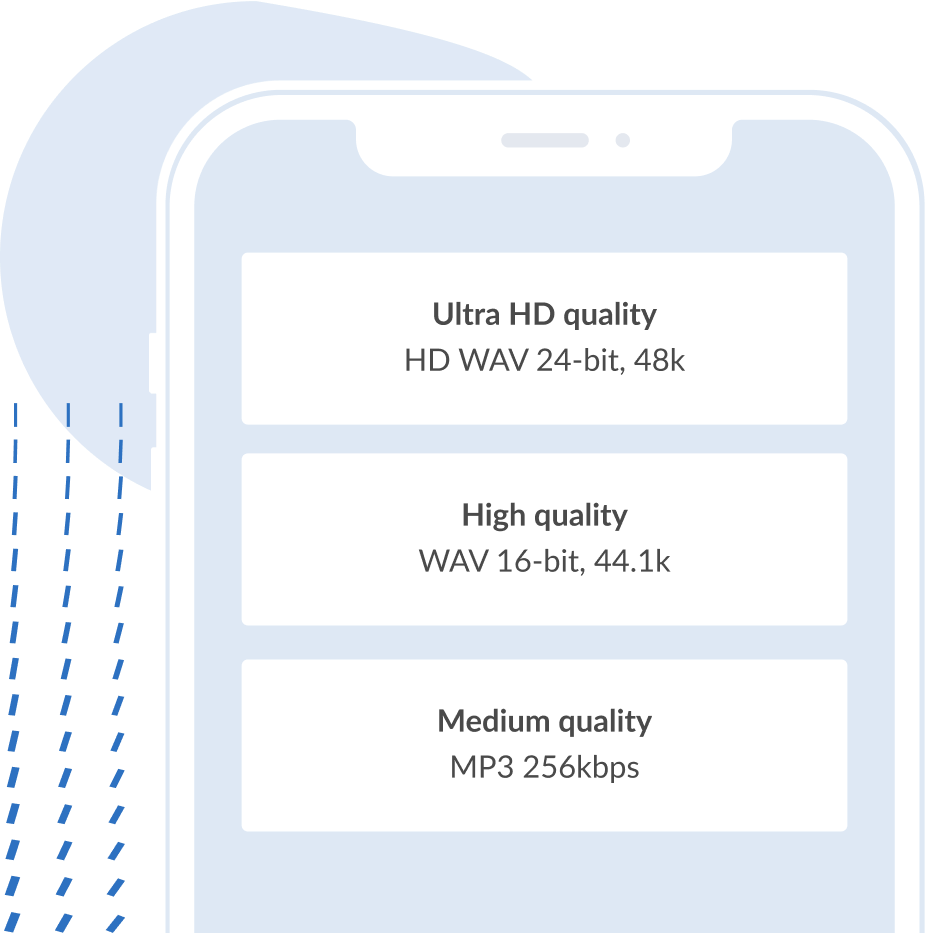
- Export your mix at the highest quality you can (WAV, uncompressed).
- Avoid clipping and overly aggressive master-bus limiting.
- If you have a reference track, listen back-to-back at matched perceived loudness.
- If Mixea makes the highs feel sharp or the low end feel bloated, don’t force it—go back to the mix and fix the root cause.
Bottom Line
Mixea is built for creators who want mastering to be a button, not a project. If your mix is clean and balanced, it can deliver that final “release-ready” polish in minutes. If your mix has problems, Mixea won’t hide them—it’ll put them under a bright spotlight.