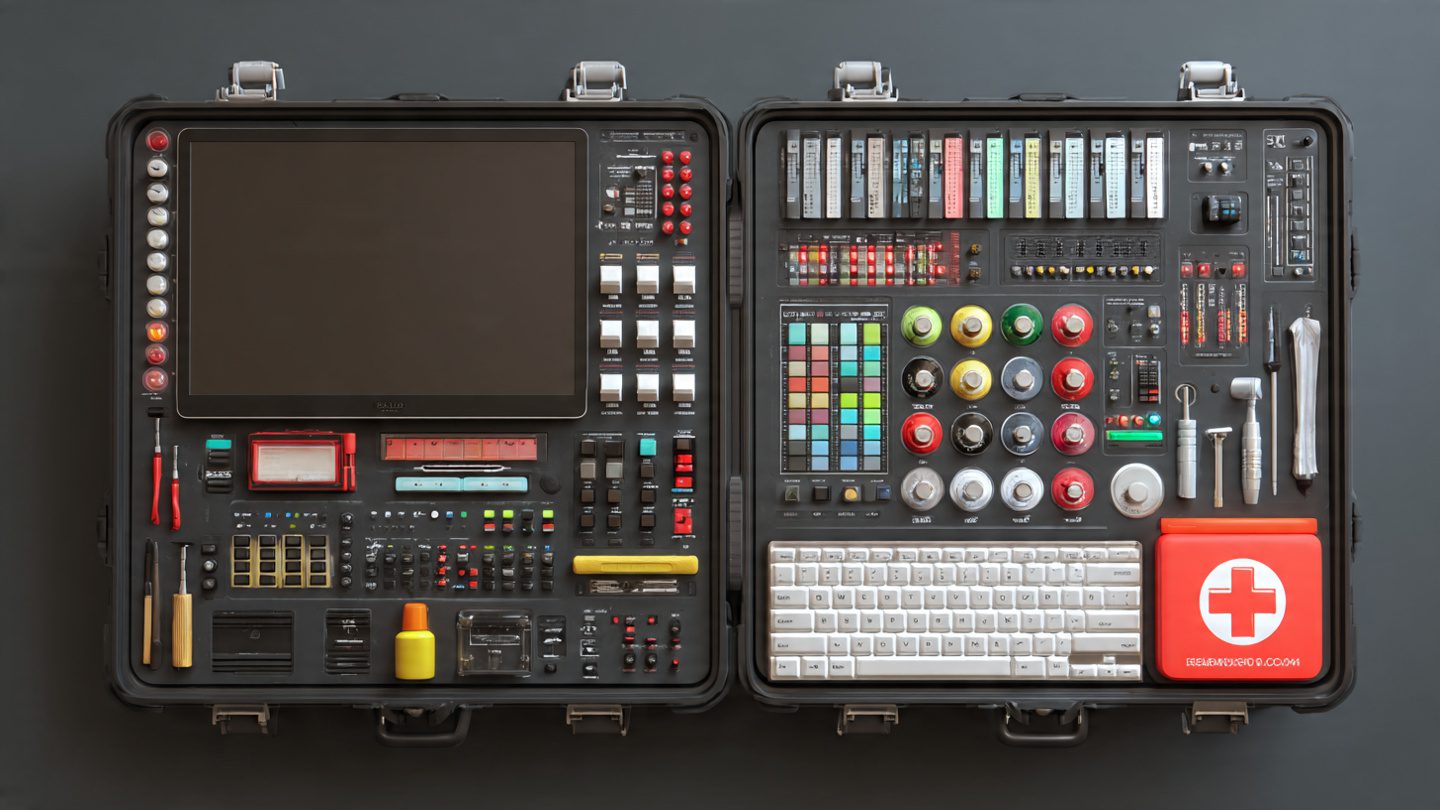

This is not about building a second studio from scratch. It is about having the right digital essentials on your computer: audio editing, video export, screen capture, image work, notation, media playback, and a few pieces of software that quietly become indispensable once they are there.
If your DAW is the heart of the studio, these are the tools that keep the body functioning when things get messy.
Audacity: The Fast Audio Fixer Every Beatmaker Needs
Audacity is one of those rare pieces of free software that stays useful no matter how advanced your setup becomes. It is not trying to replace your DAW. That is exactly why it earns its place in the emergency kit.
Its strength is speed. Need to trim a vocal take quickly? Normalize a rough bounce? Cut a short audio teaser for social media? Remove silence from a spoken intro? Export a loop for reference? Audacity handles these jobs without forcing you to open a full production session and wait for half your plugin chain to wake up like a grumpy old orchestra.
It is especially useful for beatmakers who work fast and regularly need lightweight edits outside the main project file. Sometimes the smartest move is not reopening the entire session. Sometimes it is opening a clean, dedicated audio editor and getting the job done in two minutes.
What it is for: quick audio edits, trimming, cleaning, voice recordings, rough exports, beat snippets, spoken intros, promo audio.
Official site: https://www.audacityteam.org/
Download: https://www.audacityteam.org/download/
VLC: The Media Player That Saves Time and Frustration
VLC media player may not sound glamorous in a beatmaker toolkit, but anyone who creates content around music knows why it belongs here. It opens almost everything, plays almost everything, and does not waste your time asking philosophical questions about codecs while you are trying to check a video export before posting it.
Beatmakers often work with more than audio. Promo clips, music videos, visual loops, screen recordings, reference footage, live performance files, stems sent by collaborators, strange file formats from the internet’s darker corners—VLC is the practical utility knife that handles playback when other software becomes selective, dramatic, or simply useless.
It is also ideal for quickly checking whether a teaser, visualizer, or exported performance video actually looks and sounds right before you upload it somewhere public and irreversible.
What it is for: playing back audio and video files, checking exports, previewing promo content, handling awkward formats without extra codec packs.
Official site: https://www.videolan.org/vlc/
Download: https://www.videolan.org/vlc/
OBS Studio: For Screen Capture, Beat Videos and Live Content
OBS Studio has become one of the most valuable free tools for creators who want to show their work, not just make it. For beatmakers, that matters more than ever. Screen capture is part of modern music promotion now. People want to see how beats are built, how patterns evolve, how samples get chopped, how drums are layered, and how a track comes together in real time.
OBS makes that possible. You can record your DAW, capture beatmaking sessions, stream cookups, create tutorials, show plugin chains, or film simple breakdown videos for social media and YouTube. It is also great for recording presentation-style content if you want to speak directly to camera while showing your session.
For producers trying to turn the studio process into content, OBS is one of the most useful free downloads available. It bridges the gap between making music and making media around music, which is now half the battle.
What it is for: screen recording, live streaming, beatmaking videos, tutorials, plugin demos, session breakdowns, content creation.
Official site: https://obsproject.com/
Download: https://obsproject.com/download
HandBrake: The Quiet Hero of Video Conversion
HandBrake is not the software people brag about. It is the software they become strangely grateful for at 1:12 a.m. when a video file is too large, the format is wrong, the export refuses to upload properly, or a clip needs to be recompressed quickly without opening a full editing project again.
That makes it perfect for beatmakers who produce content around their music. Teaser videos, loop visuals, beat previews, studio clips, Instagram edits, YouTube uploads, artist promo packs—so many of these workflows eventually run into the same technical problem: the file needs conversion.
HandBrake handles that problem beautifully. It helps reduce file size, convert formats, and optimize videos for web use. In practical terms, it stops a visual from becoming unusable because the export settings were wrong or the original file came out heavier than a late-night producer snack platter.
What it is for: video conversion, compression, export optimization, preparing content for social media and websites.
Official site: https://handbrake.fr/
Download: https://handbrake.fr/downloads.php
GIMP: Free Image Editing for Covers, Thumbnails and Visual Fixes
GIMP is one of the strongest free image editors you can keep on a music computer. A beatmaker may not need it every day, but when it is needed, it is extremely useful. Cover art needs resizing. A thumbnail needs text. A background needs cleaning. A logo needs placement. A promo visual needs cropping. Suddenly the emergency kit becomes the difference between publishing tonight and procrastinating until next week.
The value of GIMP is simple: it gives you image control without a paid design subscription. It is not just for graphic designers. It is for producers who need to fix, adapt, and export visuals without begging a friend every time a cover ends up in the wrong size.
That flexibility matters because modern beatmakers do not just upload audio files. They build visual ecosystems around releases, beat videos, playlists, packs, social posts, and channel branding. GIMP helps keep those visuals under control.
What it is for: cover art edits, thumbnails, visual fixes, image resizing, text overlays, promo graphics.
Official site: https://www.gimp.org/
Download: https://www.gimp.org/downloads/
Kdenlive: A Free Video Editor That Deserves More Love
Kdenlive is one of the most practical free video editors for producers who want more control than basic mobile editing tools can offer. It sits in a very useful middle ground: more capable than quick-cut apps, less intimidating than heavyweight post-production environments if all you need is to build clean, effective content around music.
For beatmakers, that can mean arranging beat videos, editing studio sessions, creating loop visuals, preparing beat store content, cutting tutorials, or building release promos with titles, transitions, and multiple layers of audio and image. It is also useful when OBS recordings need shaping into something more watchable than a raw desktop capture marathon.
Kdenlive is the kind of tool that becomes more important as soon as your music project starts needing regular video content. And in 2026, that moment usually comes early.
What it is for: video editing, beat videos, promo edits, studio footage, tutorials, release content, YouTube uploads.
Official site: https://kdenlive.org/
Download: https://kdenlive.org/download/
MuseScore Studio: For Sketching Ideas Beyond the Piano Roll
MuseScore Studio might seem like an unusual inclusion in a beatmaker emergency kit, but it earns its place for one simple reason: not every musical idea arrives best inside a piano roll. Sometimes you want to think in notes, not blocks. Sometimes you want to sketch melody, harmony, arrangement ideas, or instrumental lines in a more traditional way.
That can be especially useful for producers who work with live musicians, write more melodic music, prepare arrangements, or simply want another way to map ideas outside the DAW. It is also handy when creating references for collaborators or turning a rough musical thought into something more structured.
MuseScore does not replace production. It expands musical thinking. And that makes it far more useful than its “notation software” label may suggest at first glance.
What it is for: notation, melody writing, arranging ideas, score sketches, preparing parts, musical planning outside the DAW.
Official site: https://musescore.org/
Download: https://musescore.org/en/download
Inkscape: For Logos, Vector Art and Clean Branding Assets
Inkscape is the tool in the kit that helps when the project needs cleaner visual identity. While GIMP is great for image editing, Inkscape shines when the job involves vector graphics: logos, icons, scalable design elements, text-based visuals, and branding assets that need to stay sharp across multiple formats.
For beatmakers building a recognizable brand, this is more useful than it first appears. A logo for a producer tag page, a clean title treatment for YouTube visuals, simple merchandise graphics, banners, or scalable visual assets for press kits and digital releases all become easier with vector-based design.
Inkscape is not the kind of software everyone needs on day one. But once branding starts to matter, it quickly becomes one of the smartest free tools to keep nearby.
What it is for: logos, vector graphics, branding assets, scalable text visuals, clean design elements for music content.
Official site: https://inkscape.org/
Download / install info: https://wiki.inkscape.org/wiki/Installing_Inkscape
How This Emergency Kit Actually Helps a Beatmaker
The biggest value of this software stack is not theoretical. It is practical. A beatmaker records a cookup with OBS Studio, trims the audio or voiceover in Audacity, edits the video in Kdenlive, compresses the export in HandBrake, checks the final file in VLC, adjusts the thumbnail in GIMP, sharpens the branding in Inkscape, and sketches a melodic idea later in MuseScore Studio without touching a paid tool outside the DAW ecosystem.
That is what makes this a real emergency kit. It covers the messy parts of modern music creation that often happen around the beat, not just inside it. The moments where a project stalls because one small technical task suddenly becomes an obstacle.
These are the tools that keep the machine moving.
Every Beatmaker Needs More Than Plugins
There is a temptation in music production culture to reduce software choices to instruments and effects alone. More synths. More compressors. More saturation. More things that glow in the dark and promise analog magic through suspiciously affordable algorithms. That part is fun, of course. But real creative efficiency comes from utility as much as inspiration.
The best producer setup is not only the one that sounds good. It is the one that survives real-life workflow. The one that can edit, capture, convert, fix, publish, and adapt without collapsing the moment a file lands in the wrong format or a quick promo task appears out of nowhere.
That is why this emergency kit matters. It is not sexy. It is useful. And in the long run, useful always wins more sessions than sexy.
The Free Software Worth Installing Before You Need It
The smartest time to build a digital emergency kit is before something goes wrong. Before the upload fails. Before the teaser is too heavy. Before the spoken tag needs cleaning. Before the thumbnail looks broken. Before a collaborator sends a strange file. Before the content plan finally gets serious.
Install the tools now, learn the basics quietly, and let them sit ready in the background like good studio assistants with no ego and no monthly invoice. That way, when the moment comes, your computer is not just a beat machine. It is a complete creative survival kit.
And honestly, that is the kind of backup every beatmaker deserves.