
Dynamic EQ is what you use when a static EQ cut feels like solving a mosquito problem with a flamethrower. It’s still EQ, but with one crucial upgrade: it only acts when the problem shows up.
- The VST toolkit (free + paid)
- What dynamic EQ actually does
- Dynamic EQ vs multiband compression
- The 60-second setup workflow
- Example 1: De-essing with dynamic EQ (clean vocal, no lisp)
- Example 2: Anti-harsh cymbals (tame spikes, keep shimmer)
- Example 3: Guitar too aggressive (keep bite, lose pain)
- Example 4: Unstable low-end (boomy notes + kick/bass conflicts)
- Timing cheatsheet (so it doesn’t “move” audibly)
- The bottom line
If your mix has moments that suddenly get sharp, boomy, or painful—but sound fine the rest of the time—dynamic EQ is your cleanest fix.
The VST toolkit (free + paid)
You can build a pro workflow with just two tools, then upgrade for speed.

Free
- TDR Nova (dynamic EQ): https://www.tokyodawn.net/tdr-nova/
- Voxengo SPAN (analyzer): https://www.voxengo.com/product/span/
Paid
- FabFilter Pro-Q 4 (dynamic bands + fast workflow): https://www.fabfilter.com/products/pro-q-4-equalizer-plug-in
- oeksound soothe2 (automatic resonance control): https://oeksound.com/plugins/soothe2/
What dynamic EQ actually does
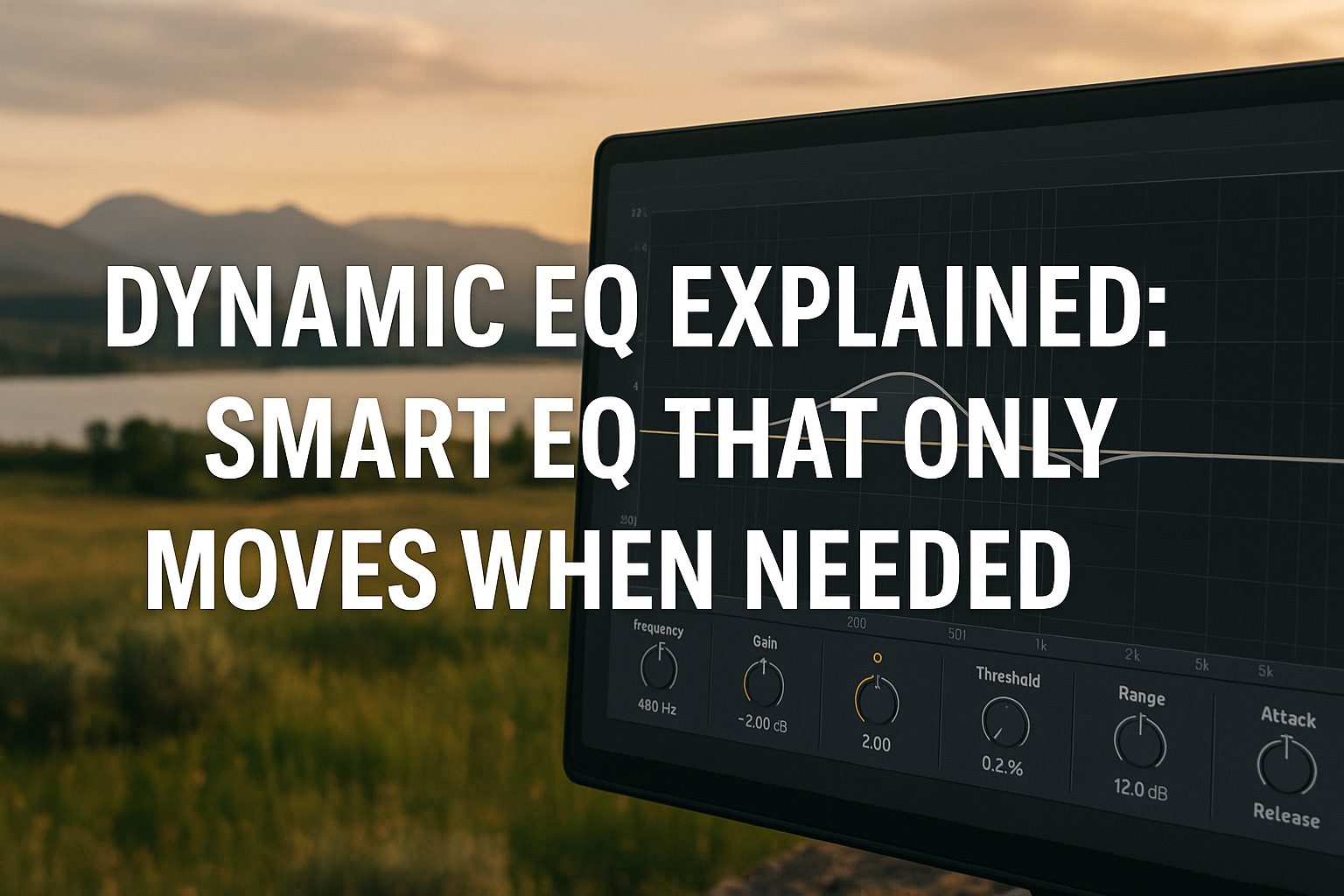
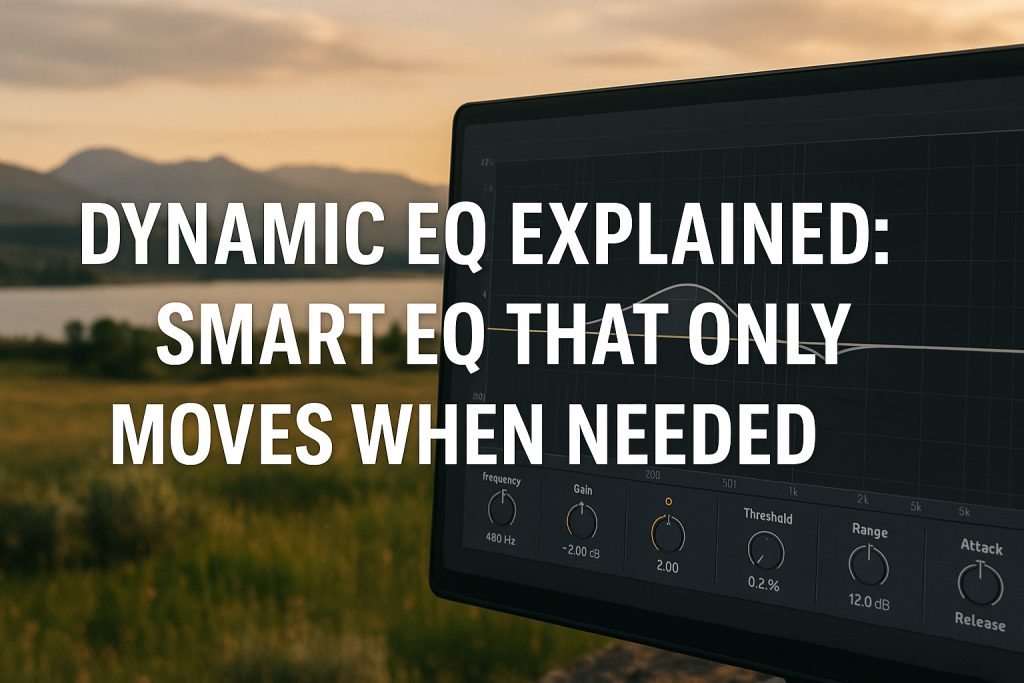
A normal EQ applies a boost/cut all the time. Dynamic EQ applies that same boost/cut only when a band crosses a threshold.
So it behaves like:
- EQ curve (frequency + Q)
- plus compressor logic (threshold + attack/release)
- with a max range so it can’t ruin your tone
That “range” control is the reason dynamic EQ stays transparent: it’s literally a limiter for your EQ move.
Dynamic EQ vs multiband compression
They overlap, but they don’t feel the same.
- Dynamic EQ is precise (you can target 3.2 kHz with a narrow Q and leave everything else untouched).
- Multiband compression is broader (crossovers and wide ranges, great on buses, easier to overcook).
For most harshness and resonance issues, dynamic EQ is the scalpel. Multiband is the butter knife.
The 60-second setup workflow
This works in TDR Nova and Pro-Q 4.
- Find the hotspot
- Use your ears first.
- Confirm quickly with SPAN if needed: https://www.voxengo.com/product/span/
- Set a band
- Bell filter
- Start with a moderate Q (not a razor blade yet)
- Set a small max range
- Start around -2 dB to -4 dB
- If you need -10 dB, the real problem is probably the source, arrangement, or distortion.
- Dial threshold until it triggers only on the ugly moments
- Not always on
- Not never on
- “Only when it misbehaves” is the whole point
- Timing
- Faster attack for spikes (S sounds, cymbal hits)
- Slightly slower attack for guitars (keep pick attack)
- Release should feel natural, not “pumping”
Example 1: De-essing with dynamic EQ (clean vocal, no lisp)
Use this when sibilance is inconsistent—some words are fine, others are razor-wire.
Where to hunt
- Typical sibilance: 5–9 kHz
- Extra sharp vocals: 9–11 kHz
- “T / edge” sometimes: 3–5 kHz
Recommended VST
- Free: TDR Nova https://www.tokyodawn.net/tdr-nova/
- Paid: Pro-Q 4 https://www.fabfilter.com/products/pro-q-4-equalizer-plug-in
Starting settings (safe, transparent)
- Filter: Bell
- Q: 3–6
- Range: -2 to -5 dB
- Attack: 0–5 ms
- Release: 40–120 ms
- Threshold: set so it triggers mainly on S / SH / CH
Pro tip: If the vocal gets dull, your Q is too wide or your range is too deep. Narrow a bit, back off the range, or shift higher.
Example 2: Anti-harsh cymbals (tame spikes, keep shimmer)
Cymbals often sound fine… until a crash suddenly turns into dental work.
Where to hunt
- “Ice pick” harshness: 3–6 kHz
- Brittle splash: 6–9 kHz
- Excess hiss/air: 10–14 kHz (less common, but real)
Recommended VST paths
- Precise manual control (free): TDR Nova https://www.tokyodawn.net/tdr-nova/
- Fast automatic smoothing (paid): soothe2 https://oeksound.com/plugins/soothe2/
Starting settings (Nova)
- Filter: Bell
- Q: 2–4
- Range: -2 to -4 dB
- Attack: 1–10 ms
- Release: 80–200 ms
- Threshold: triggers on the loudest cymbal hits, not constant shimmer
When soothe2 is the better play
If you find yourself chasing multiple moving resonances across the cymbal range, soothe2 often gets you to “smooth but alive” faster than stacking several dynamic bands.
Example 3: Guitar too aggressive (keep bite, lose pain)
This is the classic “awesome tone… until the chorus.” Distorted guitars love to spike in the upper mids.
Where to hunt
- Bite/edge: 1.5–3.5 kHz
- Fizz/rasp: 4–8 kHz
- Honk/nasal: 700 Hz–1.2 kHz
Recommended VST
- Free: TDR Nova https://www.tokyodawn.net/tdr-nova/
- Paid: Pro-Q 4 https://www.fabfilter.com/products/pro-q-4-equalizer-plug-in
Starting settings (keeps the pick attack)
- Filter: Bell
- Q: 2–5
- Range: -1.5 to -4 dB
- Attack: 5–20 ms
- Release: 60–150 ms
- Threshold: triggers mainly on hard strums / louder sections
Bus trick: If you have layered guitars, try dynamic EQ on the guitar bus. The harshness often appears from the combined stack, not one track.
Example 4: Unstable low-end (boomy notes + kick/bass conflicts)
Low-end is where mixes get expensive—or messy. Dynamic EQ helps you keep weight without random “one note is twice as loud” surprises.
A) Bass notes boom inconsistently
Where to hunt
- Fundamental zone: 60–120 Hz
- Boom/body: 120–200 Hz
Starting settings
- Filter: Bell
- Q: 1.2–2.5 (don’t go too narrow down low)
- Range: -2 to -5 dB
- Attack: 10–30 ms
- Release: 120–300 ms
- Threshold: catches only the hot notes
Tools
- TDR Nova https://www.tokyodawn.net/tdr-nova/
- Pro-Q 4 https://www.fabfilter.com/products/pro-q-4-equalizer-plug-in
B) Kick and bass fight each other
Best practice is dynamic EQ on the bass, triggered when the kick hits (sidechain-capable setups).
Goal
- When kick hits, bass dips only around the kick’s fundamental (often 50–80 Hz) for a moment
- Instead of compressing the entire bass
Tool (fast workflow)
- FabFilter Pro-Q 4: https://www.fabfilter.com/products/pro-q-4-equalizer-plug-in
If you can’t sidechain in your EQ, you can still do a strong job using careful static carving + subtle dynamic control on the bass’s boom range.
Timing cheatsheet (so it doesn’t “move” audibly)
- Harsh spikes / ess: fast attack, medium release
- Guitars: slightly slower attack to keep pick transient
- Low-end: slower release for natural recovery
- If it pumps: release too fast or threshold too low
- If it sounds hollow: range too deep or Q too wide
The bottom line
Dynamic EQ is the “only when needed” tool:
- Cleaner than static EQ for inconsistent problems
- More precise than multiband for targeted fixes
- Easier to keep transparent thanks to range limits