🎧 How to Avoid Common Mistakes
Introduction
For many music producers, especially those working in home studios, the choice between mixing with headphones and mixing with studio monitors can be challenging. Poor room acoustics often distort sound perception, leading to unbalanced mixes. This article explores the pros and cons of both approaches and provides practical tips to help you avoid common mistakes.
- Introduction
- 1. Headphones vs. Studio Monitors: The Core Differences
- 2. Common Mistakes When Mixing with Headphones
- 3. Common Mistakes When Mixing with Studio Monitors
- 4. Essential Plugins for Accurate Monitoring
- 1. Sonarworks SoundID Reference
- 2. Waves NX
- 3. Goodhertz CanOpener Studio
- 4. IK Multimedia ARC System 3
- 5. Workflow Tips: Balancing Both Worlds
- Conclusion
- AUDIARTIST
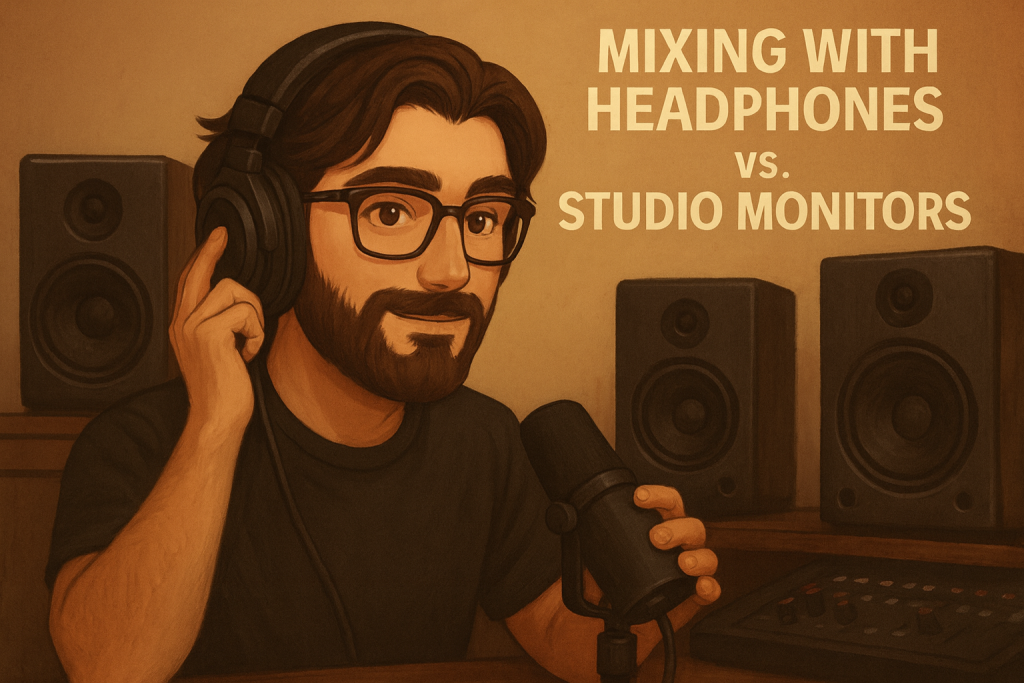
1. Headphones vs. Studio Monitors: The Core Differences
- Headphones
- Provide detailed stereo imaging and let you hear subtle details.
- Isolate you from room acoustics, making them useful in untreated rooms.
- Risk: exaggerated stereo width and lack of “real-world” translation.
- Studio Monitors (Speakers)
- Deliver sound in a natural environment, closer to how listeners will hear it.
- Rely heavily on room acoustics—poorly treated rooms can create bass build-up or phase issues.
- Risk: misleading frequency response if your room is untreated.
Verdict: Neither is perfect on its own—most professionals use a combination of both.
2. Common Mistakes When Mixing with Headphones
- Over-panning: Headphones make stereo separation sound exaggerated, leading to extreme left/right mixes.
- Lack of bass accuracy: Many headphones don’t reproduce sub-bass accurately.
- Ear fatigue: Prolonged use causes fatigue, making it harder to judge dynamics.
How to fix it:
- Use crossfeed plugins (simulate monitor listening).
- Always check your mix on multiple systems: car speakers, earbuds, Bluetooth speakers.
3. Common Mistakes When Mixing with Studio Monitors
- Room reflections: Untreated rooms cause phase issues and inaccurate frequency response.
- Bass build-up: Corners and walls amplify certain low frequencies.
- Listening position: Sitting too close or too far affects the stereo image.
How to fix it:
- Treat your room with bass traps and acoustic panels.
- Apply room correction software (VSTs).
- Follow the equilateral triangle rule: your head and monitors form a triangle.
4. Essential Plugins for Accurate Monitoring
Here are some must-have tools to reduce room and headphone errors:
1. Sonarworks SoundID Reference
- Why: Calibrates headphones and speakers to deliver a flat frequency response.
- Link: Sonarworks SoundID Reference
2. Waves NX
- Why: Adds 3D head-tracking and room simulation to headphone mixes.
- Link: Waves NX
3. Goodhertz CanOpener Studio
- Why: Crossfeed plugin that makes headphones sound more like speakers.
- Link: Goodhertz CanOpener Studio
4. IK Multimedia ARC System 3
- Why: Room correction software that adjusts monitor playback to your space.
- Link: IK Multimedia ARC 3
5. Workflow Tips: Balancing Both Worlds
- Start with headphones: Perfect for detailed editing, EQ, and reverb adjustments.
- Switch to monitors: Use speakers to balance low end and overall dynamics.
- Cross-check: Always play your mix on different playback systems (earbuds, car, phone).
- Take breaks: Avoid ear fatigue by resting every 45 minutes.
Conclusion
Mixing with headphones vs. studio monitors doesn’t have to be a choice—it’s about using both effectively. Headphones offer precision and portability, while monitors give you realism and translation. By combining both approaches, applying room correction tools, and using crossfeed plugins, you’ll avoid the most common mixing errors—even without a perfect room.