You can absolutely mix a full song with the EQ that comes with your DAW. In fact, many great mixes start there. The real question isn’t “Is a pro EQ better?”—it’s when a pro EQ makes you faster, more accurate, and less likely to overdo it.
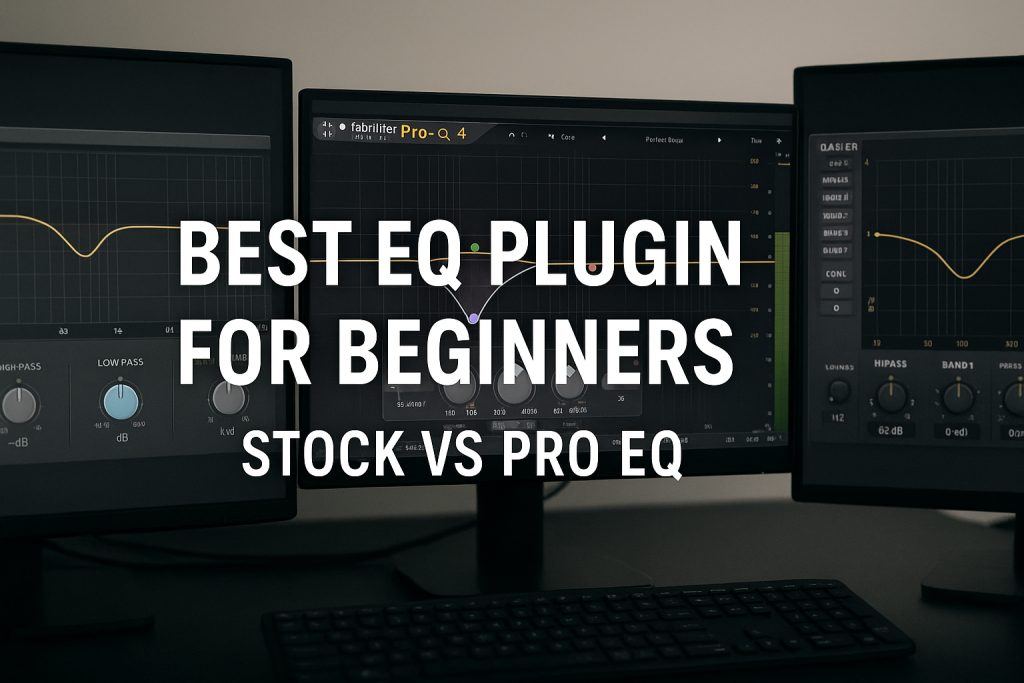
This guide compares stock EQ vs premium EQ, shows what features actually matter, and gives a clean upgrade path using free + paid VSTs.
Paid EQ reference
- FabFilter Pro-Q 4: https://www.fabfilter.com/products/pro-q-4-equalizer-plug-in
Free EQ + analysis support
- TDR Nova (Dynamic EQ): https://www.tokyodawn.net/tdr-nova/
- Voxengo SPAN (Analyzer): https://www.voxengo.com/product/span/
- Melda MEqualizer (Static EQ): https://www.meldaproduction.com/MEqualizer
Paid resonance control (optional but powerful)
- oeksound soothe2: https://oeksound.com/plugins/soothe2/
1) The truth: Stock EQ is usually enough
Stock EQs are often:
- Clean
- Low CPU
- Perfectly usable for high-pass, low-pass, broad cuts, basic tone shaping
So why do people buy pro EQs?
Because mixing is a speed sport. The “upgrade” isn’t just sound quality—it’s workflow precision, visual clarity, dynamic control options, and decision-making speed.
2) What beginners actually need from an EQ
If you’re beginner-to-intermediate, you need three things:
A) A fast way to remove problems
- Rumble
- Boxiness
- Mud
- Harsh resonances
B) A safe way to shape tone
- Warmth
- Presence
- Air
C) A way to verify without guessing
- A spectrum view helps learning
- A/B comparison should be easy
- Output level matching prevents “louder = better” traps
This is why many producers pair:
- Any EQ + SPAN for learning
- Dynamic EQ for harshness control
- Pro EQ when they want speed and precision
Free analyzer: Voxengo SPAN
https://www.voxengo.com/product/span/
3) Where stock EQs usually fall short
Not always, but commonly:
1) Speed & ergonomics
Pro EQs often let you:
- Add bands instantly
- Grab and move nodes precisely
- Solo a band quickly (great for resonance hunts)
- Compare multiple EQ snapshots
If you spend time “fighting the UI,” you’ll EQ more aggressively than needed.
2) Detailed visualization
Stock EQ curves can be basic. A better display doesn’t mix for you, but it helps you:
- Spot obvious low-end buildup
- See where you’re stacking too many boosts
- Learn the difference between “mud” and “presence” visually
3) Mid/Side and L/R workflows
A lot of stock EQs can do this now, but pro EQs make it effortless:
- Cut mud in the sides without thinning the center
- Add air only to the sides for width
- Keep low-end mono by filtering side lows
4) Dynamic EQ built in (sometimes)
Many stock EQs are static only. Dynamic EQ is a major step up for real-world sources.
Free dynamic EQ: TDR Nova
https://www.tokyodawn.net/tdr-nova/
4) The “upgrade” checklist: don’t buy features you won’t use
If your DAW EQ can do all of this comfortably, you’re good:
✅ High-pass / low-pass with decent slopes
✅ Bell + shelf bands
✅ Q control
✅ Easy A/B bypass
✅ No weird artifacts
You should consider upgrading if you regularly think:
- “EQ takes me forever.”
- “I can’t quickly find resonances without over-sweeping.”
- “I keep overcutting because I’m unsure.”
- “I want Mid/Side EQ often.”
- “Harshness comes and goes, and static cuts ruin tone.”
That’s when a pro EQ pays for itself in time saved.
Paid EQ upgrade: FabFilter Pro-Q 4
https://www.fabfilter.com/products/pro-q-4-equalizer-plug-in
5) A practical “Free vs Paid” workflow (that sounds pro either way)
Step 1 — Use stock EQ for clean-up
Do this on most tracks:
- High-pass non-bass sources
- Remove obvious rumble
- Light low-mid cleanup if needed
You’ll already get 70% of the benefit right here.
Step 2 — Add a free analyzer for faster learning
Put SPAN on your mix bus (or on problem tracks):
- Confirm where the buildup actually is
- Avoid chasing the wrong area
Voxengo SPAN (free):
https://www.voxengo.com/product/span/
Step 3 — Add dynamic EQ (free) for “moving problems”
When harshness is inconsistent:
- De-ess style band
- Vocal bite only on loud notes
- Cymbal spikes
TDR Nova (free dynamic EQ):
https://www.tokyodawn.net/tdr-nova/
Step 4 — Upgrade only if you need workflow speed + precision
If you’re mixing weekly and you want to move faster with fewer mistakes:
- Pro-Q 4 is a workhorse
- Easy band soloing/sweeping
- Clean UI for surgical + musical moves
FabFilter Pro-Q 4:
https://www.fabfilter.com/products/pro-q-4-equalizer-plug-in
Step 5 — Optional: resonance suppression for “harshness without surgery”
Some sources (cymbals, distorted guitars, aggressive vocals) have many resonances moving at once. Dynamic EQ can do it, but it can take time.
soothe2 is the “I want this smoother in 30 seconds” option:
- Tames resonances dynamically
- Helps you avoid 10 tiny notches
oeksound soothe2:
https://oeksound.com/plugins/soothe2/
6) What to buy first (if you buy anything)
If you’re on a budget, the smartest progression is:
- Free analyzer (SPAN)
- Free dynamic EQ (TDR Nova)
- Pro EQ when you want speed (Pro-Q 4)
- Resonance suppressor when harshness is your main enemy (soothe2)
This way, you’re not paying for “premium features” before your workflow needs them.
7) Beginner settings you can copy/paste mentally
These are starting points, not rules:
Vocals
- High-pass: ~70–120 Hz
- Mud cleanup: gentle cut 200–400 Hz if needed
- Bite/harshness: dynamic control 2–5 kHz (Nova)
- Sibilance: dynamic control 5–10 kHz (Nova)
Drums / Cymbals
- Avoid aggressive boosts in 2–6 kHz
- If harsh: dynamic control with Nova, or soothe2 for quick smoothing
Guitars / Synths
- High-pass to clear low clutter
- Tame bite dynamically if it spikes
- Low-pass to control fizz if needed
8) The bottom line
- Stock EQ is enough to learn and to make great music.
- Free tools (SPAN + TDR Nova) can push your results into “serious mix” territory.
- A pro EQ becomes worth it when you care about speed, precision, and Mid/Side workflows.
- Tools like soothe2 are productivity weapons for harshness-heavy material.