AudiartistAudiartist
  • Home
  • Freebie
    • Free FL Studio template
    • Free Kontakt sound
    • Free Preset
    • Free Sample Pack
    • Free Serum Preset
    • FREE VST
  • Music
    • Afro Music
    • Cinematic
    • Classical Music
    • Electro / House
    • Jazz
    • Latina Music
    • Lo-fi
    • New music release
    • Pop Music
    • Rock
    • Synthwave
  • Breaking News
  • Music Production
  • Music Promotion
  • Free Submission to Our Spotify Playlists
Font ResizerAa
AudiartistAudiartist
Font ResizerAa
  • Home
  • Freebie
  • Music
  • Breaking News
  • Music Production
  • Music Promotion
  • Free Submission to Our Spotify Playlists
Search
  • Home
  • Freebie
    • Free FL Studio template
    • Free Kontakt sound
    • Free Preset
    • Free Sample Pack
    • Free Serum Preset
    • FREE VST
  • Music
    • Afro Music
    • Cinematic
    • Classical Music
    • Electro / House
    • Jazz
    • Latina Music
    • Lo-fi
    • New music release
    • Pop Music
    • Rock
    • Synthwave
  • Breaking News
  • Music Production
  • Music Promotion
  • Free Submission to Our Spotify Playlists
Follow US
Audiartist > Music Production > Understanding and Using Audio Effects
Music Production

Understanding and Using Audio Effects

audiartist
Last updated: 25 mai 2024 11h17
audiartist
Share
4 Min Read
SHARE

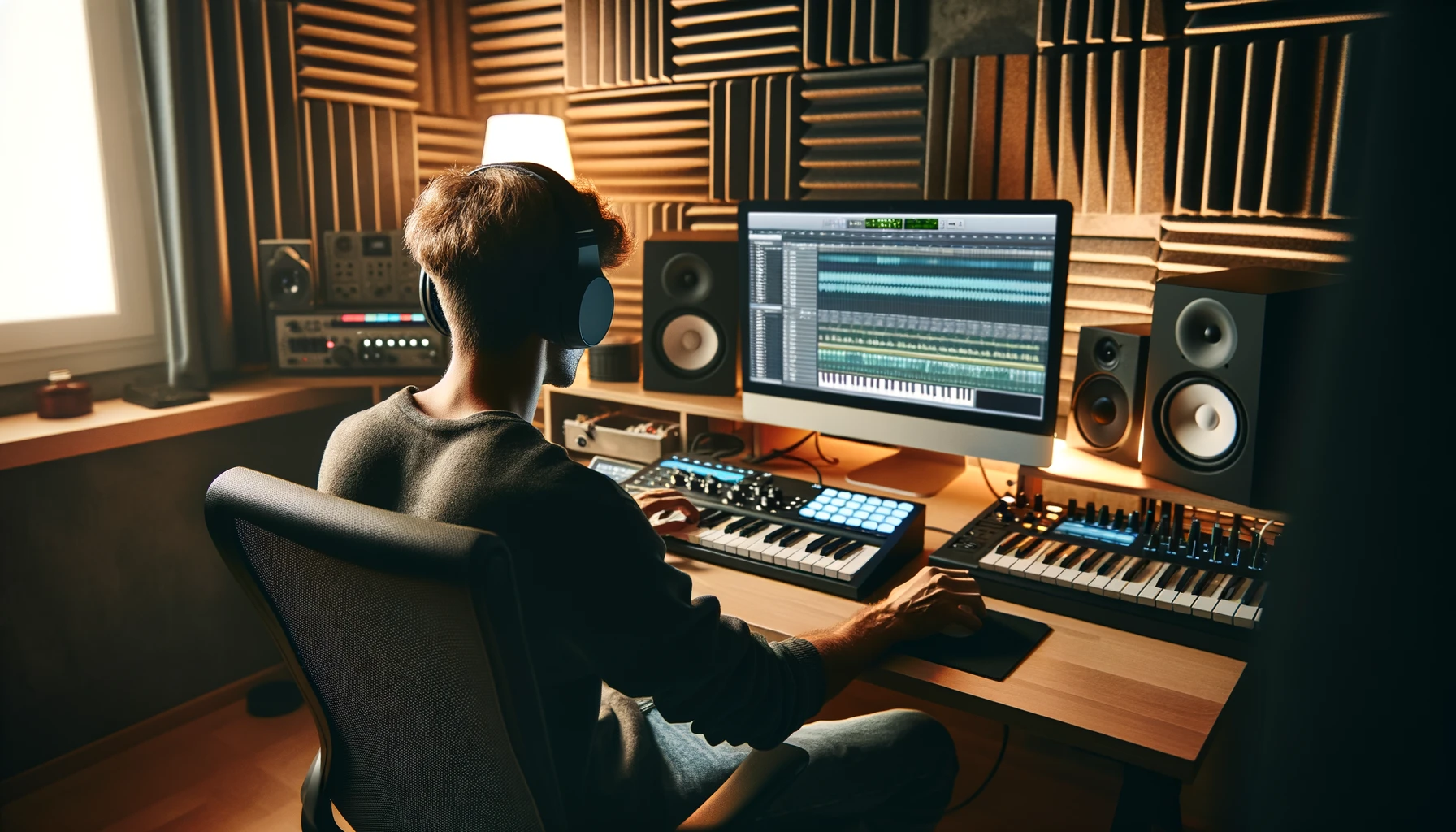
Hey there, audio enthusiasts! Whether you’re a budding producer or a seasoned musician, knowing how to use audio effects can take your mixes to the next level. Let’s break down some essential audio effects – reverb, delay, compression, and equalization – and see how you can use them to enhance your sound.

Contents
  • Basic Audio Effects
    • Reverb
    • Delay
    • Compression
    • Equalization (EQ)
  • Improving Your Mixes with Audio Effects
  • AUDIARTIST

Basic Audio Effects

Reverb

Reverb, short for reverberation, simulates the sound of your audio in different spaces. From a small room to a large hall, reverb can add depth and space to your mix. It helps to create a sense of environment and can make a track sound more natural or ethereal.

How to Use It: Apply reverb to vocals to add warmth, or use it on instruments to create a sense of space. Be mindful of the decay time and mix level to avoid muddiness.

Delay

Delay is an effect that records an audio signal for playback after a set period. This creates echoes and can add a sense of rhythm and fullness to a track.

How to Use It: Use short delays for slapback effects on vocals or guitars. Longer delays can create rhythmic patterns or atmospheric textures.

Compression

Compression reduces the dynamic range of your audio, making the loud parts quieter and the quiet parts louder. This helps to even out the levels and add punch to your mix.

How to Use It: Apply compression to vocals to keep them consistent in the mix or use it on drums to add punch. Adjust the threshold, ratio, attack, and release settings to control the compression effect.

Equalization (EQ)

Equalization adjusts the balance of different frequency components in an audio signal. It can enhance certain frequencies while cutting others, allowing you to shape the sound.

How to Use It: Use EQ to cut unwanted frequencies and boost the desired ones. For example, you can cut low-end rumble on vocals or boost the midrange on guitars for clarity.

Improving Your Mixes with Audio Effects

Now that we know what these effects do, let’s talk about how to use them effectively in your mixes:

  • Start with Subtlety: Less is often more. Start with subtle adjustments and increase the effect as needed. Overusing effects can clutter your mix. li>
  • Use Effects on Buses: Instead of applying effects to individual tracks, try using buses. This can create a more cohesive sound and save CPU power.
  • Automation: Automate your effects to change settings throughout the song. This can add movement and dynamics to your mix.
  • Reference Tracks: Compare your mix to professionally produced tracks to see how your use of effects measures up. This can provide valuable insights and help you make adjustments.
  • Practice and Experiment: The best way to learn is by doing. Experiment with different settings and combinations of effects to find what works best for your sound.

So there you have it – a quick guide to understanding and using audio effects. With these tools in your arsenal, you’re well on your way to creating polished, professional-sounding mixes. Happy mixing!
TAGGED:audio effects guideaudio engineeringaudio mixingaudio processingaudio productionautomation in mixingcompression tipsdelay tipsenhancing soundEQ tipsequalizationexperimenting with audio effectsimproving mixesmixing techniquesmusic productionprofessional-sounding mixesreference tracksreverbreverb tipssound designsubtle audio effectsusing audio effectsusing buses for effects
Share This Article
Facebook Pinterest Tumblr Reddit Copy Link Print

Support us by buying us a coffee.

Subscribe to our newsletter.

AUDIARTIST

Music news, production & promotion updates, the best VSTs, free presets.

We don’t spam! Check our privacy policy for more information.

Check your inbox or spam folder to confirm your subscription.

News

Dynamic EQ Explained: The “Smart EQ” That Only Moves When Needed
Music Production
Micro-Communities: The Most Powerful but Most Ignored Promotion Strategy of 2026
Music Promotion
Kyller: Marseille’s Northside Prospect Turning Urban Heat Into Melody
Music New music release Urban We love
Apostola lights up the season with “Christmas Smiles”
Music New music release Pop Music We love
 The Death of Traditional Music PR: What Actually Replaces Blogs in 2026
Music Promotion
Dynamic EQ Explained: The “Smart EQ” That Only Moves When Needed
Music Production

Top Acticles

Top 7 Free Music Distributors in 2025 
Music Promotion
How Spotify Pays Artists in 2025: A Complete Breakdown
Music Promotion
NAM Universal
FREE VST Freebie
Spotify’s Free Tier Update
Music Promotion
You’ve Been On My Mind by #R!sK
Music New music release Pop Music Synthwave We love
Yuri Semenov’s Free VST Plugin Collection
FREE VST

You Might Also Like

Music Production

The Best Free Compressor VST Plugins for Music Producers in 2025

4 septembre 2025
Music Production

Synthwave: A Neon Dream Reimagined

29 mai 2025
Music Production

Ripple Delay: Your Go-To Audio Effect Plugin!

7 juin 2024
Music Production

Neural Drumkit by Fazertone

7 juin 2024

Find Us on Socials

Artists

  • Nodachi
  • Snake Russell
  • Spycho Fox
  • Mister BoO
  • Sebastian McQueen

Freebie (Vst, Preset, Sample)

  • Freebie
  • Free FL Studio template
  • Free Kontakt sound
  • Free Preset
  • Free Sample Pack
  • Free Serum Preset
  • FREE VST

News

  • Dynamic EQ Explained: The “Smart EQ” That Only Moves When Needed
  • Micro-Communities: The Most Powerful but Most Ignored Promotion Strategy of 2026
  • Kyller: Marseille’s Northside Prospect Turning Urban Heat Into Melody
  • Apostola lights up the season with “Christmas Smiles”
  •  The Death of Traditional Music PR: What Actually Replaces Blogs in 2026
Welcome Back!

Sign in to your account

Username or Email Address
Password

Lost your password?