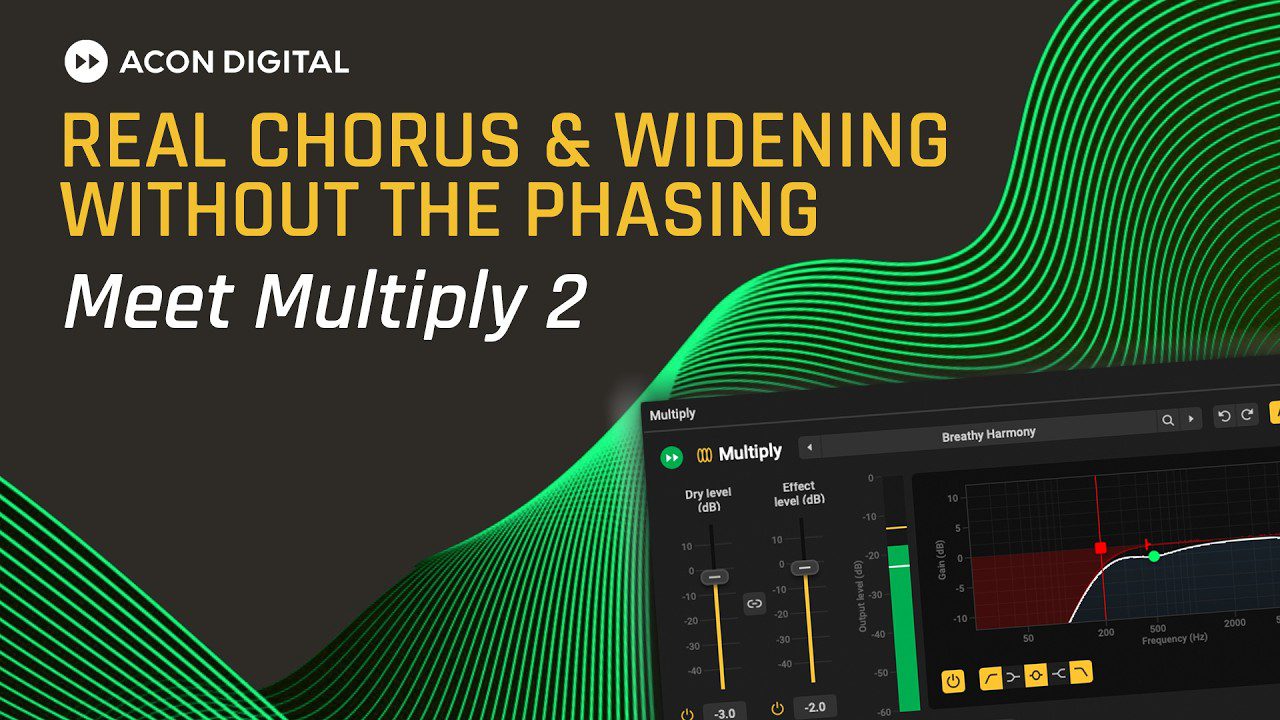

Acon Digital Multiply 2 is a free chorus and voice-doubling plugin designed to make vocals, instruments and synthesizers sound thicker without introducing the metallic comb filtering often associated with conventional chorus effects. Released as a major update in July 2026, Multiply 2 combines a redesigned interface with 80 new presets, up to six additional voices, independent modulation controls, a five-band equalizer and an adjustable pre-delay section.
The full version is available as a free download directly from Acon Digital. There is no limited trial period, reduced feature set or paid upgrade required to unlock the main processing tools.
What Is Acon Digital Multiply 2?
Multiply 2 creates several slightly different copies of the incoming signal and blends them with the original audio. This technique can simulate the impression of several performers playing or singing together, turn a mono recording into a wider stereo sound or create more obvious modulation effects for sound design.
Instead of relying only on conventional delay modulation, each simulated voice passes through a dedicated phase-randomizing filter. According to Acon Digital, this approach reduces the hollow and metallic artifacts that can appear when several closely delayed signals interact.
The second major version does not replace the original concept. It updates the visual workflow and adds a larger preset library, making the plugin easier to explore without requiring producers to build every chorus sound from an empty patch.
Main Features
- Up to six additional simulated voices
- Phase-randomizing filter for every voice
- Independent pitch and loudness modulation
- Separate modulation rate and depth controls
- Adjustable and modulatable pre-delay
- Integrated five-band equalizer
- Low-cut, low-shelf, bell, high-shelf and high-cut filters
- Graphical visualization of the EQ response
- 80 new factory presets
- Preset browser with user preset management
- Undo and redo functions
- A/B parameter comparison
- Mono and true stereo processing
- Support for sample rates up to 96 kHz
The official page does not publish the installer size. Multiply 2 is an audio effect rather than a virtual instrument, so it does not generate notes or contain an internal sample library.
Why This Plugin Is Relevant in 2026
Wide vocal layers, animated synthesizers and textured melodic elements remain important across modern R&B, dance pop, UK garage, Afro House, melodic techno, synthwave and atmospheric hip-hop. Multiply 2 can create this sense of width and movement without requiring several duplicated tracks and separate modulation plugins.
Its usefulness is not limited to dramatic chorus sounds. At subtle settings, it can make a lead vocal feel more substantial, give a clean guitar additional presence or add gentle movement to electric piano chords. More extreme modulation settings can transform pads, effects and percussion into unstable stereo textures for experimental production.
The integrated equalizer is particularly practical because it shapes the processed signal rather than forcing the entire source through another EQ. Producers can remove low frequencies from the chorus, soften an overly bright effect or keep the stereo movement focused on the midrange.
Best Uses
On vocals, Multiply 2 works well as a subtle doubler. Start with a low effect level and limited pitch modulation, then increase the number of voices until the vocal feels wider without losing clarity. Filtering low frequencies from the effect can keep the center of the mix stable.
For synthesizers and pads, higher modulation depth settings can create broader movement. The pre-delay section can separate the effect from the original transient, which is useful when widening plucks, keys or rhythmic synth parts without softening their initial attack.
Guitars, electric pianos and backing vocals can benefit from moderate settings that simulate several performances. The plugin can also be placed on an auxiliary channel, allowing several tracks to share the same chorus treatment while retaining independent dry levels.
Production Tips
Always compare the processed signal in both stereo and mono. Multiply 2 is specifically designed to reduce common phase problems, but any strong widening effect can change the balance of a mix when the stereo channels are combined.
Avoid applying full-spectrum chorus to bass-heavy material. Use the integrated low-cut filter to keep sub frequencies and the fundamental energy of a bass line closer to the center. The modulation can then add movement to the upper harmonics without weakening the low end.
For a cleaner vocal effect, reduce the high frequencies inside the wet signal and use a slightly longer pre-delay. This places the doubled texture behind the original performance rather than directly on top of every consonant.
Compatibility and Licensing
Acon Digital Multiply 2 is available for Windows and macOS. Windows users can install VST, VST3 and AAX versions. macOS users receive AU, VST, VST3 and AAX formats, with native support for both Apple Silicon and Intel processors.
The Windows version supports Windows 7, 8, 10 and 11. The macOS version requires OS X 10.9 or later. Acon Digital lists 1 GB of RAM and 1 GB of available disk space as minimum requirements, although 4 GB of RAM or more is recommended.
The official product page identifies Multiply 2 as a free product and provides the complete version without mandatory payment. It does not publish a separate royalty-free clause because the product processes audio rather than supplying copyrighted samples. The page does not state any restriction on commercially releasing music processed with the plugin.
Official Preview
Final Verdict
Acon Digital Multiply 2 is a strong free choice for producers who need chorus, vocal doubling and stereo movement inside a single plugin. Its six-voice engine offers more control than a basic stock chorus, while the built-in EQ and pre-delay reduce the need for additional processing.
The redesigned interface and 80 presets also make version 2 easier to approach for new users. It can remain subtle enough for professional vocal mixing or become considerably stranger when pushed into sound-design territory. Just remember that making every track wider does not automatically make the song bigger. Sometimes it only makes the mastering engineer reach for the mono button.
Download Acon Digital Multiply 2 from the official website:
https://acondigital.com/products/multiply/