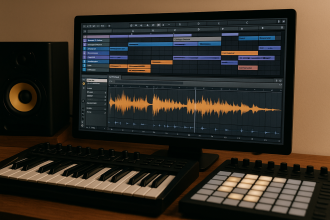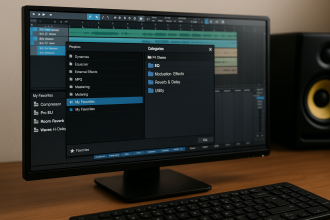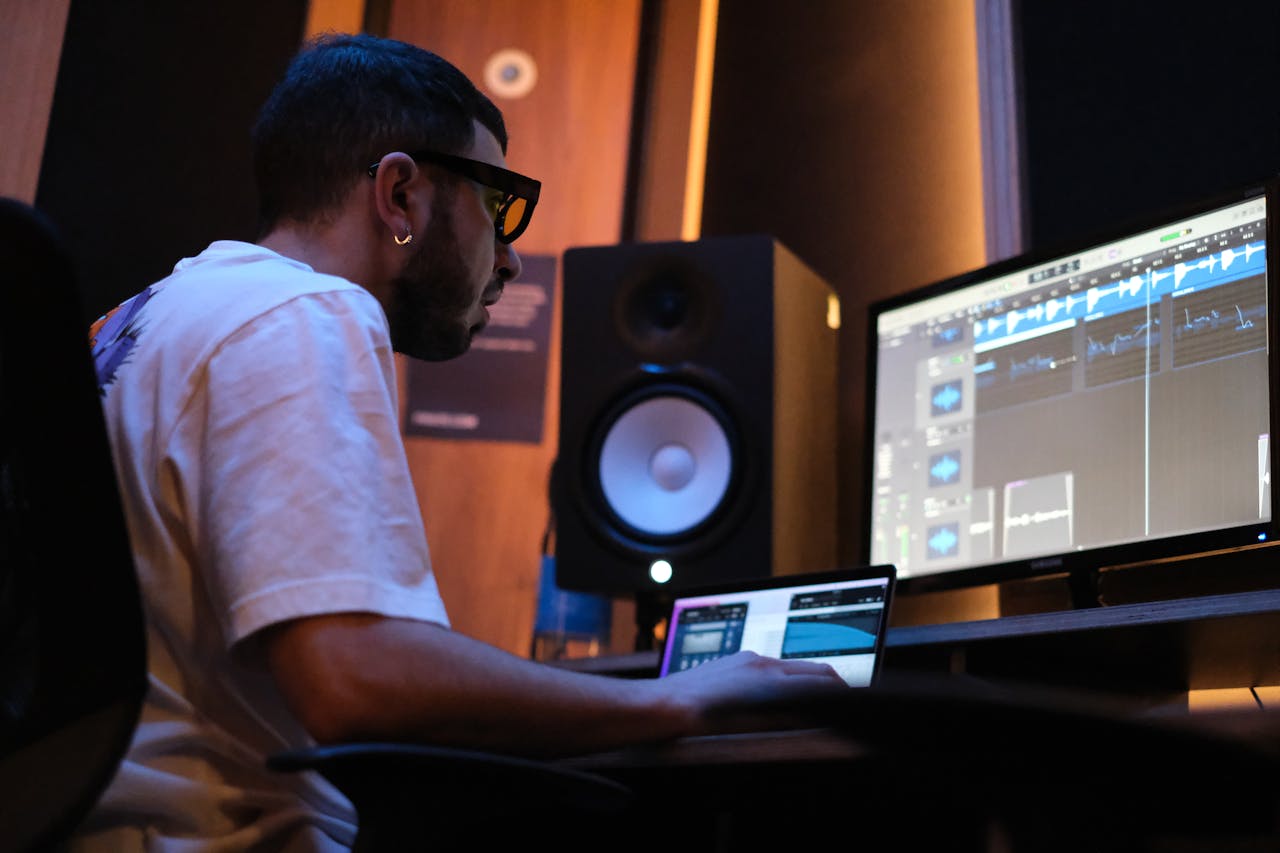

A great beat can lose its impact in seconds if the mix is unclear, unbalanced, or overcrowded. Mixing is where a track transforms from a rough idea into a polished production that translates across headphones, cars, clubs, and streaming platforms. For beginners, the objective is not technical perfection but clarity, balance, and control.
- A Clean Mix with Five Essential Tools
- Reverb & Delay: Creating Space Without Drowning the Track
- Panning & Stereo Width: Creating Space Without Losing Power
- Professional Referencing: Comparing Without Losing Confidence
- Mixing on Headphones: A Reliable Method and Common Pitfalls
- Recommended VSTs for Beginner Mixing
- Mixing Is Clarity, Not Complexity
- AUDIARTIST
With just a handful of tools and a disciplined approach, it’s possible to achieve a clean, professional mix that lets every element breathe.
A Clean Mix with Five Essential Tools
Contrary to popular belief, mixing does not require dozens of plugins. Most professional results come from mastering five core processors: EQ, compression, reverb, delay, and saturation.
Equalization (EQ) shapes space by removing unnecessary frequencies. Cutting low frequencies from non-bass instruments prevents muddiness and creates room for the kick and bass.
Compression controls dynamics and stabilizes levels. Used gently, it keeps vocals present and drums punchy without flattening energy.
Reverb adds depth and distance, placing sounds in a virtual space. Subtle use enhances realism; excessive use blurs clarity.
Delay creates rhythmic echoes that add movement and width without overcrowding the mix.
Saturation introduces harmonic richness, helping sounds feel fuller and more present without simply increasing volume.
Free tools like TDR Nova (dynamic EQ)
https://www.tokyodawn.net/tdr-nova/
Klanghelm MJUC Jr. (compressor)
https://klanghelm.com
and Valhalla Supermassive (reverb & delay)
https://valhalladsp.com
provide professional-quality processing for beginners. For advanced workflows, FabFilter Pro-Q 3
https://www.fabfilter.com
offers precise visual EQ control.
Reverb & Delay: Creating Space Without Drowning the Track
Spatial effects define depth, but beginners often overuse them in search of a “bigger” sound. The result is a washed-out mix where elements lose definition.
A practical approach is to treat reverb as distance. Short reverbs keep sounds close and intimate, while longer tails push elements further back. Instead of inserting reverb on every track, use a shared send channel. This creates a cohesive space and prevents excessive buildup.
Delay offers clarity where reverb adds blur. A short, tempo-synced delay can widen a vocal or lead without masking detail. High-pass filtering the delay return prevents low-frequency clutter.
The goal is not to hear the effect—it is to feel the space.
Panning & Stereo Width: Creating Space Without Losing Power
A balanced stereo field allows each element to occupy its own position. Beginners often place everything in the center, creating congestion and reducing clarity.
Kick, bass, and lead vocals typically remain centered for stability. Supporting elements—pads, percussion, guitars, effects—can be panned to create width and separation.
Stereo widening should be used carefully. Excessive widening can cause phase issues and weaken mono compatibility. A mix that collapses in mono loses impact on many playback systems.
Tools like Ozone Imager (free stereo imaging)
https://www.izotope.com
help visualize width and maintain balance without guesswork.
True width comes from contrast, not exaggeration.
Professional Referencing: Comparing Without Losing Confidence
Comparing your mix to a professional track can be discouraging if done incorrectly. Loudness differences alone can make a reference track seem “better.”
Always level-match before comparing. Lower the reference track’s volume until it matches your mix. Focus on balance: how loud is the vocal relative to drums? How present is the bass? How bright are the highs?
Referencing is not about imitation—it’s about perspective. It reveals blind spots and helps train your ears to recognize tonal balance and dynamic control.
Plugins such as Youlean Loudness Meter
https://youlean.co/youlean-loudness-meter/
assist in matching perceived loudness accurately.
Mixing on Headphones: A Reliable Method and Common Pitfalls
Many beginners mix exclusively on headphones, especially in untreated rooms. While not ideal, it can produce excellent results when approached carefully.
Headphones exaggerate stereo width and often misrepresent low frequencies. To compensate, check your mix in mono periodically and monitor at low volumes. If the balance holds at quiet levels, it will translate better across systems.
Take regular breaks. Ear fatigue reduces objectivity and leads to poor decisions, especially in high-frequency ranges.
Cross-checking on multiple devices—earbuds, car speakers, small Bluetooth speakers—provides valuable insight into real-world playback.
Recommended VSTs for Beginner Mixing
A focused plugin set keeps the workflow efficient and approachable.
TDR Nova — Free dynamic EQ
https://www.tokyodawn.net/tdr-nova/
Klanghelm MJUC Jr. — Free compressor
https://klanghelm.com
Valhalla Supermassive — Free reverb & delay
https://valhalladsp.com
Youlean Loudness Meter — Free metering tool
https://youlean.co/youlean-loudness-meter/
Ozone Imager — Free stereo imaging
https://www.izotope.com
FabFilter Pro-Q 3 — Professional EQ
https://www.fabfilter.com
Soundtoys EchoBoy — Creative delay
https://www.soundtoys.com
These plugins cover tone shaping, dynamics, spatial effects, stereo control, and loudness monitoring—everything needed to achieve a clean, balanced mix.
Mixing Is Clarity, Not Complexity
For beginners, mixing can feel like a technical maze. In reality, it is the art of making decisions that allow each element to be heard clearly and contribute to the whole. With a few essential tools, thoughtful spatial placement, and disciplined referencing, even a simple home setup can produce mixes that translate across listening environments.
A clean mix does not call attention to itself—it allows the music to speak. And when the music speaks clearly, listeners stay.