Colors Free is a free virtual instrument developed by Steinberg for producers who need warm analog synth tones, dusty lo-fi textures and colorful vintage keyboard sounds. The library runs inside the free HALion Sonic 7 player and can be used in compatible DAWs on Windows and macOS.
Rather than attempting to reproduce one specific synthesizer, Colors Free brings together sampled electronic instruments and processed keyboard textures inside a streamlined sound-design environment. It is particularly useful for lo-fi beats, ambient music, cinematic production, synthwave, indie pop and modern electronic arrangements.
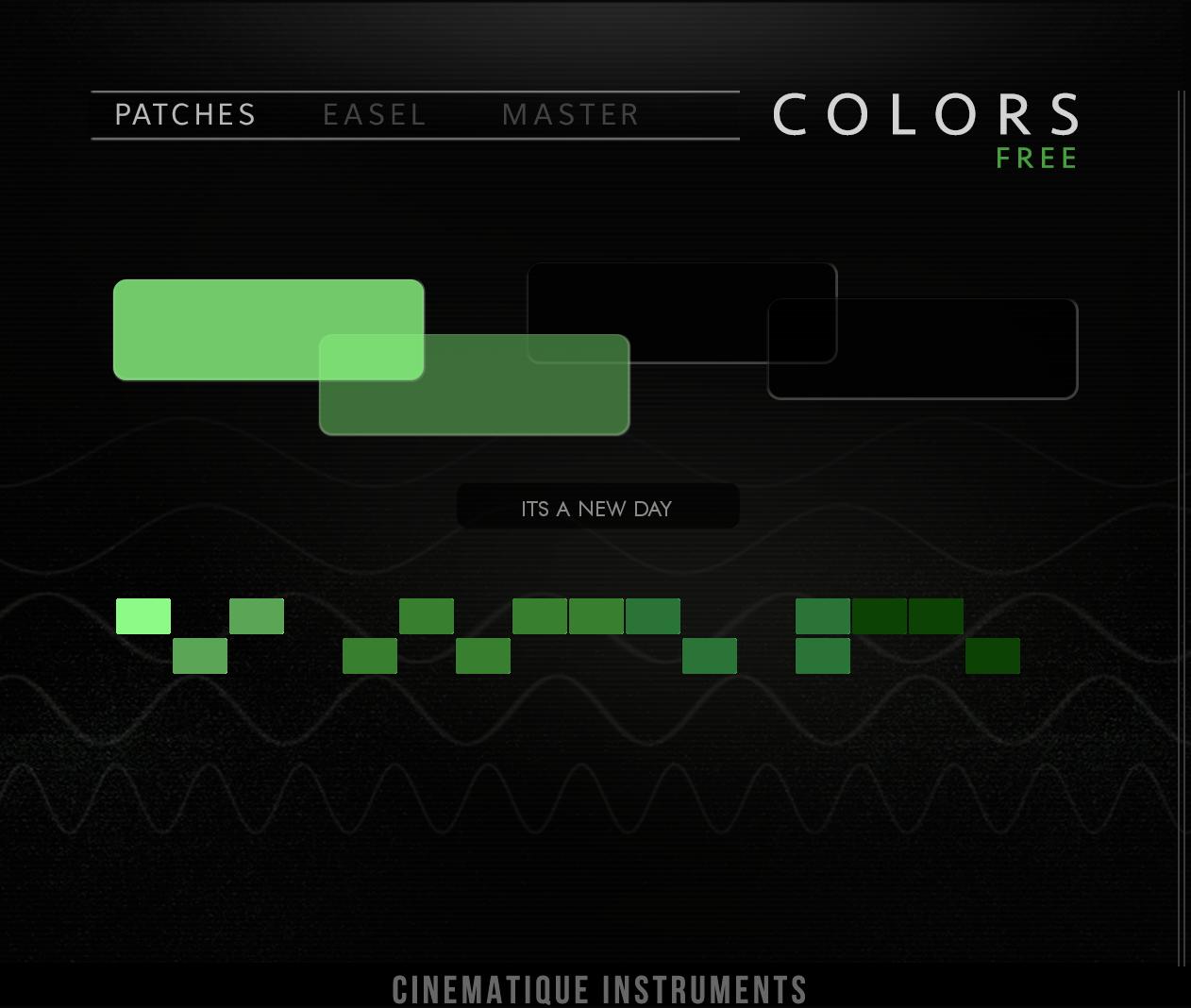
What Is Colors Free?
Colors Free is a sampled virtual instrument designed for HALion Sonic 7. Steinberg describes it as a collection of analog synth sounds, lo-fi textures and vintage keys, giving producers access to warm, atmospheric tones without purchasing an additional sound library.
The instrument is built around layered source sounds rather than a conventional oscillator-based synthesizer. This makes it especially accessible for musicians who prefer browsing musical presets and shaping them quickly instead of building every sound from an empty patch.
HALion Sonic 7 acts as the host for the library. Steinberg provides the player for free in VST3, AU and AAX formats, as well as a standalone application. This means Colors Free can be used outside Cubase in many popular production environments.
Main Features
- Free virtual instrument from Steinberg
- Sampled analog synthesizer sounds
- Dusty lo-fi textures
- Vintage keyboard and electronic key sounds
- Designed for HALion Sonic 7
- Compatible with Windows and macOS
- VST3, AU and AAX support through HALion Sonic
- Suitable for pads, keys, melodic layers and atmospheric production
The main attraction is the combination of polished Steinberg sampling and an intentionally imperfect sound palette. Many free instruments focus on clean pianos or basic synthesizer presets. Colors Free instead provides material that already contains warmth, texture and a certain amount of sonic dust.
Best Uses
Lo-Fi Hip-Hop and Chill Beats
Colors Free is naturally suited to lo-fi production. Its vintage keys and worn electronic textures can provide the main chord progression without requiring a long chain of tape, vinyl and filtering plugins.
Try playing simple seventh or ninth chords, then reduce the velocity and shorten the notes slightly. A small amount of wow, filtering or room reverb can help the part sit behind the drums while preserving its character.
Ambient and Cinematic Music
The softer synth textures can work as background layers in ambient, cinematic and documentary music. Long notes, wide voicings and slow automation can turn a basic preset into an evolving atmospheric bed.
For cinematic work, layer Colors Free with strings, field recordings or a low drone. The electronic texture can add movement without becoming an obvious lead instrument.
Synthwave and Retro Pop
The sampled analog tones and vintage keys also fit synthwave, retro pop and nostalgic electronic music. Producers can use them for chord stabs, pads, arpeggios or melodic hooks.
To create a wider retro arrangement, duplicate the MIDI part and use a different preset on the second layer. Keep one sound focused in the center and spread the other more widely with chorus or a short stereo delay.
Indie Pop and Alternative Production
Colors Free can provide understated keyboard layers behind guitars, vocals and acoustic drums. Its more textured presets are useful when a clean digital piano sounds too polished or separate from the rest of the recording.
A simple sustained chord played quietly underneath the chorus can add width and emotion without drawing attention away from the vocal.
How to Use Colors Free
Colors Free requires the free HALion Sonic 7 player. Begin by downloading and installing Steinberg Download Assistant, then install HALion Sonic 7 and the Colors Free library from your Steinberg account.
Once the installation is complete, open HALion Sonic inside your DAW and locate Colors Free in the preset browser. The exact location may depend on the active library filters and browser settings.
Start with the factory presets before changing effects or deeper parameters. The library is intended to provide production-ready sounds quickly, so many patches should already work well with only minor adjustments.
If the instrument does not appear, verify that the library has been registered correctly in Steinberg Library Manager and rescan the relevant plugin formats inside your DAW.
Production Tips
Keep the low end controlled: Warm pads and vintage keys can contain more bass than expected. Use a high-pass filter when the sound competes with the kick or bassline.
Reduce the attack: Slowing the attack can transform a keyboard preset into a smoother pad or supporting texture.
Layer selectively: Combine a textured preset with a cleaner piano, pluck or synth layer. The clean sound provides definition while Colors Free adds atmosphere.
Use short modulation effects: Chorus, ensemble and subtle tape-style movement can enhance the vintage character without making the sound unstable.
Automate filters: A gentle low-pass movement across an intro or breakdown can create progression without adding another instrument.
Print the part to audio: Rendering the instrument makes it easier to reverse chords, stretch individual notes or create custom transitions.
Compatibility
Colors Free runs inside HALion Sonic 7, which Steinberg offers as a free player. HALion Sonic supports VST3, AU and AAX plugin formats and can also operate as a standalone application.
The instrument is compatible with supported Windows and macOS systems. It can therefore be used in DAWs such as Cubase, Studio One, Ableton Live, FL Studio, Logic Pro, Reaper and Pro Tools when the appropriate plugin format is available.
A Steinberg account and the company’s installation tools are required to download and authorize the library. Colors Free is not a standalone VST file and must be loaded through HALion Sonic 7.
Final Verdict
Colors Free is a useful addition for producers who want warm analog tones, dusty keyboard sounds and atmospheric textures without purchasing another large instrument library.
Its strongest applications are lo-fi, ambient, cinematic music, synthwave and indie production, but the sounds are flexible enough to support many other genres. The free HALion Sonic 7 player also makes the library accessible outside Steinberg’s own DAWs.
The only small inconvenience is the installation ecosystem, which involves more steps than copying a single VST3 file into a folder. Once installed, however, Colors Free provides polished and immediately usable sounds. A little administrative exercise for the computer, followed by considerably more relaxing work for the producer.
Download Colors Free from the official website:
https://www.steinberg.net/vst-instruments/colors-free/