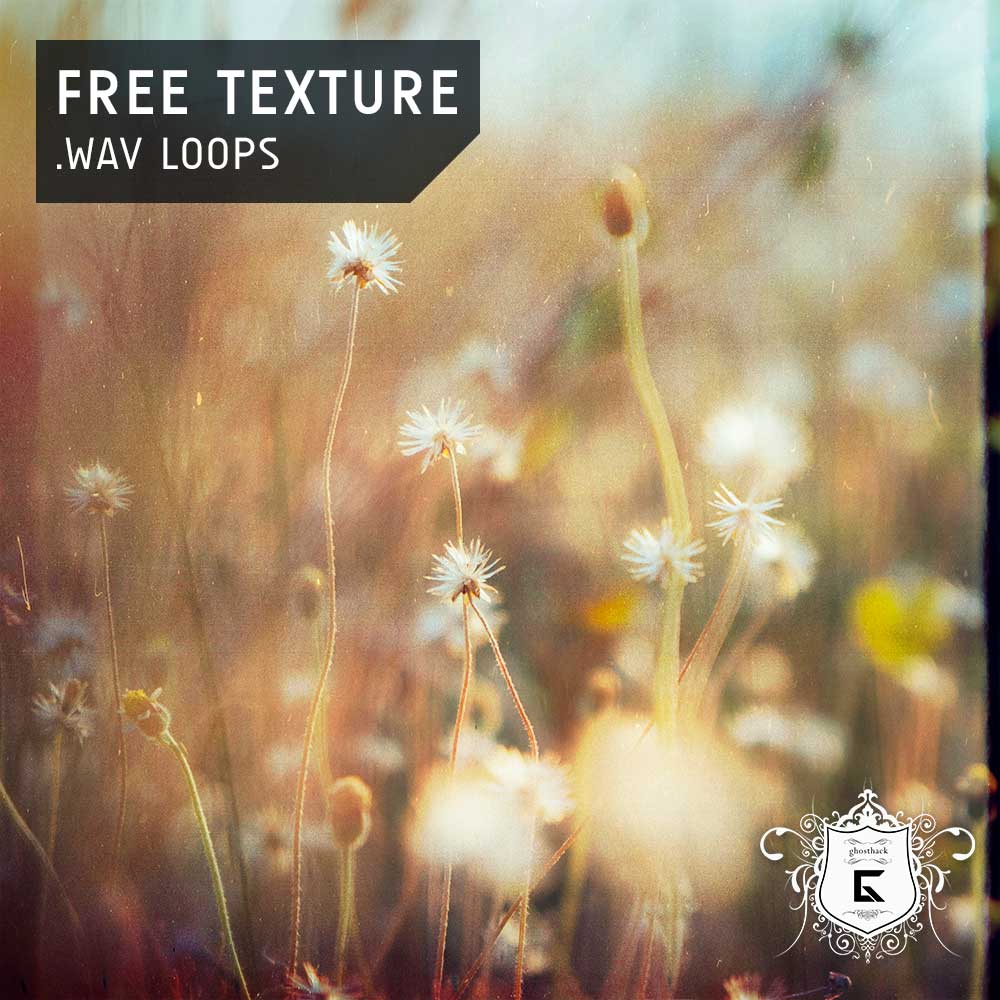
30 Free Texture Loops is a free atmospheric sample pack released by Ghosthack for producers, composers and sound designers who want to add depth, movement and character to otherwise clean digital arrangements.
The collection contains 30 royalty-free WAV loops designed for musical productions, cinematic backgrounds and creative audio processing. It is available free from Ghosthack’s official website and does not require the purchase of a commercial expansion.
What Is Included?
The pack provides 30 texture loops created to fill empty spaces and introduce atmospheric detail into a production.
- 30 atmospheric texture loops
- Standard WAV audio files
- Material for music and cinematic backgrounds
- 100% royalty-free usage
- Free download from the official Ghosthack website
- Compatibility with modern DAWs and audio samplers
Ghosthack does not publish the precise sample rate, bit depth, BPM range or complete folder breakdown on the official page. The collection is therefore best approached as a compact texture library rather than a tempo-specific construction kit.
Why Texture Loops Are Useful
A texture loop is not usually intended to become the main melody or rhythm of a track. Its role is to create an environment around the more obvious musical elements.
A subtle layer of noise, movement or atmospheric detail can make a clean synthesizer feel less static. It can also help separately recorded instruments appear to exist in the same sonic space.
Textures are especially useful in arrangements with long sections, minimal percussion or repeated chord progressions. Instead of adding another lead, pad or drum loop, a quiet background layer can create movement without making the mix unnecessarily busy.
Best Uses
Ambient and Cinematic Music
The pack is naturally suited to Ambient, Drone, documentary music, game audio and cinematic scoring. Place a texture beneath pads, strings or piano to introduce subtle motion during sustained passages.
Long loops can also be stretched, reversed or pitched down to create darker backgrounds, transitions and evolving soundscapes.
Lo-Fi and Downtempo Production
Texture loops can add imperfection and atmosphere to Lo-Fi Hip-Hop, Chillhop and Downtempo tracks. Use them quietly behind drums and melodic samples to create a more intimate environment.
A high-pass filter can remove unnecessary bass frequencies, while gentle saturation may help the texture blend with older or deliberately degraded recordings.
House and Electronic Music
In House, Melodic Techno and electronic production, textures can make breakdowns and introductions feel less empty. They can also provide contrast between a spacious section and a more direct club-oriented drop.
Automate the volume or filtering so the texture gradually opens before a transition. This often creates movement more naturally than adding another oversized riser to the arrangement.
Sound Design and Visual Media
The loops can also be used as raw material for podcasts, short films, trailers, installations and social media content.
Load a texture into a sampler, shorten its envelope and play it across the keyboard. A long atmospheric recording can become a tonal hit, percussive effect or unusual playable instrument after resampling.
How to Use the Pack
Download the collection from the official Ghosthack page by entering your name and email address. Ghosthack sends the download link directly to the supplied inbox.
After extracting the archive, place the WAV files inside a clearly labelled texture folder in your main sample library. The loops can then be imported into Studio One, Ableton Live, FL Studio, Logic Pro, Cubase, Reaper, Bitwig Studio or another compatible DAW.
Because the official page does not provide tempo information, preview each loop against the project before applying automatic synchronization. Some textures may work without any tempo adjustment, while others may benefit from time-stretching.
Production Tips
Keep the level low: Textures often work best when they are felt before they are clearly heard.
Remove unnecessary low frequencies: Use a high-pass filter to prevent atmospheric layers from interfering with the kick, bass or sub frequencies.
Automate the texture: Change volume, filtering or stereo width across different sections to create progression.
Use several starting positions: Move the loop to a different point in the recording to generate variations without loading another file.
Resample the result: Record the texture through reverb, distortion, granular effects or pitch processing, then keep the strongest sections as new audio.
Avoid excessive layering: Three atmospheric loops playing at once may feel cinematic. Ten may suggest that the studio ventilation system has developed artistic ambitions.
Compatibility and Licensing
The WAV files can be imported into any modern DAW, sampler or audio editor supporting standard audio formats. No Kontakt library, virtual instrument or proprietary Ghosthack software is required.
Ghosthack states that all 30 sounds are 100% royalty-free. They can therefore be incorporated into original musical and audiovisual projects. The original files should not be redistributed or repackaged as another sample library.
Final Verdict
Ghosthack’s 30 Free Texture Loops is a focused and useful download for producers who need atmosphere without adding another dominant musical element.
The pack is particularly suitable for Ambient, cinematic music, Lo-Fi, Downtempo and electronic production, but its WAV format makes it flexible enough for almost any sound-design workflow.
Thirty loops may appear modest beside enormous multi-gigabyte libraries, but textures are rarely judged by quantity. One well-placed layer can transform an empty section, while an entire hard drive of unused ambience mainly transforms the loading time.
Download 30 Free Texture Loops from the official website:
https://www.ghosthack.de/free_sample_packs/30-free-texture-loops