The Repository: 10 Free Arturia Pigments Presets
Free basslines, pads, keys, drums and bass sounds for cinematic and electronic music production.
The Repository is an ongoing free preset series created by sound designer P.O Haas for Arturia Pigments.
This edition provides 10 sounds covering basslines, pads, keys, drums and bass. The collection moves between electronic and cinematic sound design, making it useful for producers who want presets that can work as starting points rather than overly polished sounds locked into one specific genre.
Completely free: The official Gumroad page uses a $0+ pay-what-you-want price. Enter zero to download the complete 10-preset collection without payment.
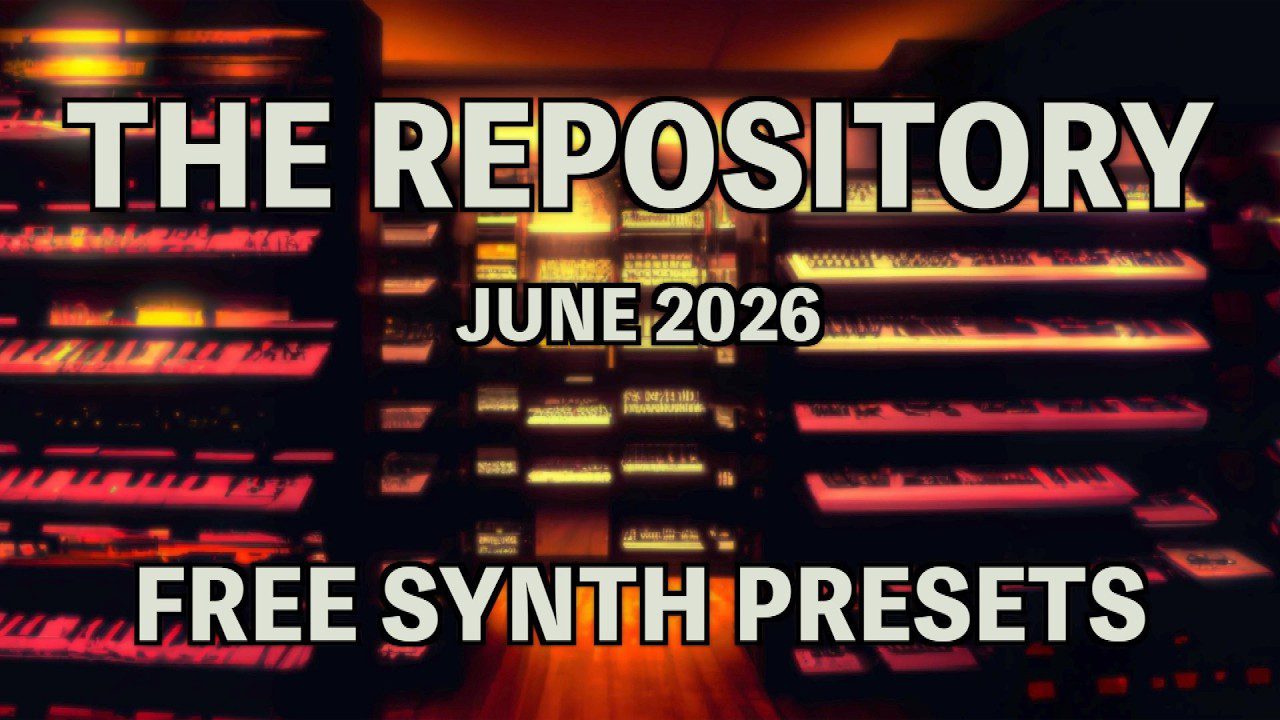
What Is The Repository?
The Repository is a monthly preset project from P.O Haas – Sound Design. Each edition contains a small collection of free sounds for Arturia Pigments rather than hundreds of presets designed mainly to increase a folder count.
The sound designer describes the series as covering different genres and styles, usually with a cinematic influence.
Main advantage: The pack contains only 10 presets, making it easy to explore every sound, understand its modulation and adapt it to a production.
What Is Included?
- 3 Bassline presets
- 2 Pad presets
- 3 Key presets
- 1 Drum preset
- 1 Bass preset
- 10 presets in total
- Designed for Arturia Pigments
- Cinematic and electronic sound-design direction
Three Bassline Presets
The three bassline sounds provide rhythmic starting points rather than only static bass patches.
They can work particularly well in electronic productions where movement is already built into the sound. Try changing Pigments’ sequencer, modulation rates or filter settings before writing additional MIDI notes.
A bassline preset can also be rendered to audio and chopped into smaller sections for more control over the groove.
Production tip: If a preset already contains a strong rhythmic pattern, simplify the MIDI performance first. The synthesizer and the piano roll do not both need to prove how busy they can be.
Cinematic Pads
The two pads are a natural fit for the more cinematic direction associated with P.O Haas’ sound design.
Pads can provide atmosphere behind vocals, melodic instruments and sound-design elements. They can also work as the main harmonic layer in Ambient, Downtempo and cinematic electronic music.
For a more personal result, adjust the filter cutoff, envelope times and effects inside Pigments rather than using the preset completely unchanged.
Keys and Melodic Sounds
Three key presets provide more playable melodic material.
These sounds can be used for chord progressions, short motifs and atmospheric melodic layers. Lower velocities and longer note spacing can create a more cinematic feel, while shorter notes may move the presets toward electronic and rhythmic production.
Cinematic: Use slower chord movement and longer reverb tails.
Electronic: Shorten envelopes and introduce synchronized modulation.
Ambient: Automate filters, macros and effects gradually over longer sections.
Drum and Bass Presets
The pack also includes one dedicated drum sound and one additional bass preset.
The drum patch demonstrates that Pigments can be used for more than conventional melodic synthesis. Producers can examine its envelopes and synthesis settings to understand how percussive sounds are constructed.
The bass preset can provide a more traditional low-frequency foundation alongside the three rhythmic basslines.
Official Preset Walkthrough
P.O Haas provides an official walkthrough demonstrating sounds from this edition of The Repository.
Best Uses
Cinematic music: Build atmospheric pads, low textures and evolving melodic layers.
Ambient: Extend envelopes and modulation for slower evolving sounds.
Electronica: Use the basslines and keys as starting points for rhythmic arrangements.
Melodic Techno: Adapt the basslines and darker keys to repeating club patterns.
Sound design: Study the Pigments modulation and synthesis settings, then rebuild the sounds into personal variations.
How to Personalize the Presets
Presets become considerably more useful when they are treated as starting points.
- Change oscillator or sample sources
- Adjust filter cutoff and resonance
- Modify the macro assignments
- Change modulation speed
- Shorten or extend envelopes
- Replace the built-in reverb or delay
- Transpose the preset to another register
- Resample the result into audio
Even one or two changes can move a preset away from its original character while preserving the idea that made it useful in the first place.
Compatibility
- Required synthesizer: Arturia Pigments
- Minimum version: Pigments 7 or later
- Number of presets: 10
- Standalone plugin included: No
- Price: $0+
- Creator: P.O Haas – Sound Design
Important: Arturia Pigments is not included. A compatible installation of Pigments 7 or newer is required to load these presets.
How to Download The Repository
- Open the official P.O Haas Gumroad page.
- Enter zero in the $0+ price field.
- Complete the free Gumroad checkout.
- Download the supplied preset archive.
- Open Arturia Pigments 7 or later.
- Import the presets into the Pigments library.
Final Verdict
The Repository is a compact but useful free expansion for Arturia Pigments users.
The balance between basslines, pads, keys, bass and percussion gives the collection enough variety for several styles without becoming difficult to browse.
Its cinematic influence makes the pack particularly interesting for atmospheric production, but the bassline and key presets can also be adapted easily to electronic and melodic club music.
With only ten sounds, there is also a realistic possibility that producers will actually listen to every preset before downloading the next three thousand.
Download The Repository for Free
Get all 10 Arturia Pigments presets directly from P.O Haas – Sound Design.