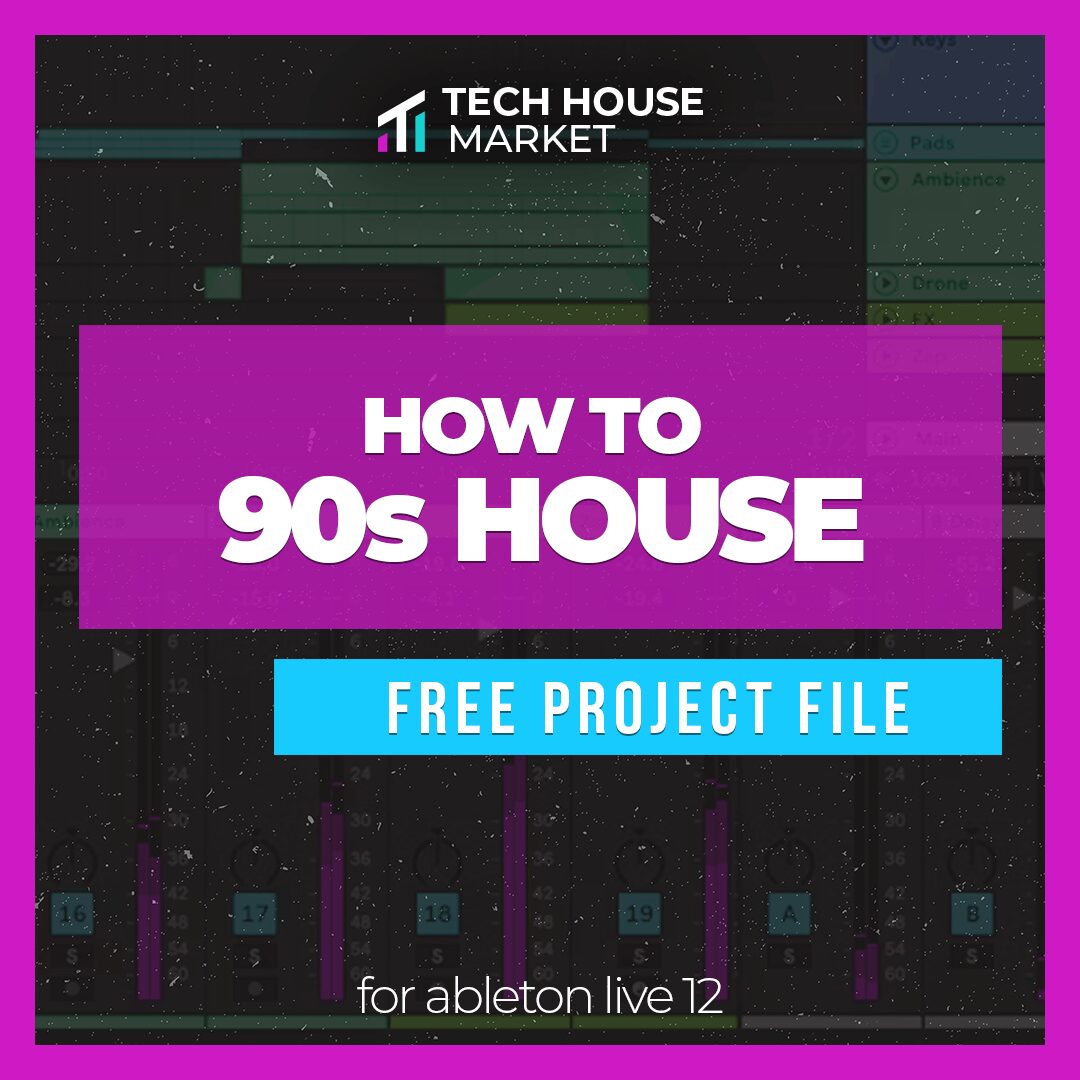

How to 90s House: A Free Ableton Live 12 Template
Explore a complete royalty-free House project with classic drums, piano-driven energy, Serum presets, samples and stems.
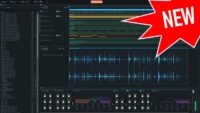
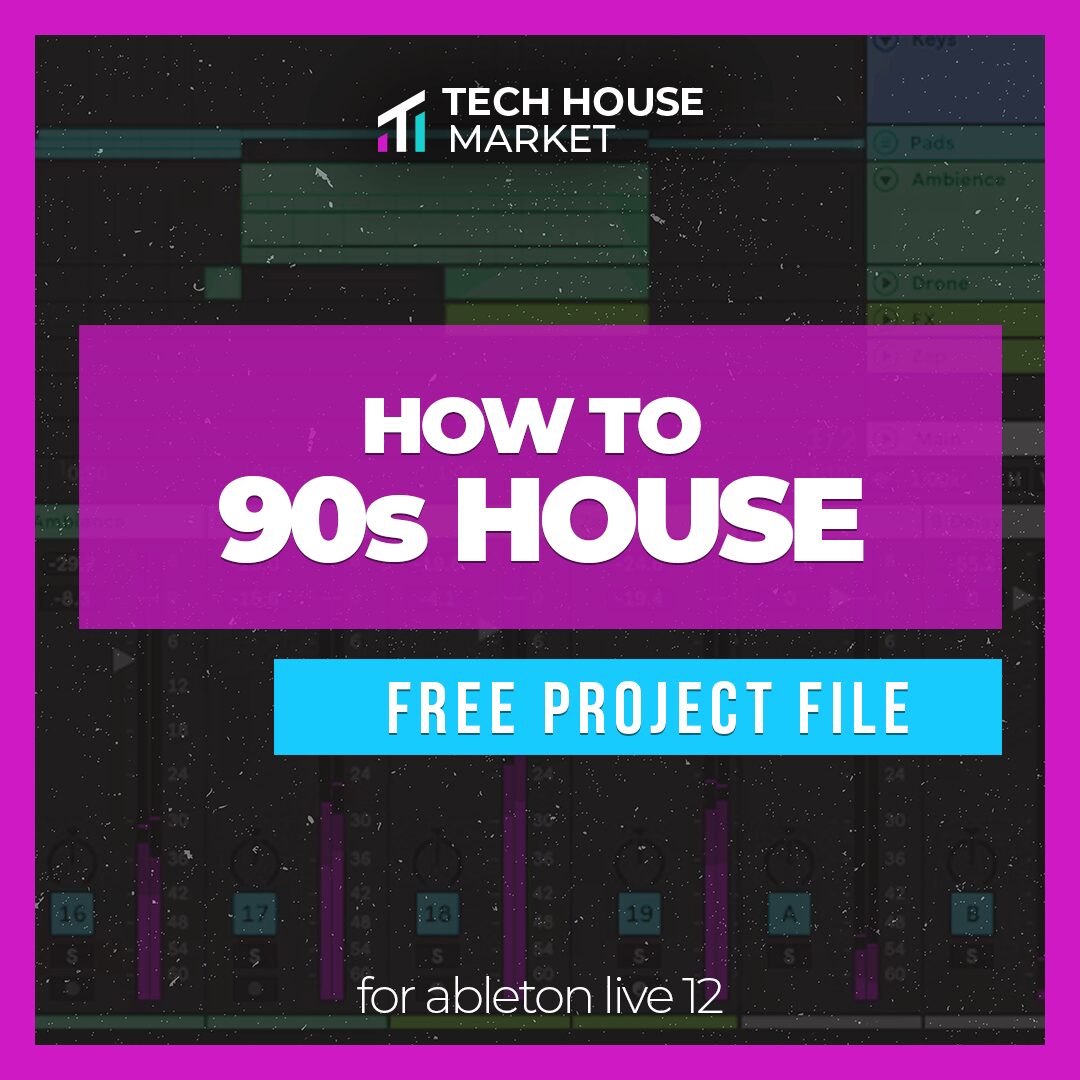
How to 90s House is a free Ableton Live 12 project file released by Tech House Market. The template provides a complete House production that can be opened, analysed and customised inside Ableton Live.
The download includes the main Ableton project, samples, Serum presets and rendered stems. This makes it useful both as an educational template and as a collection of production material for creating original tracks.
The project focuses on the energetic character of classic 1990s House music, a style built around punchy drum-machine rhythms, bright piano chords, rolling basslines, vocal-style hooks and direct club arrangements.
The complete template is offered as a free download from the official Tech House Market website. The included audio material is presented as royalty-free and suitable for commercial music releases.
What Is Included?
How to 90s House is presented as a complete production project rather than a small collection of isolated loops.
- Ableton Live 12 project: A complete session containing the musical arrangement and production structure.
- Audio samples: Production-ready sounds used inside the project.
- Serum presets: Editable synthesizer sounds for recreating and modifying parts of the track.
- Rendered stems: Audio exports that can be imported into other DAWs or used when some project elements are unavailable.
- Royalty-free content: The included samples can be incorporated into commercial productions.
- Direct download: The project is provided without a mandatory purchase.
The stems are particularly useful for producers who do not use Ableton Live. They make it possible to study the individual musical sections or import the main elements into Studio One, FL Studio, Logic Pro, Cubase, Reaper or another compatible DAW.
Understanding the 90s House Sound
Classic 90s House production is based on a combination of simple musical ideas, strong rhythmic contrast and memorable sound selection.
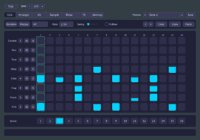
The drums often take inspiration from machines such as the Roland TR-909, with a solid four-on-the-floor kick, bright open hi-hats, claps or snares on the second and fourth beats and additional shuffled percussion.
Piano chords are another defining element. Short, rhythmic chord stabs can create instant energy, particularly when combined with seventh chords, minor harmonies and syncopated playing.
Basslines are usually repetitive and tightly connected to the kick. Instead of filling every available space, the bass often answers the drums and leaves room for piano, vocals and percussion.
This balance between repetition and variation remains relevant in current House production. Classic influences can be combined with modern mixing, stronger low end and cleaner stereo processing without losing the direct character of the original style.
Learn Arrangement from a Complete Project
One of the main advantages of a production template is the ability to see how individual loops become a finished arrangement.
Open the project and examine how the drums, bass, piano, synthesizers and effects are introduced. House arrangements often create movement by adding and removing a small number of elements rather than changing the complete composition every few bars.
Pay attention to the transitions between the introduction, main groove, breakdown and final sections. Automation, filter movement, drum fills and short effects can maintain energy without distracting from the central rhythm.
Markers can be added to identify each section. Producers can then mute the original musical parts and rebuild the arrangement with new chords, basslines and samples while preserving the structural reference.
This approach is more educational than simply replacing the title and exporting the project. The objective is to understand why the arrangement works and transfer those principles into an original production.
Working with the Included Serum Presets
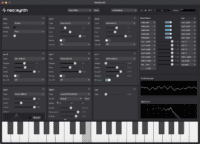
The project includes presets for Xfer Serum. These sounds can be loaded, modified and reused as starting points for new musical ideas.
Begin by inspecting the oscillator shapes, filter settings, envelopes, LFOs and effects. This provides a practical way to understand how the sound has been constructed.
Change the amplifier envelope to adapt the preset to the rhythm of the new track. Short decay and release settings can create tighter basses and plucks, while longer envelopes work better for sustained chords and atmospheric layers.
Adjust the filter cutoff, oscillator balance and distortion according to the arrangement. A bright preset that works during a breakdown may need less high-frequency energy when the full drums and vocals return.
Serum is required to edit the presets directly. Producers without Serum can still use the rendered stems and supplied audio samples.
Using the Template in Other DAWs
The original project requires Ableton Live 12, but the included stems provide a practical alternative for users working with another production platform.
Create a new project using the same tempo as the original template, then import the stems at the beginning of the timeline. Make sure every file starts from the same position so the parts remain synchronized.
The stems can be used to study the mix, isolate specific production techniques or rebuild the arrangement with new instruments.
Producers can also cut the stems into shorter sections and use them as references when constructing an original track. Replace the original melodies, chords and basslines before preparing a commercial release.
A reference project is most valuable when it teaches a workflow. Copying every creative decision produces a second version of the template, which is rarely the most exciting career objective.
Production Tips
Replace the main melody: Write a new piano progression or synth hook before developing the rest of the production.
Change the bass rhythm: Keep the relationship with the kick but create a different groove and note pattern.
Build a personal drum kit: Replace several original drum sounds while studying their frequency balance and arrangement roles.
Analyse the routing: Check which tracks are grouped and how return channels are used for reverb, delay and parallel processing.
Study the automation: Look for filter, volume, effect and transition automation across different sections.
Compare at equal volume: When changing the mix chain, make sure additional loudness is not being mistaken for additional quality.
Save a clean version: Keep the original download untouched and create a separate working copy before modifying the project.
Best Uses
Learning House arrangement: Study how a complete track progresses from the introduction to the final section.
Drum programming: Analyse the relationship between kick, clap, hi-hats and supporting percussion.
Mixing practice: Compare the balance of drums, bass, piano and melodic layers.
Sound design: Explore and modify the included Serum presets.
Remixing exercises: Replace the original musical parts while preserving selected arrangement techniques.
Workflow development: Use the routing, grouping and project organisation as inspiration for a personal Ableton template.
Compatibility and Licensing
- Required DAW: Ableton Live 12
- Included content: Ableton project, samples, Serum presets and stems
- Third-party instrument: Xfer Serum is required to edit the supplied Serum presets
- Alternative workflow: Stems and samples can be imported into other compatible DAWs
- Price: Free download
- Licence: Included samples are presented as 100% royalty-free
- Download method: Direct download, with an email address potentially requested
The supplied sounds can be used in original commercial music. The original project and raw files should not be redistributed, resold or repackaged as another template or sample collection.
Final Verdict
How to 90s House is a useful free Ableton Live 12 template for producers who want to study classic House production inside a complete and editable project.
The inclusion of samples, Serum presets and rendered stems makes the download more flexible than a basic project file. Ableton users can inspect the complete session, while producers working in other DAWs can still analyse and use the audio stems.
The template is particularly useful for studying arrangement, drum programming, piano-driven grooves, bass placement and the transition between different sections of a House track.
Its royalty-free content provides a practical starting point, but the best results will come from replacing the main melodies, rewriting the bassline and adapting the sounds to a new production.
The template can open the project, organise the tracks and demonstrate the arrangement. Finishing the next song remains the producer’s responsibility, because Ableton has not yet added a “stop changing the snare and release the track” button.
Download the free 90s House template from the official Tech House Market website:
Download the Free Ableton Template
https://techhousemarket.com/pages/free-ableton-template-how-to-classic-90s-house