kRockstar is a free hall reverb plugin released by Airwindows in July 2026. Designed by developer Chris Johnson, it focuses on creating a large, natural sense of space without pushing obvious reverb tails to the front of the mix.
The plugin is available without payment, subscription, license manager or DRM. Producers can download the individual AU and VST2 version or access kRockstar through Airwindows Consolidated in VST3, CLAP, AU and LV2 formats.
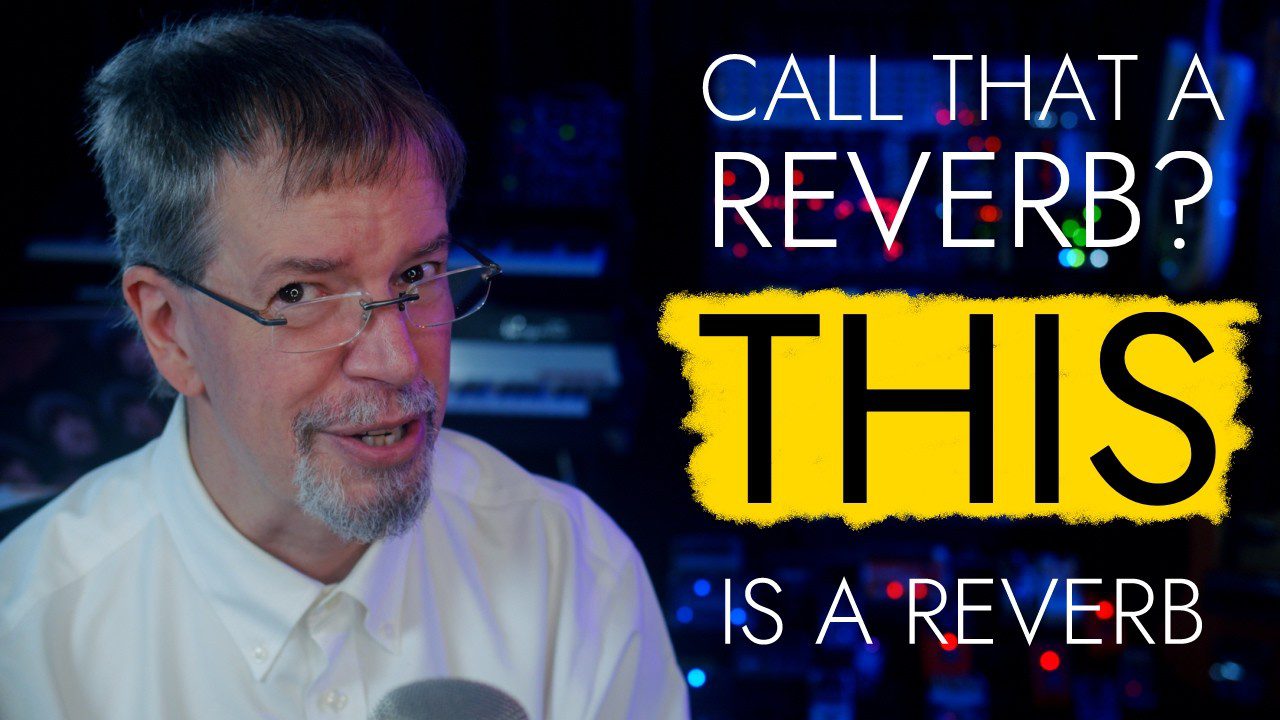
What Is kRockstar?
kRockstar is a digital hall reverb designed to add depth and size while remaining relatively transparent. Instead of producing an exaggerated wash that immediately announces itself as an effect, the plugin is intended to sit behind the original recording and create a believable sense of distance.
Airwindows describes it as a reverb for situations where the reverb should not become the main attraction. It can therefore be useful on vocals, guitars, synths, percussion, orchestral instruments and complete effect returns.
The algorithm uses a 6×6 Householder matrix to maintain smooth diffusion while preserving high-frequency air. The result is designed to remain spacious without becoming excessively dark or metallic.
Main Features
- Free hall reverb developed by Airwindows
- Released in July 2026
- Designed for natural depth and transparent ambience
- Smooth reverb response with preserved high-frequency detail
- Position control for placing the source relative to the hall
- Regeneration control for adjusting the reverb sustain
- Zero-latency processing
- No DRM, subscription or license manager
- Free and open source under the MIT license
- Available through Airwindows Consolidated in VST3, CLAP, AU and LV2 formats
A Hall Reverb That Stays Behind the Music
Many large reverbs create impressive solo demonstrations but become difficult to balance inside a busy production. Their tails may cover vocal consonants, soften drum transients or occupy too much of the upper midrange.
kRockstar takes a different approach. Its purpose is to establish the dimensions of a space before the listener becomes consciously aware of the reverb itself. At moderate settings, the track can feel larger and more distant without sounding covered in an obvious effect.
This makes the plugin especially suitable for mixes that need depth without losing clarity. The reverb can be blended quietly on an auxiliary return and shared across several instruments to create a consistent virtual environment.
Best Uses
Vocals
kRockstar can place a vocal inside a large space while keeping it understandable. Use it on an effect return, reduce the low frequencies before the reverb and add a small amount behind the dry vocal.
For lead vocals, a pre-delay plugin placed before kRockstar can help preserve the initial words and consonants. Background vocals can receive more reverb to move them further behind the lead.
Acoustic Instruments
Piano, acoustic guitar, strings and orchestral instruments can benefit from the plugin’s natural sense of depth. It is particularly useful when close-miked recordings feel disconnected from the room implied by the arrangement.
Start with a moderate decay and adjust the Position control until the instrument appears to sit naturally inside the space rather than directly against the listener’s forehead.
Synth Pads and Ambient Music
Long synth pads can use kRockstar to create width and atmosphere without relying on an excessively dark or modulated reverb. The preserved high-frequency detail helps airy patches remain open while the hall develops behind them.
For ambient production, automate the reverb send during transitions or sustained notes. This creates movement while keeping the main patch more controlled during dense sections.
Drums and Percussion
A short amount of kRockstar can connect separately recorded drums and percussion. Snares, claps and toms can be sent to the same return to establish a shared room around the kit.
High-pass the reverb return to prevent the kick and low toms from generating unnecessary low-frequency buildup. Large does not need to mean muddy, although many sessions continue to conduct independent research into that theory.
How to Use kRockstar
The simplest workflow is to load kRockstar on an auxiliary or effect channel and send selected tracks to it. Set the return channel to a fully wet configuration when possible, then control the amount of reverb through each track’s send level.
Use the Position control to adjust how the original signal appears relative to the hall. Lower or subtler settings can keep the source closer, while more pronounced settings can push it deeper into the virtual space.
The Regen control determines how sustained the reverb becomes. Increase it for ambient pads, cinematic passages and long transitions. Reduce it for drums, guitars and vocals that need a clearer rhythmic definition.
Balance the plugin by listening to the apparent size of the room rather than waiting for an obvious reverb tail. If the effect immediately attracts attention, it may already be louder than necessary.
Production Tips
Use an EQ before the reverb: Remove unnecessary low frequencies before they enter kRockstar. This keeps the return cleaner and reduces bass accumulation.
Create depth with send levels: Send background instruments more strongly than lead elements. This establishes front-to-back perspective without changing every channel’s volume.
Try a separate pre-delay: A short delay before the reverb can keep vocals and drums clear while allowing the hall to develop slightly later.
Automate transitions: Increase the send level at the end of a phrase, then reduce it when the next section begins.
Check the reverb in mono: Make sure the added space does not disappear or weaken important instruments when the mix is collapsed to mono.
Avoid solo decisions: Reverb that sounds beautiful alone may be too loud inside the arrangement. Judge the final balance with the complete mix playing.
Compatibility
The individual kRockstar download is available as an Audio Unit for macOS and a VST2 plugin for Windows, macOS and Linux.
Producers who need a modern VST3 version can install Airwindows Consolidated and locate kRockstar inside its Reverb category. Consolidated is available in CLAP, AU, VST3 and LV2 formats.
Airwindows also provides builds for Intel and Apple Silicon Macs, 64-bit Windows systems, Linux computers and compatible Raspberry Pi systems.
Official kRockstar Video
Final Verdict
kRockstar is a strong free reverb for producers who want a convincing large hall without placing an obvious cloud of effects in front of the music.
Its smooth diffusion, preserved high-frequency air and simple positioning controls make it suitable for vocals, acoustic instruments, drums, synths, ambient production and cinematic mixing.
The minimal Airwindows interface may surprise producers accustomed to animated frequency displays and enough graphics to launch a small spacecraft. The advantage is that kRockstar remains lightweight, direct and focused entirely on sound.
Download kRockstar from the official website:
https://www.airwindows.com/krockstar/