By using this site, you agree to the Privacy Policy and Terms of Use.
Accept
AudiartistAudiartistAudiartist
Notification Show More
Font ResizerAa
  • Home
  • Music
    • New music release
    • We love
    • Afro Music
    • Cinematic
    • Classical Music
    • Electro / House
    • Hard Rock
    • Jazz
    • Latina Music
    • Lo-fi
    • Pop Music
    • Rock
    • Synthwave
  • Music Production
  • Music Promotion
  • BREAKING NEWS
  • Freebie (VST, Samples, Presets)
    • FREE VST
    • Free Sample Pack
    • Free Kontakt sound
    • Free Serum Preset
    • Free Preset
    • Free FL Studio template
  • Free music submission
    • Submit your music for free with DailyPlaylist
    • Our playlists
    • Afro House
    • Afro music
    • Christmas Music
    • Cinematic Music
    • Classical Music
    • Dance Music
    • Electro Music
    • Hard Rock
    • House Music
    • Latina Music
    • Lo-fi
    • Mainstream
    • Pop Music
    • RAP & Hip Hop
    • Reggaeton
    • Rock Music
    • Synthwave
Search
Artists
  • Nodachi
  • Sebastian McQueen
  • Spycho Fox
  • Snake Russell
  • Mister BoO
  • Sébastien BACCI
  • Carlito Home
Reading: 10 Simple Tips to Improve Your Mixes on a DAW
Share
Font ResizerAa
AudiartistAudiartist
  • Home
  • Music
  • Music Production
  • Music Promotion
  • BREAKING NEWS
  • Freebie (VST, Samples, Presets)
  • Free music submission
Search
  • Home
  • Music
    • New music release
    • We love
    • Afro Music
    • Cinematic
    • Classical Music
    • Electro / House
    • Hard Rock
    • Jazz
    • Latina Music
    • Lo-fi
    • Pop Music
    • Rock
    • Synthwave
  • Music Production
  • Music Promotion
  • BREAKING NEWS
  • Freebie (VST, Samples, Presets)
    • FREE VST
    • Free Sample Pack
    • Free Kontakt sound
    • Free Serum Preset
    • Free Preset
    • Free FL Studio template
  • Free music submission
    • Submit your music for free with DailyPlaylist
    • Our playlists
    • Afro House
    • Afro music
    • Christmas Music
    • Cinematic Music
    • Classical Music
    • Dance Music
    • Electro Music
    • Hard Rock
    • House Music
    • Latina Music
    • Lo-fi
    • Mainstream
    • Pop Music
    • RAP & Hip Hop
    • Reggaeton
    • Rock Music
    • Synthwave
Have an existing account? Sign In
Follow US
Audiartist > Blog > Music Production > 10 Simple Tips to Improve Your Mixes on a DAW
Music Production

10 Simple Tips to Improve Your Mixes on a DAW

audiartist
Last updated: 19 mai 2025 17h20
audiartist
Published: 19 mai 2025
Share

Mixing your tracks effectively can make a significant difference in how professional your final product sounds. Here are 10 simple yet impactful tips to enhance your mixes on any DAW.

1. Start with Proper Gain Staging

Proper gain staging ensures that your levels are balanced right from the start.

  • Keep Headroom: Aim for levels around -6 dB on individual tracks to avoid clipping.
  • Normalize Inputs: Consistently set input levels before adding effects.
  • Check Peaks: Use meters to monitor for unexpected volume spikes.

2. Use High-Pass Filters to Clean Up the Low End

Unwanted low frequencies can muddy your mix.

  • Apply to Non-Bass Elements: Guitars, vocals, and synths often benefit from a high-pass filter around 80-100 Hz.
  • Avoid Overdoing It: Be cautious not to thin out your sound too much.

3. Panning for Space

Panning helps distribute sound across the stereo field, making your mix feel wider.

  • Center Important Elements: Keep vocals, bass, and kick drum in the center.
  • Pan Supporting Elements: Guitars, synths, and backing vocals can be panned left or right.
  • Balance Symmetrically: Avoid panning everything to one side.

4. Use EQ to Carve Space

EQ helps separate instruments by reducing frequency clashes.

  • Cut Before Boosting: Remove unnecessary frequencies before adding more.
  • Focus on Key Frequencies: Identify problem areas, such as muddiness around 250 Hz.
  • Use Narrow Cuts: Wide boosts can make your mix sound unnatural.

5. Apply Subtle Compression

Compression tames dynamics and adds consistency.

  • Slow Attack, Fast Release: Preserves transients while controlling volume.
  • Use Parallel Compression: Blend a compressed version with the dry signal.
  • Don’t Overcompress: Maintain natural dynamics to avoid a squashed sound.

6. Add Depth with Reverb and Delay

Effects add dimension and ambience to your tracks.

  • Short Reverb for Drums: Gives a tight, punchy feel.
  • Long Reverb for Vocals: Creates space and depth.
  • Delay for Movement: Subtle slapback or ping-pong delay can add rhythmic interest.
7. Automate Volume and Effects

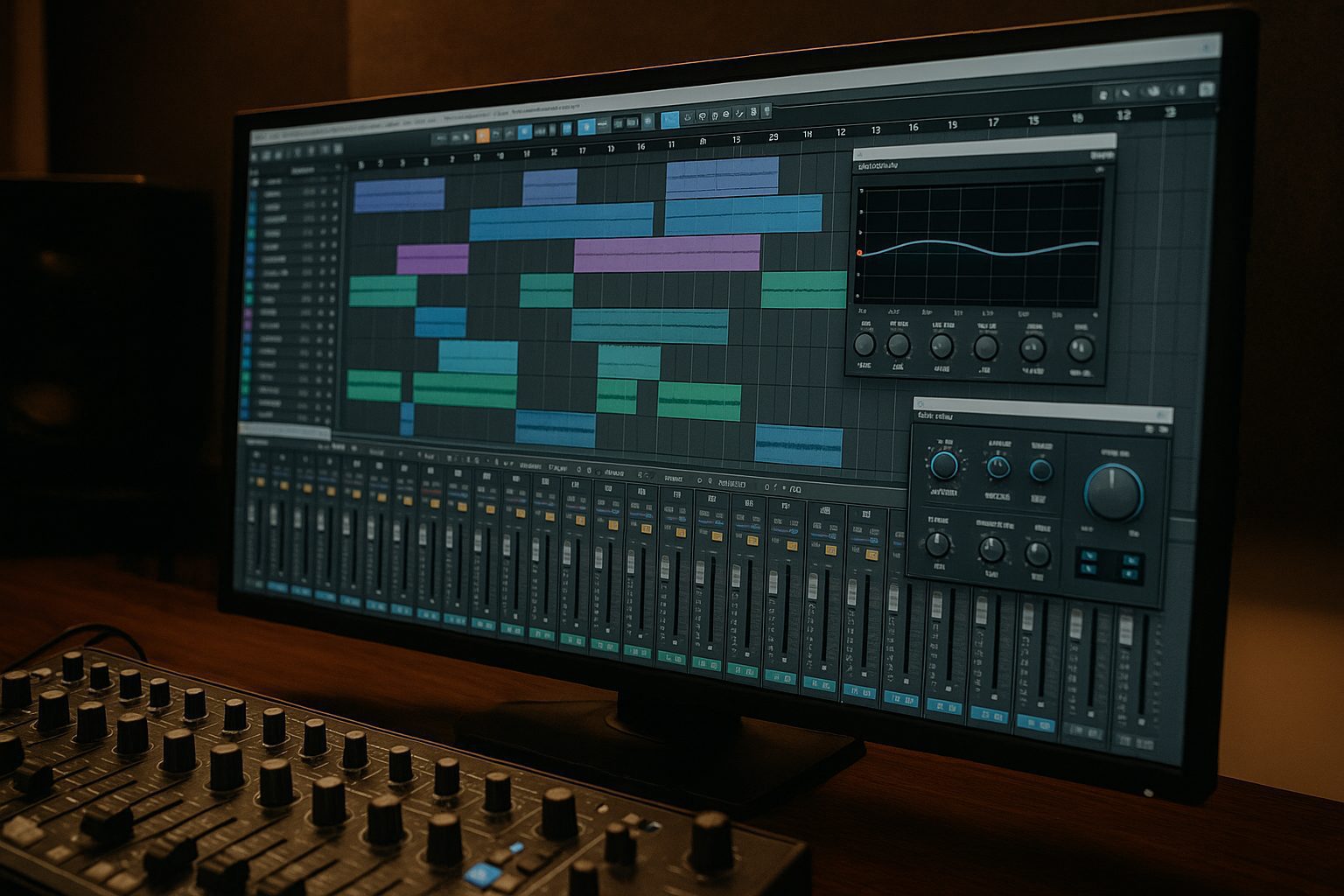
Automation brings movement and variation to your mix.

  • Volume Rides: Adjust vocal levels dynamically for consistency.
  • Effect Changes: Automate reverb or delay for choruses versus verses.
  • Fade Outs: Use automation for smooth song endings.

8. Reference Your Mix

Compare your track to professional mixes to maintain perspective.

  • Match Levels: Ensure your mix is at a similar volume for a fair comparison.
  • Identify Weak Points: Listen critically for balance, clarity, and depth.

9. Mix at Low Volumes

Low-volume mixing helps reveal balance issues that louder playback can mask.

  • Check Clarity: Can you hear every element clearly at low volumes?
  • Prevent Fatigue: Reduces ear strain during long sessions.

10. Use a Spectrum Analyzer

Visual feedback can help you spot problematic frequencies.

  • Identify Peaks: See if any frequency range is dominating.
  • Balance Low and High Ends: Ensure there’s no excessive bass or harsh treble.

Final Thoughts

Improving your mixes on a DAW takes practice, but implementing these simple tips can help you achieve more professional and polished results. Remember to experiment and trust your ears while keeping these foundational techniques in mind.

TAGGED:audio production basicscompression for mixingDAW mixing tipsEQ techniquesimprove music mixes
Share This Article
Facebook Whatsapp Whatsapp Tumblr Telegram Threads Bluesky Email Copy Link Print

Lasts Posts

Layering Without Mud: How to Stack Sounds That Actually Work Together
Music Production
CloudReverb: A Free Algorithmic Reverb for Huge Atmospheric Spaces
FREE VST Freebie
Free Tech House Serum Presets by Tech House Market
Free Preset Free Serum Preset Freebie
Black Cat Sample Pack 1: 58 Free Loops for Hip-Hop and Lo-Fi
Free Sample Pack Freebie

Buy Me A Coffee


Buy me a coffee

Popular

Vocal Chop Toolkit by Stickz free royalty-free vocal sample pack
Vocal Chop Toolkit by Stickz: A Free Royalty-Free Sample Pack for Modern Vocal Hooks
Free Sample Pack Freebie
Greenland by OVM Plugin free synth VST plugin
Greenland by OVM Plugin: A Free Synth VST Plugin With Sequencer, Chord Generator and Randomizer
FREE VST Freebie
FAULTLINE by X-Audio free glitch VST plugin interface
FAULTLINE by X-Audio: A Free Glitch VST Plugin for Beat Repeat, Freeze and Digital Destruction
FREE VST Freebie
Heavy Machinery by Noise Factory free industrial techno sample pack
Heavy Machinery by Noise Factory: A Free Industrial Techno Sample Pack for Hard, Mechanical Production
Free Sample Pack Freebie

Find Us on Socials

News

  • Layering Without Mud: How to Stack Sounds That Actually Work Together
  • CloudReverb: A Free Algorithmic Reverb for Huge Atmospheric Spaces
  • Free Tech House Serum Presets by Tech House Market
  • Black Cat Sample Pack 1: 58 Free Loops for Hip-Hop and Lo-Fi
  • Simple Little Bitcrush: A Free VST3 Plugin for Digital Distortion

You Might Also Like

Music Production

The 5 Best VST Compressor Plugins for Music Production

27 mai 2024
Music Production

Free vs Paid VST Plugins in 2026

13 février 2026
Music Production

Best Mixing Plugins in 2026: EQ, Compression, Saturation and Essential Tools for Music Producers

1 juin 2026
Music Production

AI-Generated Music on Streaming Platforms

30 juin 2025
Previous Next
© Audiartist. All Rights Reserved.
Welcome Back!

Sign in to your account

Username or Email Address
Password

Lost your password?