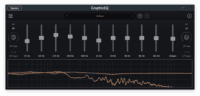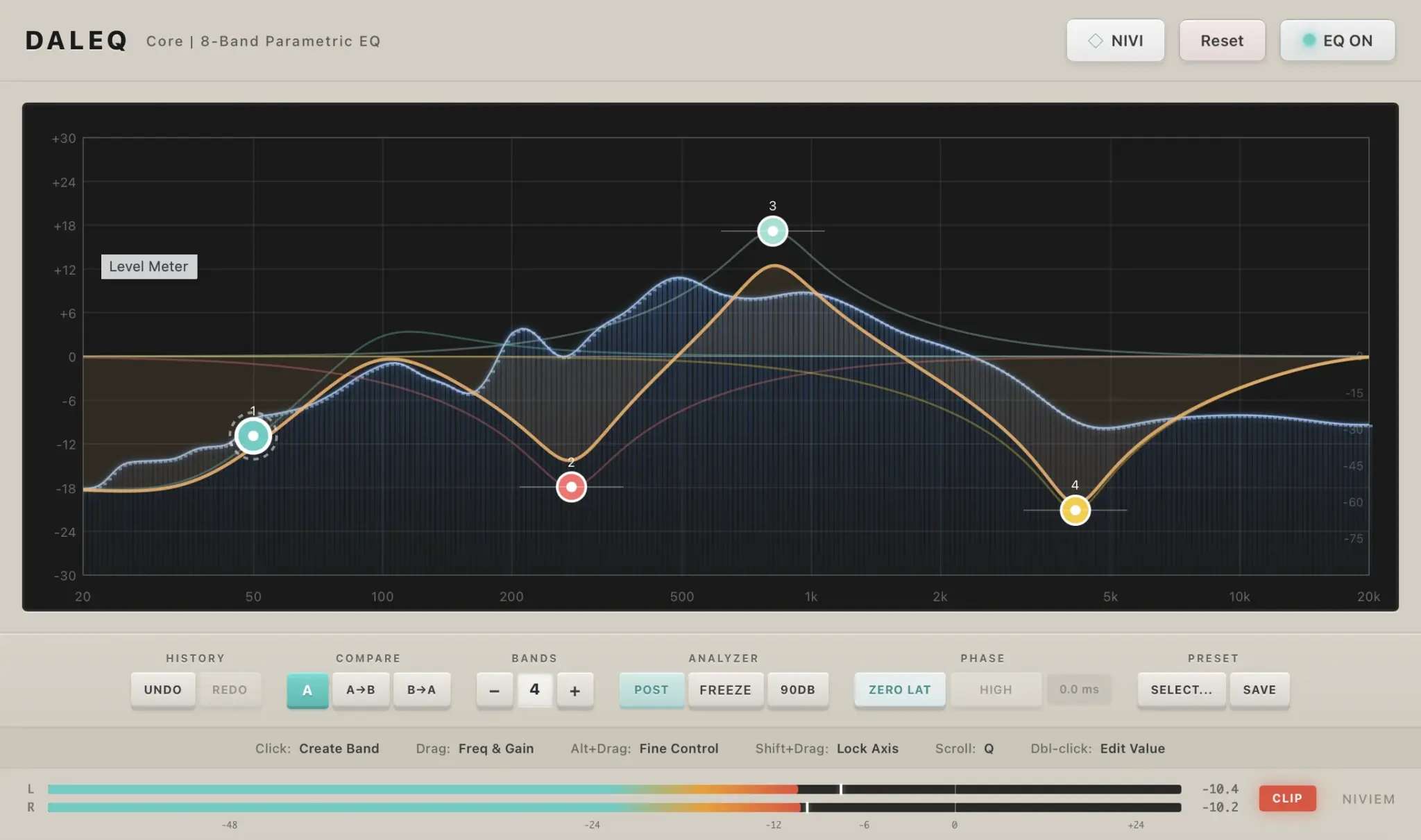

DalEQ Core by NIVIEM is a free eight-band parametric equalizer designed for mixing, mastering and detailed sound shaping. Released in 2026, the plugin combines conventional EQ controls with Dynamic EQ, Linear Phase processing, Mid/Side routing and a real-time spectrum analyzer.
DalEQ Core is available as a free plugin for Windows and macOS. It comes in VST3 format for both platforms, with an additional Audio Unit version for macOS. The current official version is 1.0.1.
Eight Fully Parametric EQ Bands
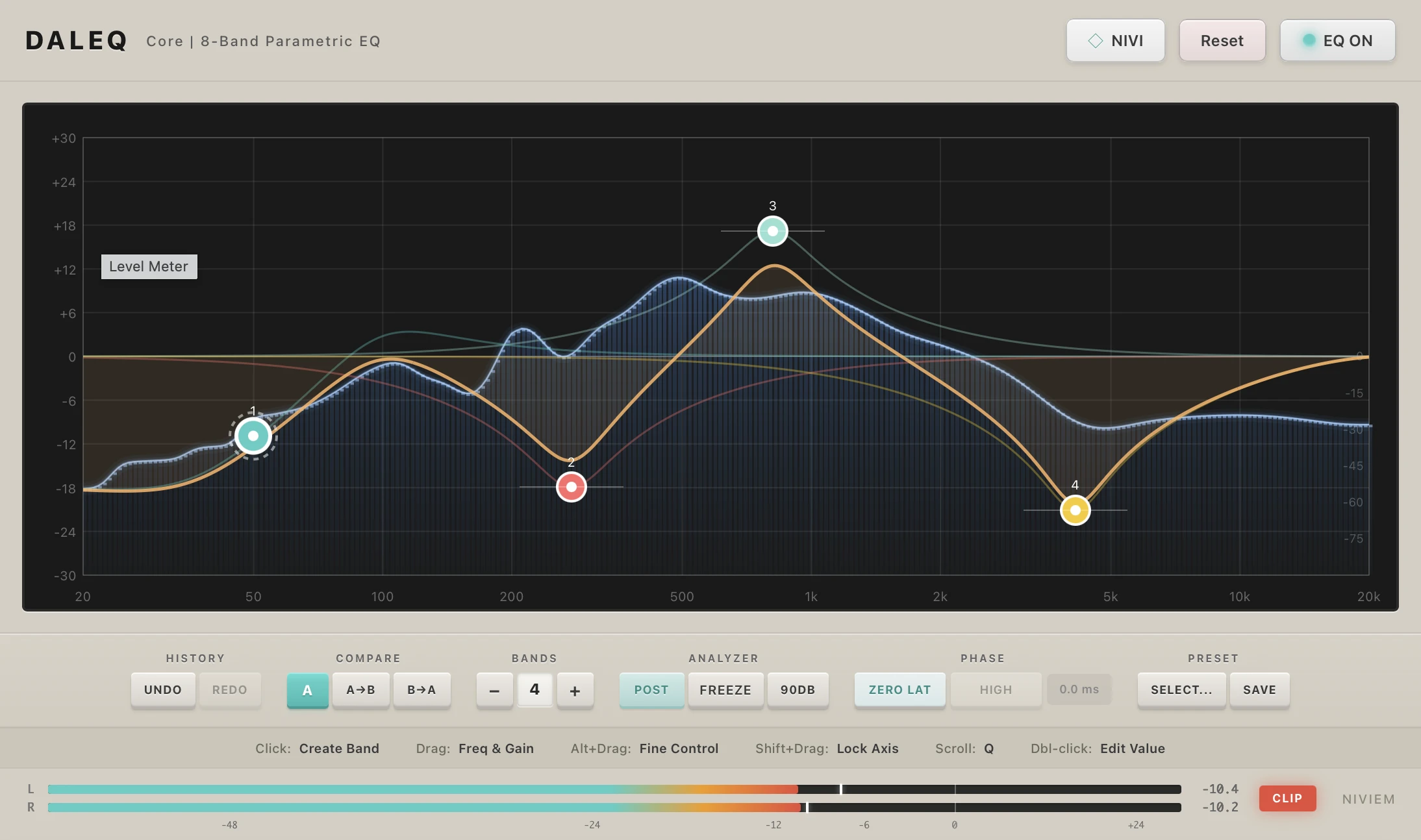
DalEQ Core provides eight independent bands covering frequencies from 20 Hz to 20 kHz. Each band includes controls for frequency, gain and Q, allowing producers to perform broad tonal adjustments or narrow corrective cuts.
The available filter types are:
- Bell
- Low Shelf
- High Shelf
- Low Cut
- High Cut
- Notch
- Bandpass
- Tilt Shelf
- Allpass
Low-cut and high-cut filters include selectable slopes ranging from a gentle 6 dB per octave to an extremely steep 96 dB per octave. This range makes the plugin useful for everything from natural low-frequency cleanup to highly surgical filtering.
Dynamic EQ Processing
Every band can operate as a dynamic equalizer. Instead of applying a fixed boost or cut at all times, Dynamic EQ responds to the level of a selected frequency area.
DalEQ Core supports compression, expansion, upward compression and upward expansion. Each dynamic band provides threshold, ratio, attack, release, knee and range controls.
This section can be used to control vocal sibilance, reduce harsh resonances, stabilize bass frequencies or add presence only when a signal reaches a chosen level. Dynamic processing is particularly useful when a static EQ cut removes too much character from quieter sections.
Zero Latency and Linear Phase Modes
DalEQ Core offers two main phase-processing options. Zero Latency mode uses minimum-phase filters and introduces no additional latency, making it suitable for recording, live monitoring and general mixing.
Linear Phase mode uses FIR processing to maintain a symmetrical phase response. Four quality settings are available, from Low to Ultra. Higher settings increase processing precision but also introduce more latency and CPU usage.
Linear Phase processing can be useful for mastering, parallel processing and situations where phase interaction must remain controlled. For everyday channel EQ, Zero Latency mode will usually provide a faster and lighter workflow.
Mid/Side Processing
Each EQ band can independently process the stereo signal, left channel, right channel, Mid channel or Side channel.
This makes it possible to remove low-frequency information from the sides, brighten only the stereo ambience or correct an imbalance between the left and right channels. Producers can also retain a solid central bass while shaping wider synthesizers, reverbs and backing vocals separately.
Mid/Side EQ is powerful, but it should be used while checking mono compatibility. Width is attractive until the mix meets a mono speaker and files a formal complaint.
Spectrum Analysis and Metering
The built-in analyzer provides a real-time view of the frequency spectrum. Users can display the signal before or after EQ processing, freeze the spectrum and adjust its speed, range, tilt and resolution.
The plugin also includes stereo peak and RMS metering, together with True Peak detection and a clipping indicator. This gives producers visual feedback for both frequency balance and output level without opening a separate analyzer.
Presets and Workflow Tools
DalEQ Core includes more than 30 factory presets across categories such as vocals, drums, bass, guitars, keys, mastering, corrective processing and creative effects.
Practical workflow features include:
- Undo and redo with up to 50 history steps
- A/B comparison
- User preset saving
- Keyboard shortcuts
- Full DAW automation
- Seven interface accent colours
- 47 integrated Nivipedia help articles
The built-in documentation is particularly useful for producers learning equalization. Right-clicking supported controls provides access to explanations of filters, processing modes and technical concepts.
Compatibility and Installation
- Windows: Windows 10 or later, 64-bit VST3
- macOS: macOS 11 or later, VST3 and Audio Unit
- Apple Silicon: Native support through a Universal Binary
- Sample rates: 44.1 kHz to 192 kHz
- Minimum RAM: 4 GB
- Recommended RAM: 8 GB
After downloading the ZIP archive, extract the plugin and copy the supplied VST3 or Audio Unit file into the appropriate plugin folder. Restart the DAW and perform a plugin rescan when necessary.
Licensing
NIVIEM states that DalEQ Core is free for personal and commercial use. The free version does not require a paid licence and is not locked to a limited number of computers.
Final Verdict
DalEQ Core offers an unusually complete feature set for a free equalizer. Dynamic processing, Linear Phase operation, Mid/Side routing, flexible filters and detailed spectrum analysis make it suitable for individual tracks, buses and mastering sessions.
It may not replace every specialist EQ in an experienced engineer’s collection, but it provides enough control to become a serious everyday mixing tool. At this price, the only frequency it cannot remove is the sound of someone asking why you need another plugin.
Download DalEQ Core from the official NIVIEM website:
https://niviem.net/products/daleq/