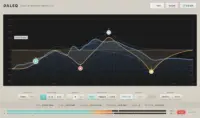
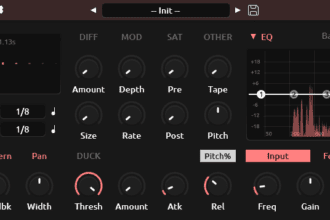
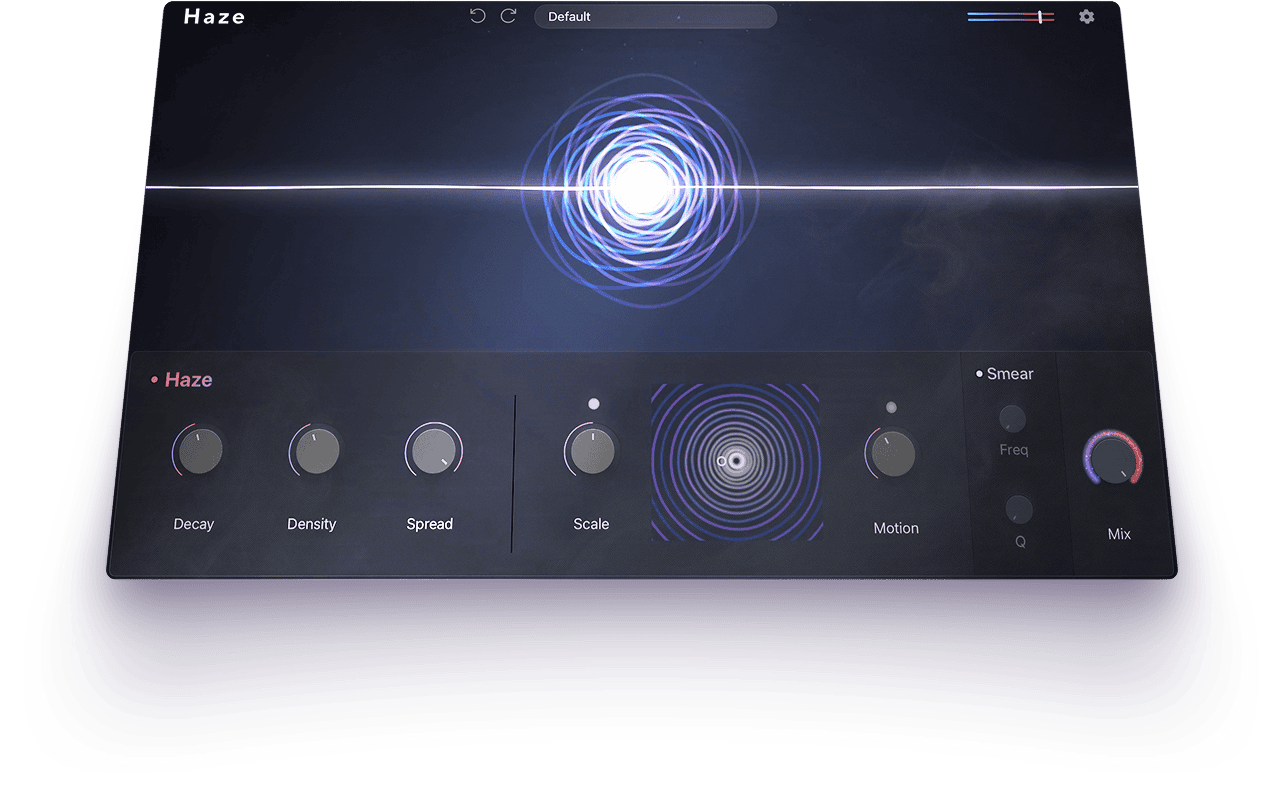
Haze by Lunacy is a free creative effects plugin designed to transform ordinary instruments, samples and vocals into wide, shimmering and atmospheric textures. Released in 2025 and still available as a free download, Haze combines chorus, phasing, algorithmic reverb and spectral dispersion inside a modern interface focused on fast sound design.
The plugin includes 20 factory presets covering effects ranging from unstable tape-like movement to large, washed-out spaces. Haze works as a standalone audio effect and does not require Lunacy’s paid BEAM effects rack, although BEAM owners can also access the effect inside that environment.
What Does Haze Do?
Haze sits somewhere between a traditional modulation plugin, an atmospheric reverb and a creative sound-design processor. Instead of treating chorus, phase and reverb as completely separate effects, it blends them into a single processing system.
The chorus and phasing sections introduce stereo movement and tonal animation. The algorithmic reverb creates depth and sustained ambience, while the spectral dispersion engine spreads frequencies over time to produce softer, more diffused textures.
This makes Haze particularly useful when a sound feels too static, narrow or predictable. A basic synth chord, guitar note or vocal phrase can quickly become a moving atmospheric layer without requiring a long chain of separate effects.
20 Creative Presets Included
Lunacy includes 20 presets with Haze. The official collection ranges from warbly tape-style processing to wide, washed-out halls.
These presets provide useful starting points for producers who do not want to design every effect from scratch. They also demonstrate how Haze can move between subtle stereo enhancement and much heavier sound transformation.
Rather than treating the presets as finished solutions, producers can use them to understand how the different processing stages interact. Reducing the mix or feedback can often turn an extreme preset into a practical insert effect.
Best Uses for Haze
Haze is especially effective on pads, sustained synthesizers and ambient textures. The modulation creates movement while the reverb and dispersion stages soften the original tone, helping simple chords occupy more space in an arrangement.
On vocals, Haze can be used as a send effect for background phrases, harmonies and ad-libs. Automating the effect into the final word of a vocal line can create an atmospheric transition without covering the main performance.
Guitars, electric pianos and plucked instruments can also benefit from the plugin. A relatively dry recording can be transformed into a cinematic layer, dreamy intro or evolving background texture.
For drums and percussion, shorter settings can add stereo movement and metallic ambience. More extreme processing can turn individual hits into risers, transitional effects or resampled sound-design material.
Relevant Genres
Haze fits naturally into ambient, cinematic, lo-fi, synthwave, melodic house and experimental electronic music. It can also support modern R&B, dance pop and hip-hop productions where atmospheric layers are used to create contrast around the main drums and vocals.
In Afro House and Melodic House, the plugin can add width to background synths, vocal textures and breakdown elements. The key is to keep the low frequencies controlled so the atmospheric processing does not interfere with the kick and bass.
Production Tips
Use Haze on an auxiliary channel when working with vocals, drums or full instrument groups. Send processing gives better control over the dry signal and makes it easier to automate the effect during selected parts of the arrangement.
For wide pads, place an equalizer after Haze and remove unnecessary low frequencies. Large modulation and reverb effects can create impressive textures, but they can also introduce low-mid density that makes a mix feel cloudy.
Try resampling the processed output and reversing, pitching or chopping the resulting audio. Haze can become a source of new samples rather than simply an insert effect.
Always compare the processed signal at a similar perceived volume. Wider and wetter sounds can appear more impressive simply because they occupy more space, which is the audio equivalent of wearing a larger hat.
Compatibility and Requirements
The official Lunacy page lists Haze in VST, AU and AAX formats for compatible Windows and macOS systems. The plugin is designed to work with major digital audio workstations.
Haze is available as a standalone effect. Purchasing BEAM is not required, although users who already own BEAM can also load Haze within its modular effects environment.
The download is handled through Lunacy’s official website. Users should follow the supplied installer and activation instructions, then rescan their plugin folders if Haze does not appear immediately inside the DAW.
Final Verdict
Haze is more creative than a conventional chorus and more immediate than building a complex chain of modulation, reverb and diffusion effects. Its strongest role is transforming simple sounds into wider, softer and more animated textures.
The 20 included presets make it approachable, while the processing engine provides enough range for deeper experimentation. Producers working on ambient, cinematic, electronic or atmospheric pop music should find plenty of useful applications.
Haze will not rescue a lifeless arrangement by itself, but it can certainly make that lifeless pad drift beautifully into the distance.
Download Haze from the official Lunacy website:
https://lunacy.audio/products/haze/