Free FL Studio Mixing Template With Stock Plugins
A ready-to-use mixing session with organised mixer inserts, practical routing and no required third-party plugins.
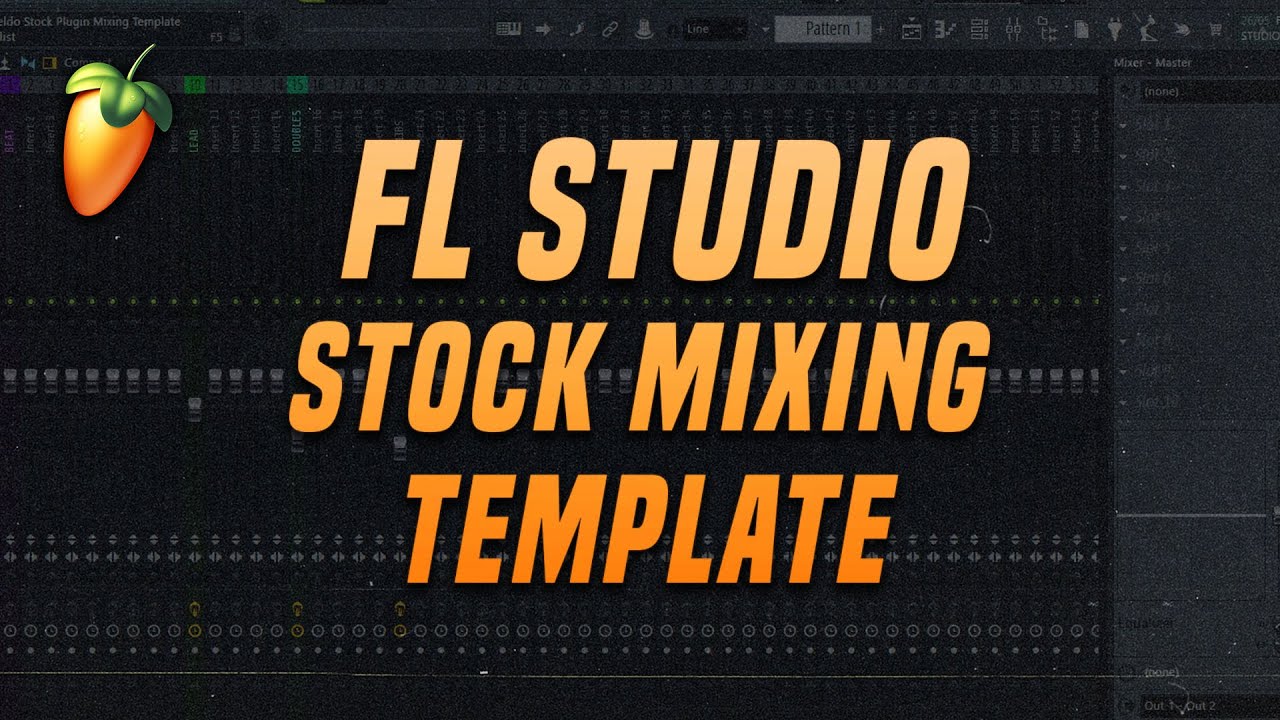
FL Studio Stock Plugin Mixing Template by mixedbyyeldo is a free project designed to make the beginning of a mixing session faster and more organised.
Instead of creating mixer channels, routing tracks and preparing basic processing every time a new mix begins, producers can open the template and place their audio on the designated inserts.
The project uses FL Studio stock plugins, so no commercial third-party effect collection is required to access its main workflow.
Completely free: The creator currently offers the complete mixing template as a free Gumroad download. It is not presented as a temporary demo or a reduced preview of a paid project.
What Is the FL Studio Stock Plugin Mixing Template?
This resource is a preconfigured FL Studio project built around a structured mixer. Its purpose is not to provide a finished song, melody or genre-specific arrangement.
Instead, it gives producers an organised environment for importing audio tracks and beginning the mixing process without preparing every mixer channel manually.
The creator describes the workflow simply: drag the audio files onto the designated inserts and begin mixing.
Main advantage: The template reduces repetitive setup work while keeping the processing environment completely inside FL Studio.
What Is Included?
- Free FL Studio mixing project
- Preconfigured mixer inserts
- Designated channels for imported audio
- Organised routing for a faster workflow
- FL Studio stock plugin processing
- No required premium third-party plugin bundle
- Editable mixer settings
- Official video walkthrough
The official product page does not publish a complete insert-by-insert list of every included channel or plugin. The exact configuration can therefore be inspected after opening the project in FL Studio.
A Faster Starting Point for Mixing
Opening an empty project can involve a surprising amount of repetitive preparation. Mixer tracks need to be named, routed and organised before the creative part of the mix can begin.
A prepared template removes part of this administrative work. Audio tracks can be imported into an existing structure, leaving more time for volume balance, tone, dynamics and spatial processing.
Workflow benefit
A template does not mix the song automatically. It simply removes repeated setup decisions, which is useful because naming twenty mixer inserts rarely produces the emotional climax of the session.
Made With FL Studio Stock Plugins
One of the main benefits of this free template is its reliance on FL Studio’s included effects.
Templates that depend on several third-party plugins can open with missing processors, disabled channels and settings that cannot be reproduced without additional purchases.
Using stock plugins makes the project more accessible to registered FL Studio users and allows every processing stage to be edited directly.
Learning value: Producers can open each mixer insert, examine the stock plugin chain and study how the routing and processing have been organised.
How to Use the Template
- Download and extract the project file.
- Open the template inside FL Studio.
- Save a new copy before making changes.
- Import the audio stems for the song.
- Route each stem to the corresponding mixer insert.
- Set the initial volume balance before changing plugin settings.
- Adapt the processing to the actual recording.
- Save the modified session under a new project name.
Saving a separate copy is important because it preserves the original template for future projects.
Start With Volume Balance
A prepared mixer can make processing faster, but the first stage should still be a basic volume balance.
Bring the faders down, then introduce the most important elements one at a time. Begin with the drums, bass, vocals or central instruments according to the style of music.
A good static balance often solves more problems than immediately changing every EQ and compressor setting.
Important: The included settings should be treated as starting points. Every recording has different frequencies, dynamics and performance characteristics.
Adapt the Processing to Each Track
A template is most useful when its structure remains consistent but its processing changes according to the project.
An EQ setting created for one vocal may remove useful tone from another. A compressor threshold that works on a loud bass recording may barely react to a softer performance.
Open each effect and check why it is present. Bypass the processor, compare the result at a similar volume and keep only the changes that improve the mix.
Mixing reminder: A template is a map, not an autopilot. Turning every plugin on because it was already loaded is how a useful shortcut becomes a very organised traffic jam.
Use the Routing as a Learning Tool
Templates can help beginners understand how several tracks are grouped and processed together.
Drums may be routed to a drum bus, vocals may share reverb and delay sends, and instrumental groups may feed separate bus channels before reaching the master output.
Studying these signal paths can make FL Studio’s mixer feel less abstract. Producers can follow each channel from the source to its effects, buses and final output.
Insert effects: Process one specific track, such as a vocal, kick or bass.
Send effects: Allow several tracks to share the same reverb or delay.
Bus channels: Group related tracks for collective processing and level control.
Master channel: Receives the complete mix and should be processed carefully.
Official Video Walkthrough
The creator demonstrates the free template and its stock-plugin workflow in the official video below.
Free FL Studio Mixing Template With Stock Plugins
Who Is This Template For?
Beginners: Study mixer routing, stock effects and session organisation inside a working project.
Beatmakers: Import stems and begin balancing a beat without rebuilding the mixer.
Recording artists: Organise vocals and instrumental stems inside one structured session.
Mixing engineers: Adapt the project into a personalised starting template.
Home-studio producers: Build a repeatable workflow without purchasing another plugin bundle.
Compatibility
The template requires FL Studio and uses the DAW’s stock plugins. The creator does not specify an exact minimum FL Studio version on the official download page.
- Required DAW: FL Studio
- Resource type: Mixing template and project file
- Third-party plugins: Not required for the documented stock workflow
- Stock plugins: Used throughout the project
- Minimum FL Studio version: Not stated by the creator
- Windows: Compatible through a supported FL Studio installation
- macOS: Compatible through a supported FL Studio installation
If the project cannot be opened in an older FL Studio installation, update the DAW before assuming the download is damaged.
How to Download the Free Template
- Open the official mixedbyyeldo Gumroad page.
- Select the free download option.
- Complete the Gumroad checkout process.
- Download and extract the supplied project file.
- Open the template in FL Studio.
- Save a new copy before importing audio.
Final Verdict
The mixedbyyeldo FL Studio Stock Plugin Mixing Template is a practical free resource for producers who want a more organised starting point.
Its main strength is simplicity. The project provides designated mixer inserts and a ready-made workflow without requiring premium third-party processors.
The template will not replace critical listening or make the same settings work for every song. It can, however, save preparation time and provide a useful example of how a mixing session can be structured inside FL Studio.
For beginners, it is also a chance to explore routing and stock-plugin processing without opening an empty mixer and waiting for professional organisation to appear through positive thinking.
Download the Free FL Studio Mixing Template
Get the stock-plugin mixing project directly from the creator’s official Gumroad page.