
Free Open-Source DAW
LMMS: A Free DAW for Electronic Music and Beatmaking
A cross-platform music production studio with built-in synthesizers, pattern sequencing, MIDI editing, automation and unlimited mixer channels.
LMMS is a free and open-source digital audio workstation designed primarily for electronic music production, beatmaking and MIDI composition. It provides a Song Editor, Pattern Editor, Piano Roll, automation system and mixer without requiring a subscription, licence key or paid upgrade.
The software is available for Windows, macOS and Linux. It includes more than 15 synthesizer and instrument plugins, support for samples and SoundFonts, a collection of audio effects and compatibility with several external plugin standards.
LMMS is particularly suitable for producers creating Hip-Hop, House, EDM, Lo-Fi, Synthwave, Chiptune and experimental electronic music. However, it does not record microphones, guitars or other live audio sources directly. Producers who need vocal or instrument recording must use another application and import the resulting audio files into LMMS.
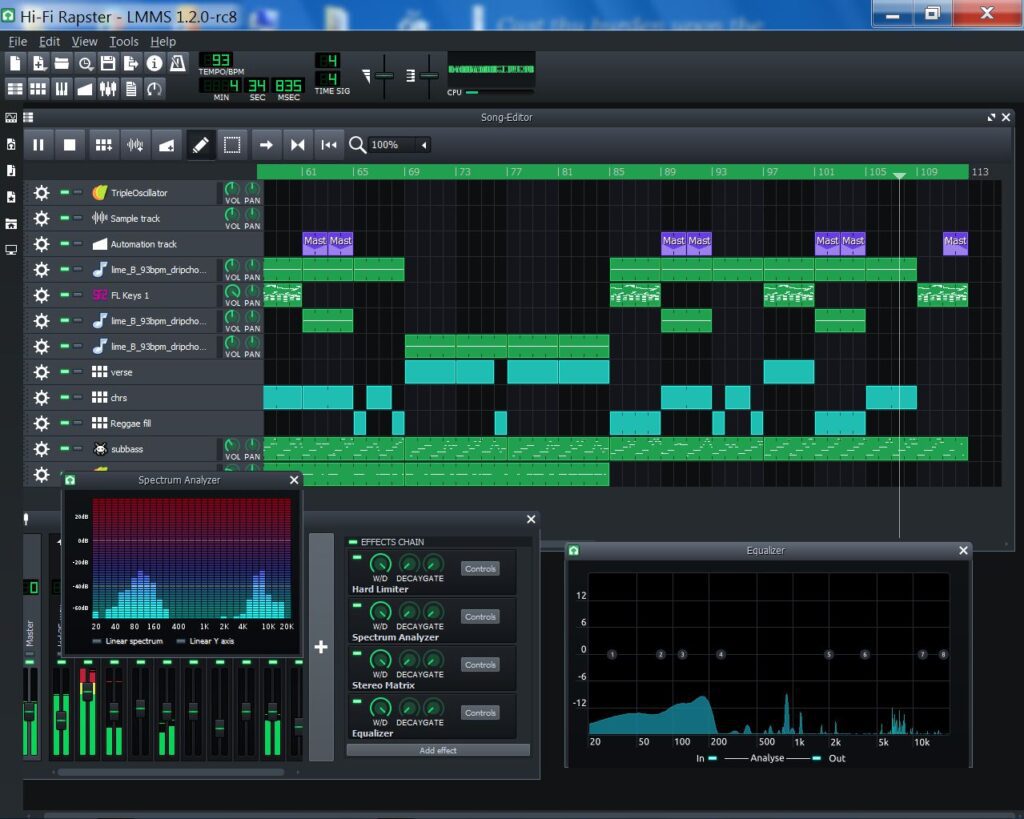
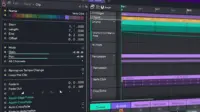
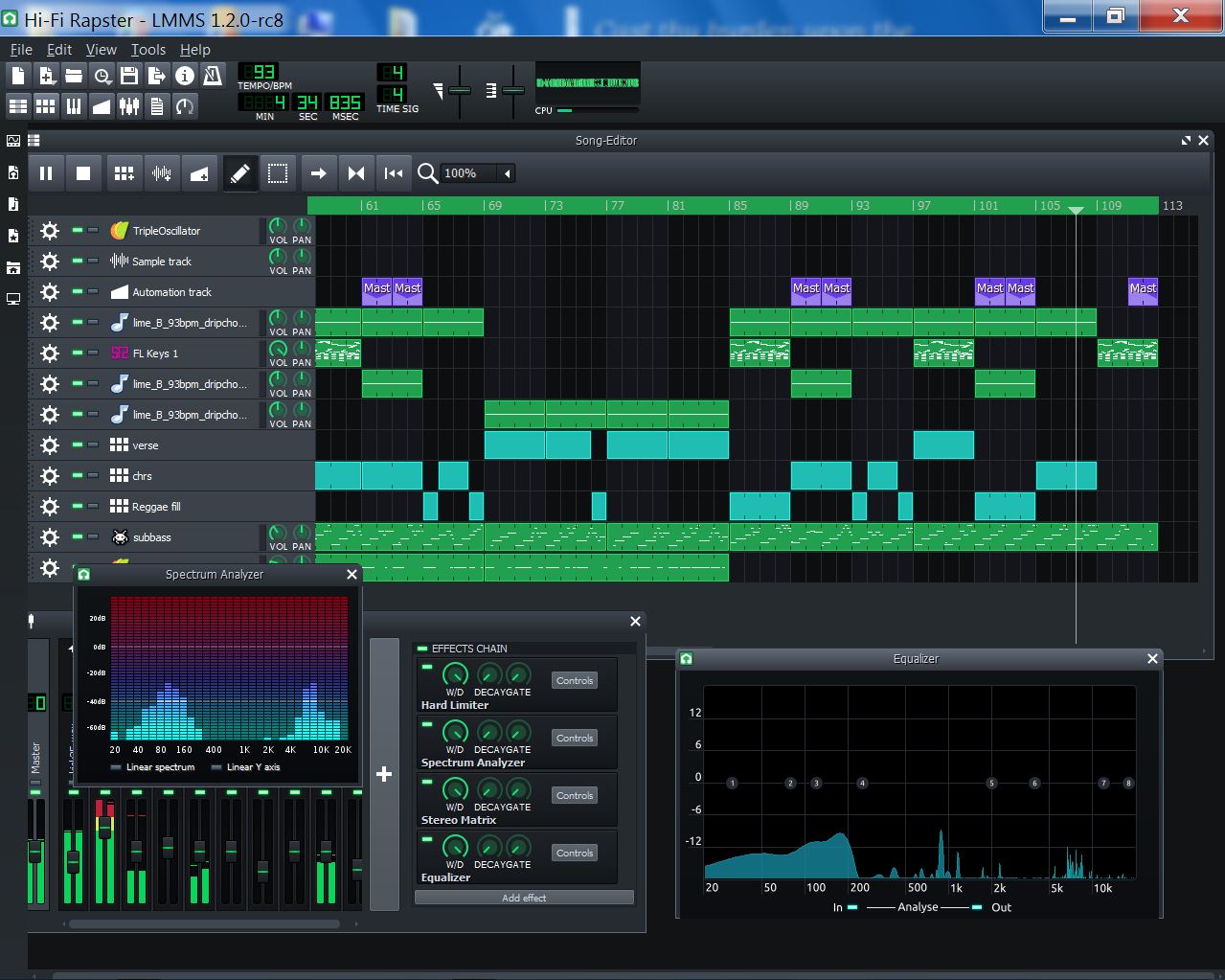
LMMS interface screenshot shared under a Creative Commons Attribution licence on the official LMMS platform.
LMMS at a Glance
| Software type | Open-source music production DAW |
| Main workflow | MIDI sequencing, patterns, samples and synthesis |
| Built-in instruments | More than 15 synthesizers and sound generators |
| Platforms | Windows, macOS and Linux |
| Audio recording | Not supported directly |
| Price | Completely free under the GPL-2.0 licence |
Song Editor and Pattern-Based Workflow
The Song Editor is the main arrangement area in LMMS. It combines instrument tracks, sample tracks, automation and repeating patterns inside a timeline.
The Pattern Editor is designed for building drum grooves, basslines and short musical sequences. Producers can create one pattern, repeat it throughout the arrangement and edit every occurrence from the original pattern.
This structure is well suited to electronic production, where songs are often developed from repeating rhythmic and melodic ideas. Patterns can be duplicated, rearranged and combined into complete verses, choruses, drops and breakdowns.
Piano Roll and MIDI Editing
LMMS includes an advanced Piano Roll for creating melodies, chords, basslines and drum sequences. Notes can be drawn, moved, resized, copied and adjusted by velocity.
The software supports MIDI controller input as well as MIDI file importing and exporting. Producers can therefore perform parts with a keyboard or program them directly with the mouse.
Automation tracks can control volume, panning, filters, plugin settings and other parameters over time. Parameters can be connected to automation curves or internal controller sources for rhythmic and evolving movement.
More Than 15 Built-In Instruments
LMMS ships with a varied collection of synthesizers and sound generators. TripleOscillator provides subtractive synthesis for basses, leads and pads, while Watsyn offers four-oscillator wavetable synthesis.
ZynAddSubFX is a deeper hybrid synthesizer capable of complex pads, textures and electronic instruments. Other included options emulate FM synthesis, organs, vintage game systems and physical string behaviour.
The sidebar also provides access to factory presets, samples and user content. Presets and samples can be previewed before being dragged into the Song Editor or Pattern Editor.
Best Uses
Electronic music, Hip-Hop beats, House, EDM, Lo-Fi, Synthwave, Chiptune, MIDI composition, sample-based production and experimental sound design.
Mixer, Effects and Routing
The LMMS mixer supports unlimited channels, with the practical limit determined by the computer’s processing power. Instruments and samples can be routed to separate channels for individual level, panning and effects control.
LMMS includes a selection of native effects and supports additional LADSPA and LV2 processors. Effects can be placed on instrument tracks or mixer channels and controlled through automation.
The workflow covers the main stages required for electronic music mixing, including equalization, dynamics, delay, modulation, distortion and spatial processing.
External Plugins and SoundFonts
LMMS supports SoundFont2 instruments, GUS patches, LADSPA, LV2 and VST2 plugins. VST instruments can be loaded through the included VeSTige host, while compatible VST effects appear in the effects browser.
External plugin compatibility varies according to the operating system. Windows VST plugins can also be used on Linux through Wine, although installation requires additional configuration.
LMMS does not currently support VST3 plugins. Producers with large modern VST3 collections should consider this limitation before choosing it as their main production environment.
The Important Audio Recording Limitation
LMMS can arrange and process imported WAV, OGG and FLAC files, but it cannot directly record or edit microphone and instrument performances.
A vocalist, guitarist or podcaster must first record the performance in software such as Audacity or another DAW. The exported audio file can then be imported through LMMS’s AudioFileProcessor or placed on a sample track.
This makes LMMS far more suitable for composition and beatmaking than for bands, podcast production or sessions built around multitrack live recording.
Exporting Finished Music
Completed projects can be exported as WAV, OGG or MP3 files. The current 1.3 development documentation also lists FLAC export.
LMMS can export individual tracks as stems, making it possible to continue mixing or mastering inside another DAW. MIDI data can also be exported as a standard MIDI file.
Music created with the included LMMS instruments and effects may be released commercially. Producers remain responsible for checking the licences of any external samples, presets or plugins used in the project.
Stable and Development Versions
The official stable download remains LMMS 1.2.2, while the next 1.3 generation continues to receive active development, documentation updates and test builds.
Stable releases are the safest choice for normal production. Alpha and nightly builds may include newer features and fixes, but they can also introduce instability or compatibility problems.
LMMS has been around long enough to prove that free software can be both powerful and patient. The interface may not chase every fashionable gradient, but the notes appear to remain completely unaware of this.
Compatibility and Requirements
- Operating systems: Windows, macOS and Linux
- Minimum processor: Dual-core 1.5 GHz
- Recommended processor: Quad-core 2 GHz or faster
- Minimum memory: 1 GB RAM
- Recommended memory: 4 GB RAM or more
- Recommended storage: At least 512 MB
- Account required: No
Linux users can install LMMS through distribution packages, although the official AppImage is the recommended portable option. Stable, alpha and nightly builds are available through the official download page and GitHub repository.
Final Verdict
LMMS is a strong free DAW for electronic producers, beatmakers and composers who work mainly with MIDI, patterns, virtual instruments and imported samples.
Its built-in synthesizers, Piano Roll, Pattern Editor, automation tools and unlimited mixer channels provide enough depth to produce complete instrumental tracks without purchasing additional software.
The absence of native audio recording and VST3 support prevents LMMS from replacing every conventional DAW. For electronic composition on Windows, macOS or Linux, however, it remains one of the most capable genuinely free options available.
Download LMMS from the official website: