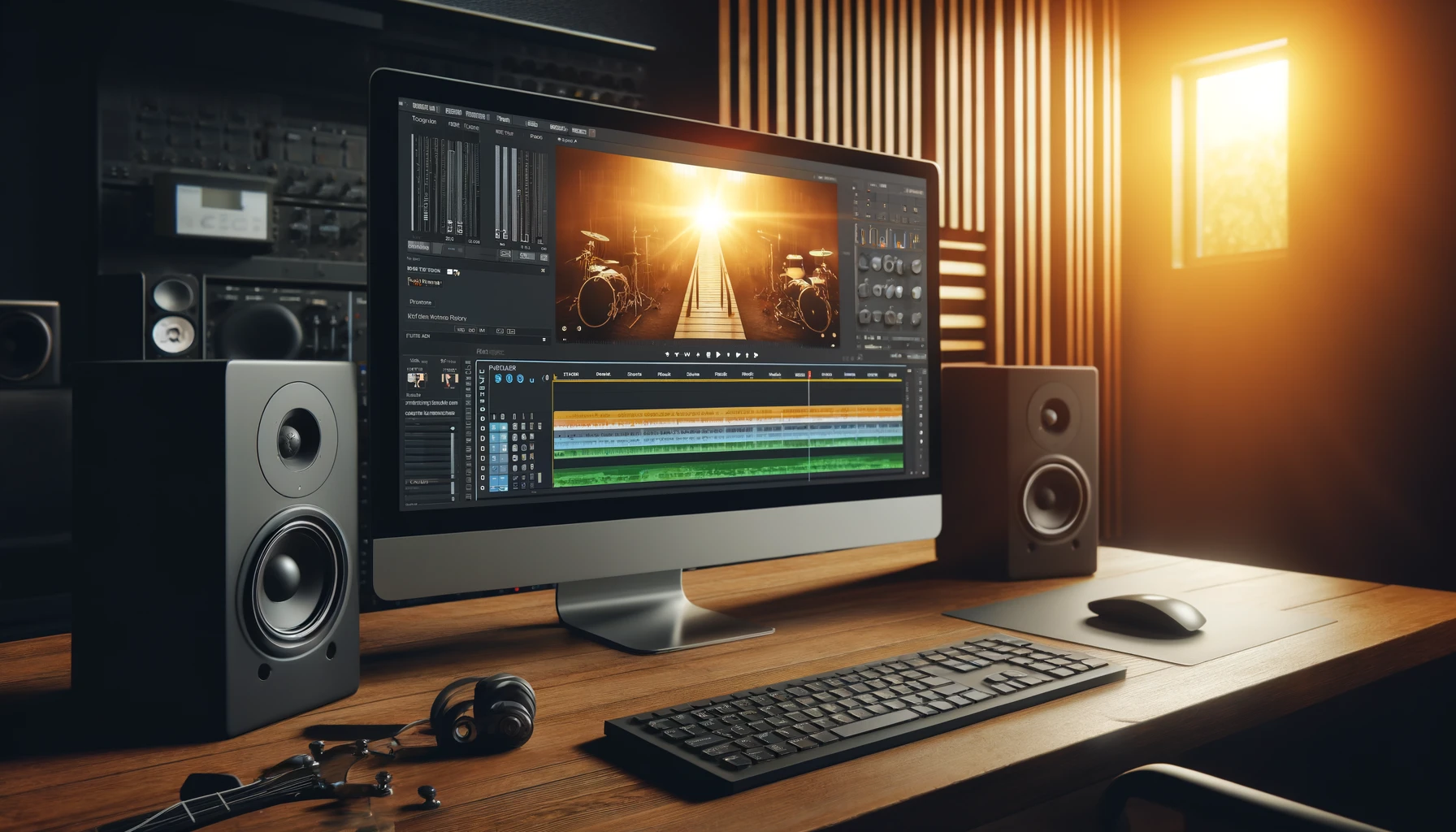

Hey there, music maestros! In today’s world, it’s not just about the sound; it’s also about the look. What better way to develop your image than with a killer music video? But we know you’re on a budget, so we’ve put together a list of the best free video editing software to help you create awesome clips without spending a dime. Let’s dive in and get you looking as good as you sound!
1. DaVinci Resolve
DaVinci Resolve is a professional-grade video editor that’s packed with features. It’s used in Hollywood, but lucky for us, there’s a free version available.
- Characteristics: Advanced color correction, professional editing tools, Fairlight audio post-production
- Pros: Comprehensive features, industry-standard, great for color grading
- Cons: Steep learning curve, requires a powerful computer
- Download: DaVinci Resolve
2. Shotcut
Shotcut is an open-source video editor that’s surprisingly powerful. It supports a wide range of formats and offers a clean, intuitive interface.
- Characteristics: Wide format support, multi-format timeline, video and audio filters
- Pros: User-friendly, no watermark, cross-platform
- Cons: Limited advanced features, occasional stability issues
- Download: Shotcut
3. HitFilm Express
HitFilm Express is perfect for those looking to add some Hollywood-style effects to their videos. It’s packed with features and offers plenty of tutorials to get you started.
- Characteristics: Advanced video editing, visual effects, compositing tools
- Pros: Great for effects, active community, extensive tutorials
- Cons: Can be resource-intensive, additional features require purchase
- Download: HitFilm Express
4. Lightworks
Lightworks has been used to edit some big-name movies, and the free version offers a lot of power. It’s a bit more complex, but it’s worth the effort.
- Characteristics: Professional-grade editing tools, real-time effects, multi-format support
- Pros: Powerful, professional tools, multi-cam editing
- Cons: Complex interface, free version limits export options
- Download: Lightworks
5. VSDC Free Video Editor
VSDC Free Video Editor offers a lot of features for a free tool. It’s great for both beginners and more experienced editors.
- Characteristics: Non-linear editing, visual and audio effects, color correction
- Pros: Feature-rich, low system requirements, easy to use
- Cons: Interface can be overwhelming, export options limited in free version
- Download: VSDC Free Video Editor
There you have it! These free video editing tools will help you create professional-looking music videos without spending a dime. Download one (or all) of these programs, get creative, and start making your visual masterpieces. Happy editing!