
Free VST
plugdata: A Free Visual Audio Plugin for Custom Synths and Effects
Build original instruments, audio effects, MIDI processors and experimental production tools by connecting visual blocks inside your DAW.
plugdata is a free and open-source visual programming environment for audio. Based on Pure Data, it allows producers to build instruments, effects, sequencers and interactive audio systems without writing a conventional software plugin from scratch.
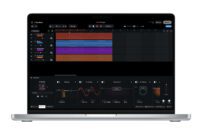
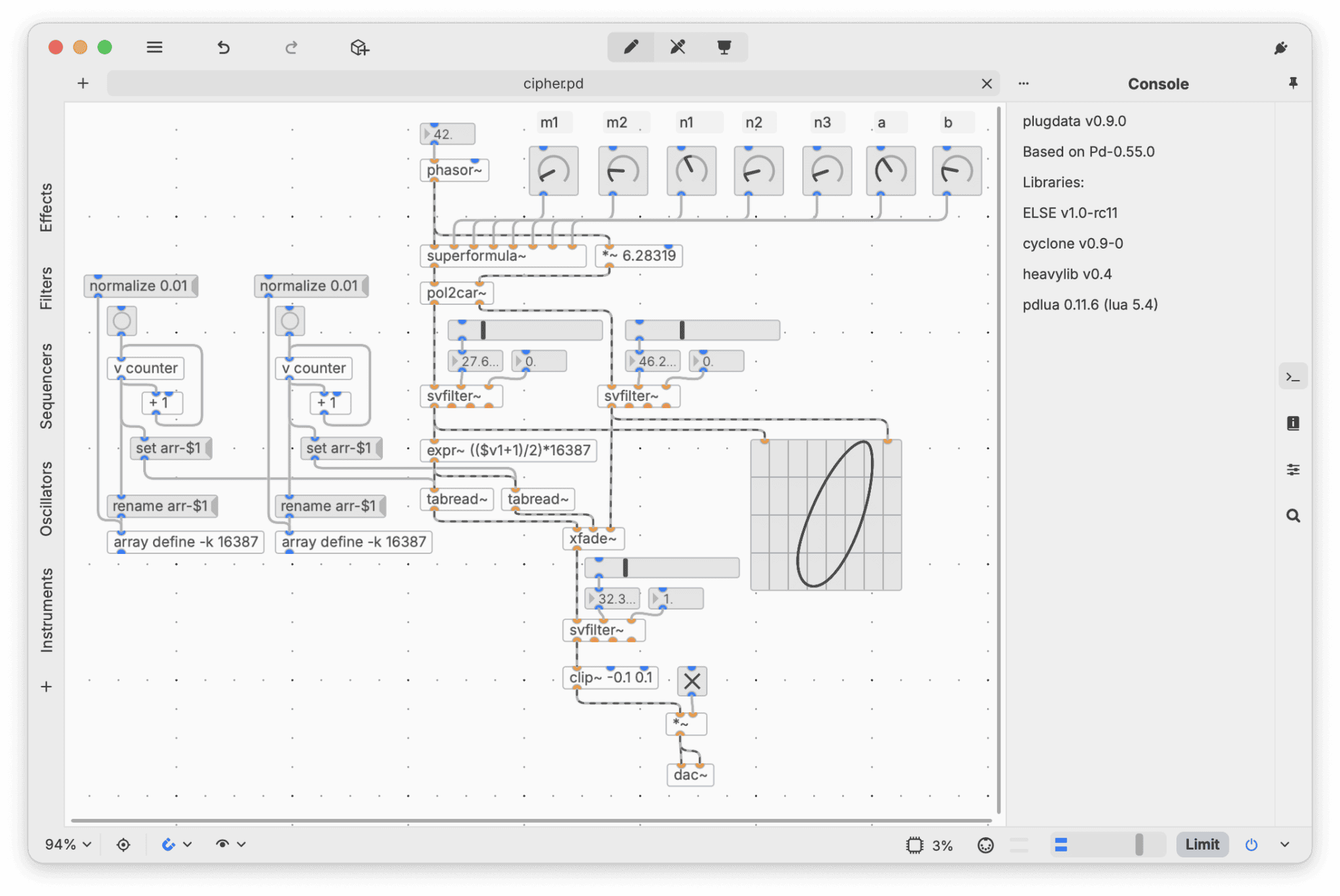
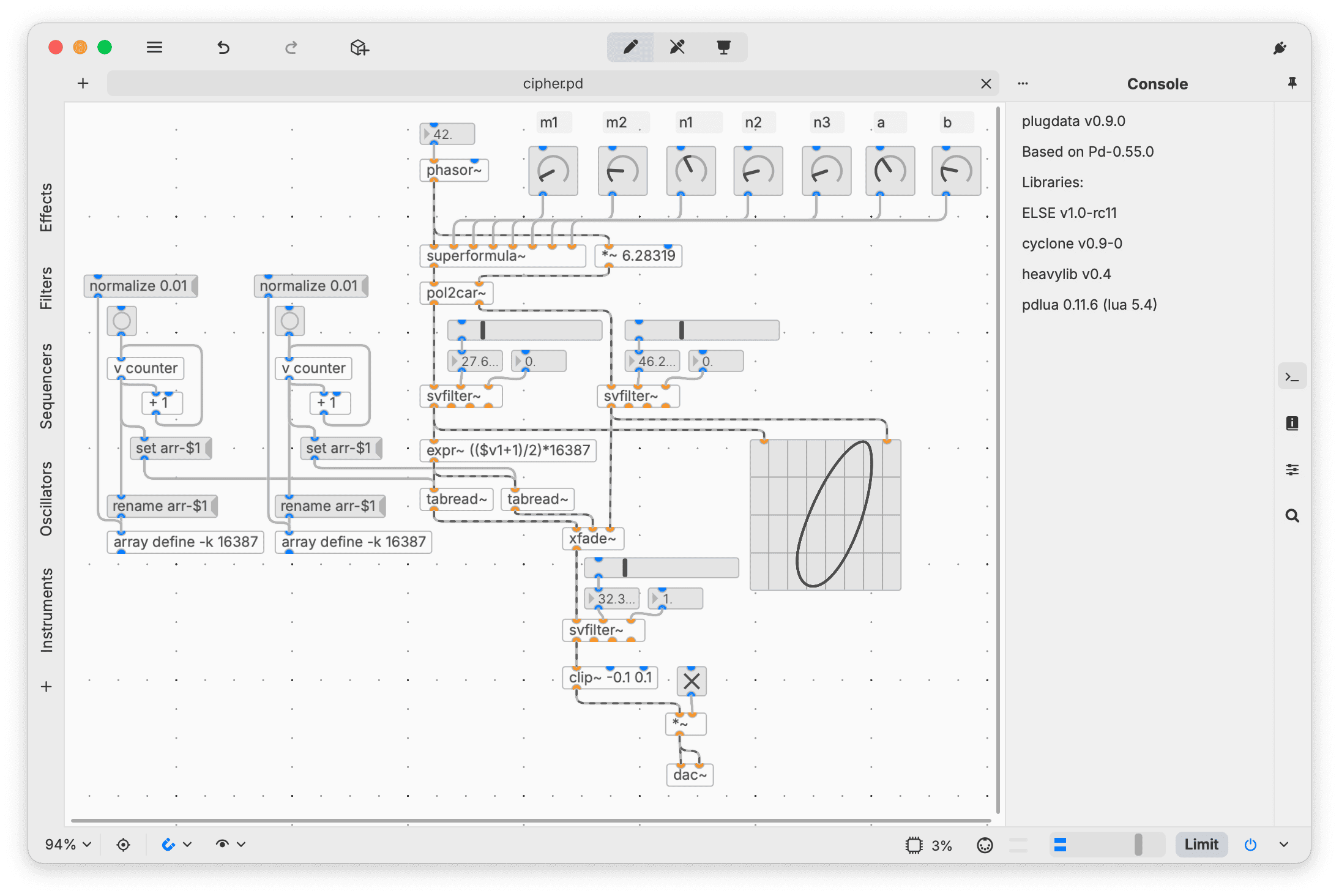
Instead of presenting a fixed synthesizer or effect interface, plugdata opens a blank canvas. Users place objects onto the workspace, connect them with virtual cables and create a signal path adapted to a specific musical idea.
The same patch can run as a standalone application or inside a compatible DAW. Official formats include VST3, Audio Unit, CLAP and LV2, depending on the operating system. The software is released under the GPL-3.0 license and requires no account, subscription, telemetry or online activation.
| Developer | Timothy Schoen and the plugdata community |
|---|---|
| Plugin type | Visual audio programming and patching environment |
| Platforms | Windows, macOS and Linux |
| Formats | Standalone, VST3, AU, CLAP and LV2, depending on platform |
| Included libraries | ELSE, Cyclone and Gem |
| Patch compatibility | Reads and writes standard Pure Data patch files |
| Code export | C++, audio plugins and Electro-Smith Daisy targets through Heavy |
| Account required | No |
| Price | Free and open source |
Build Audio Tools With Visual Blocks
plugdata uses visual objects instead of traditional source code. An oscillator, filter, envelope, delay or mathematical operation appears as a block that can be connected to other blocks.
A simple synthesizer might begin with an oscillator connected to an amplifier and an audio output. Envelopes, filters, distortion and modulation can then be added gradually as the patch becomes more complex.
The same approach works for audio effects. Producers can build custom delays, reverbs, filters, distortion units, spectral processors, sequencers and MIDI generators according to the requirements of a project.
This modular structure encourages experimentation because the signal path remains visible. Connections can be changed while audio is running, allowing users to hear the result of each modification immediately.
A Large Collection of Included Objects
plugdata includes the ELSE, Cyclone and Gem libraries alongside the standard Pure Data objects. These collections expand the available oscillators, filters, envelopes, effects, sequencers, graphical controls and multimedia tools.
ELSE provides higher-level audio objects that simplify synthesis and signal processing. Cyclone recreates many objects familiar to users of Max, while Gem introduces visual and multimedia capabilities.
The object browser, search system, built-in documentation and tooltips help users discover available components without memorizing every object name before creating their first patch.
Use Patches Inside a DAW
plugdata can operate as a plugin inside a compatible DAW. A patch can receive audio or MIDI, process the signal and return the result like a conventional instrument or effect.
DAW automation and MIDI control allow important patch parameters to be exposed to the host. This makes it possible to automate filters, modulation depth, effect levels and other custom controls across an arrangement.
A producer could create a personalized synth for one track, a rhythmic audio effect for another and a MIDI generator for controlling an external instrument, all from the same environment.
The official plugdata store also provides community-made patches. Available downloads include compressors, reverbs, distortion effects, spectral tools, synthesizers and utility processors, with both free and commercial options.
Pure Data Compatibility
plugdata is built directly on Pure Data Vanilla and uses the standard PD patch format. Existing Pure Data patches can therefore be opened inside plugdata, while compatible plugdata projects can be opened in Pure Data.
This compatibility gives users access to a large body of Pure Data knowledge, tutorials and community patches. Skills learned in plugdata also transfer to the original Pure Data environment.
Compatibility does not guarantee that every third-party external or complex patch will work immediately. Some projects may require additional libraries, file organization or manual adaptation.
Exporting Custom Plugins and Code
The integrated Heavy toolchain can compile compatible patches into optimized C++ code. Projects may also be exported as standalone audio plugins or prepared for compatible Electro-Smith Daisy hardware.
Supported plugin export targets include VST3, LV2 and CLAP, alongside other development formats. Users can choose whether the exported project operates as an instrument, effect or customized audio processor.
Heavy supports only a subset of the objects available in Pure Data and plugdata. Compiled Mode identifies unsupported objects before export, helping users design patches that remain compatible with the toolchain.
Best Uses
- Building custom synthesizers
- Creating experimental audio effects
- Generative and algorithmic music
- Designing MIDI processors and sequencers
- Live electronic performance
- Learning audio programming and synthesis
- Prototyping plugin ideas
- Exporting patches to embedded hardware
Compatibility and Installation
The current official download is available for Windows, macOS and several Linux distributions.
Windows users need Windows 7 or later and can choose between 64-bit and legacy 32-bit installers. The universal macOS package supports Intel and Apple Silicon computers running macOS 10.15 or later, while a legacy Intel package supports macOS 10.11 or later.
Official Linux builds are provided for Arch, Debian, Fedora, Ubuntu and openSUSE in x64 or ARM64 versions where available. Raspberry Pi users can use compatible Debian ARM64 builds.
No account, product manager, license key or online activation is required.
Main Limitations
- Requires learning visual audio patching
- Not a ready-made synth or effect with one fixed workflow
- Complex patches can become visually difficult to manage
- Performance depends on the design and complexity of the patch
- Compiled export supports only a subset of available objects
- Some Pure Data patches require additional external libraries
- The project remains under active development and may contain bugs
Final Verdict
plugdata is one of the most flexible free audio plugins available, but it is fundamentally different from a conventional synthesizer, compressor or reverb.
Its value comes from allowing producers to build tools that do not already exist in their plugin folder. The modern interface, included libraries, DAW integration and Pure Data compatibility make visual audio programming more approachable than starting with an empty coding environment.
The learning curve is real, and producers looking for instant presets may prefer a conventional plugin. Those willing to experiment gain an open-ended platform for synthesis, effects, MIDI processing and generative music.
plugdata may not contain a button labelled “Make It Sound Better,” but it does provide enough objects to build one and spend the weekend deciding what it should actually do.
For sound designers, electronic musicians, educators and producers interested in creating personalized audio tools, plugdata is a powerful free download.
« `