
Digital Audio Workstations — commonly known as DAWs — are the creative centers of modern music production. Whether producing house, hip-hop, cinematic music, or rock, every track begins and evolves inside this digital environment.
For beginners, the interface of a DAW can feel intimidating. Dozens of buttons, tracks, plugins, and automation lanes appear at once. Yet behind this apparent complexity lies a relatively simple structure built around a few essential tools: the timeline, tracks, MIDI, automation, and plugins.
Understanding how these core elements work together is the first real step toward mastering music production.
The Timeline: Where Music Lives in Time
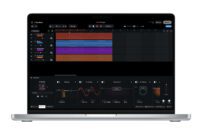
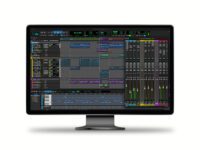
The timeline is the main workspace of a DAW. It represents time from left to right, allowing producers to arrange sounds and musical events along a grid.
Most DAWs divide the timeline into bars and beats, making it easy to align sounds with the rhythm of the track. The grid follows the project tempo — for example, 120 BPM or 128 BPM — ensuring that every element remains synchronized.
Within this timeline, producers place audio clips, MIDI patterns, and automation. Each section of the song — intro, breakdown, build-up, drop, or chorus — becomes visible as the track grows.
The timeline is where arrangement happens. It allows producers to transform short musical ideas into full songs by expanding patterns across time, introducing variation, and shaping the structure of the composition.
Popular DAWs such as Ableton Live, FL Studio, Logic Pro, and Studio One all rely on this timeline-based workflow.
https://www.ableton.com
https://www.image-line.com/fl-studio/
https://www.apple.com/logic-pro/
https://www.presonus.com/products/studio-one
While each DAW has its own interface, the timeline concept remains universal.
Tracks: Organizing Sounds and Instruments
Inside the timeline, music is organized through tracks. Each track holds a specific sound source or musical element.
A track might contain:
- a drum loop
- a bassline
- a vocal recording
- a synthesizer melody
- an effect sound
Tracks keep productions organized and manageable. Instead of stacking everything in a single channel, each instrument lives in its own dedicated space.
There are usually two main types of tracks in a DAW:
Audio Tracks store recorded sound such as vocals, guitars, or drum samples.
Instrument Tracks host virtual instruments that generate sound through MIDI data.
As productions grow more complex, producers often group tracks into categories like drums, bass, synths, vocals, or effects. This organization simplifies mixing and allows quick control of entire sections of the track.
MIDI: The Language of Digital Instruments
MIDI — short for Musical Instrument Digital Interface — is one of the most powerful tools in music production.
Unlike audio, MIDI does not contain sound. Instead, it contains instructions telling an instrument what notes to play, how long they last, and how loud they should be.
A MIDI note contains information such as:
- pitch
- velocity (how hard the note is played)
- duration
- timing
These instructions are sent to a virtual instrument plugin, which generates the actual sound.
MIDI offers incredible flexibility. Producers can change notes, transpose melodies, modify timing, or swap instruments entirely without re-recording anything.
For example, a MIDI melody written for a piano can instantly be reassigned to a synthesizer, a string section, or a bass instrument.
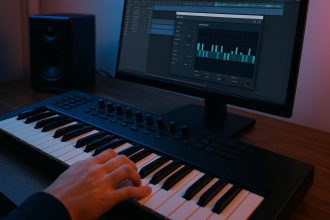
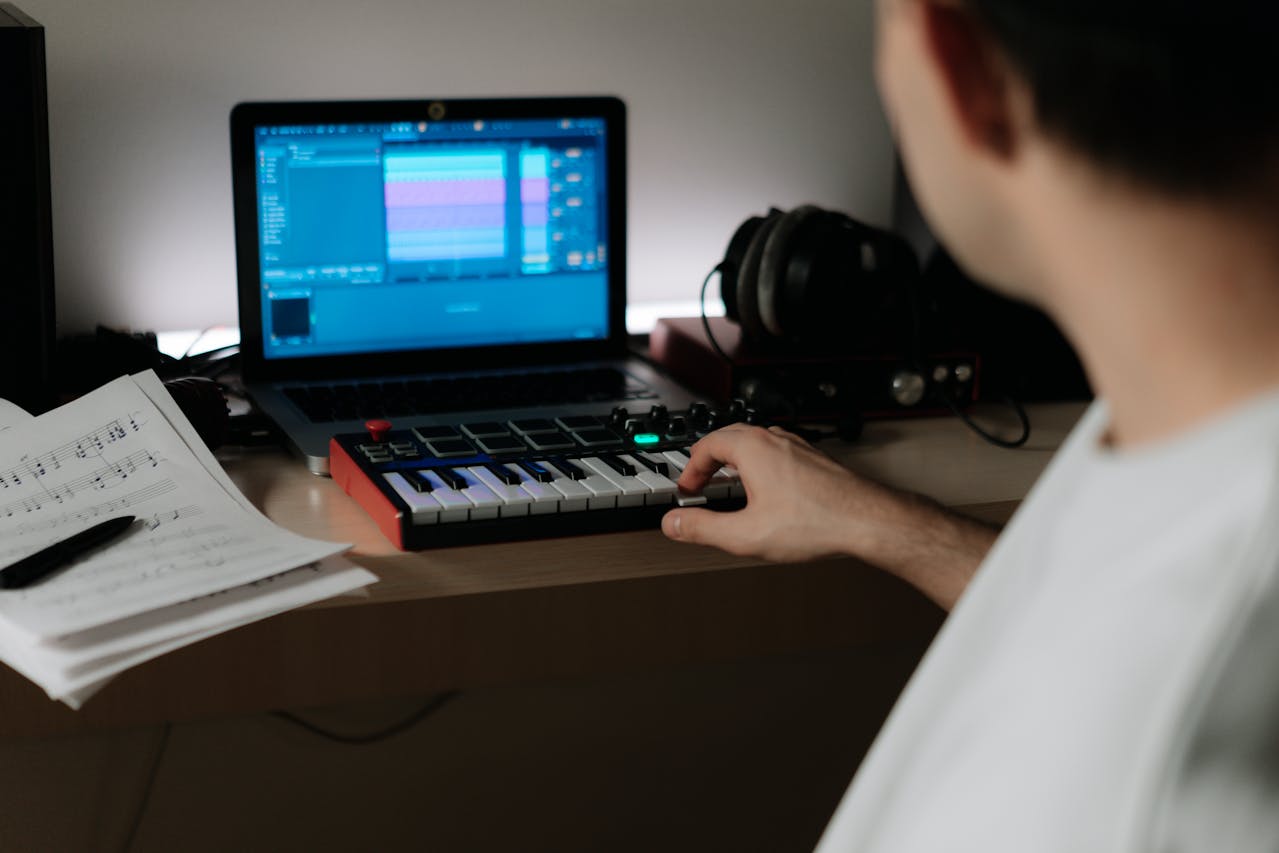
Many producers compose music entirely with MIDI using keyboards or controllers.
Plugins: Expanding Your DAW’s Capabilities
Plugins are external tools that extend the functionality of a DAW. They are typically divided into two categories: virtual instruments and audio effects.
Virtual instruments generate sound, while audio effects process and modify existing sounds.
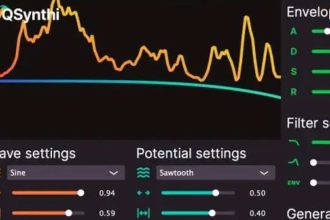
One of the most popular free synthesizers available today is Vital, a powerful wavetable synth capable of producing basses, leads, pads, and sound design textures.
Vital offers professional-level synthesis tools with a visual interface that helps beginners understand modulation and sound shaping.
Another widely used instrument is Spitfire LABS, a collection of free cinematic instruments ranging from soft pianos to ambient textures.
https://labs.spitfireaudio.com/
For producers looking for an industry-standard synthesizer, Serum by Xfer Records remains one of the most respected plugins in modern electronic music production.
https://xferrecords.com/products/serum
Serum’s wavetable engine, modulation system, and sound design capabilities make it a staple in genres like EDM, house, and bass music.
Plugins allow producers to expand their sonic palette far beyond the default sounds included with a DAW.
Automation: Creating Movement and Dynamics
Automation is one of the most powerful creative tools inside a DAW.
It allows producers to control parameters over time. Instead of a sound remaining static, automation introduces movement and evolution.
Almost any parameter can be automated:
- volume levels
- filter cutoff
- reverb amount
- delay feedback
- stereo width
- synthesizer modulation
Automation appears as curves or lines on the timeline. Producers draw or record these changes to shape how a sound evolves throughout the track.
For example, a filter opening gradually during a build-up increases tension before a drop. A reverb burst on the last word of a vocal phrase creates space and drama.
Automation is often what separates static beginner productions from dynamic professional tracks.
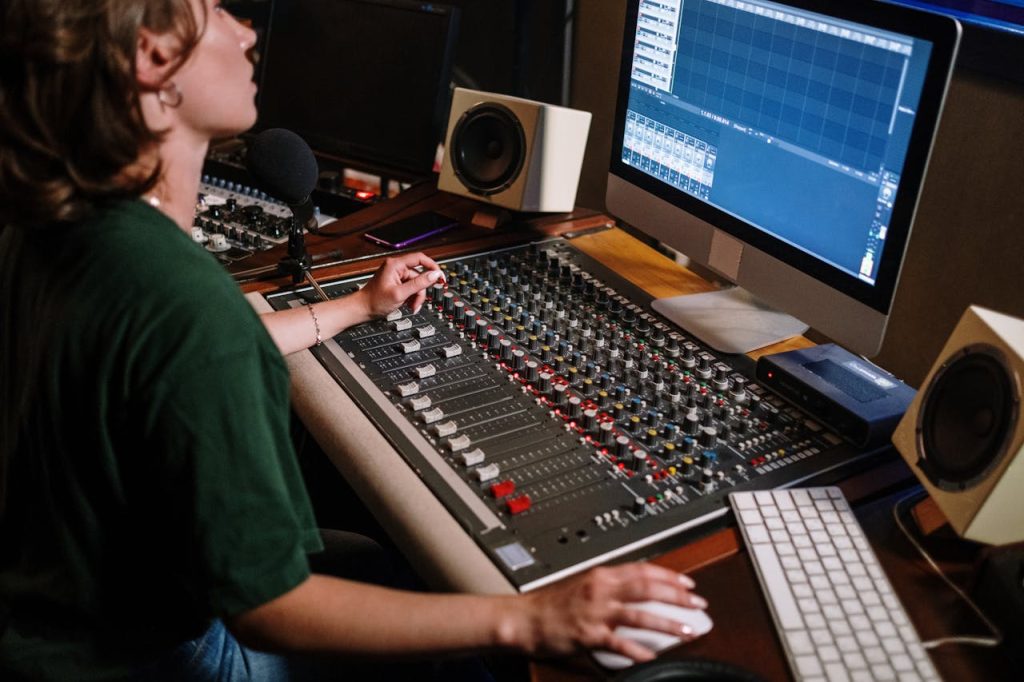
Mixing Tools Inside the DAW
Every DAW includes a built-in mixer where producers control the balance of the track.
The mixer contains essential tools such as:
- volume faders
- pan controls
- equalizers
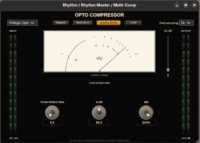
- compressors
- effects routing
These tools shape the final balance of a song. Volume determines which elements are dominant, panning distributes sounds across the stereo field, and effects create depth and space.
Many producers also use third-party plugins for mixing.
A popular free equalizer is TDR Nova, a precise dynamic EQ known for its clarity and flexibility.
https://www.tokyodawn.net/tdr-nova/
For a professional mixing workflow, FabFilter Pro-Q 3 is widely considered one of the best EQ plugins available today.
https://www.fabfilter.com/products/pro-q-3-equalizer-plug-in
Understanding the mixer is essential for transforming raw sounds into a cohesive, polished production.
The Creative Environment of Modern Music Production
A DAW is more than software. It is a complete creative environment where ideas move from sketches to finished songs.
Inside this digital studio, producers design rhythms, sculpt sounds, build arrangements, and shape the emotional flow of a track. The timeline provides structure, tracks organize instruments, MIDI controls musical ideas, plugins expand sonic possibilities, and automation brings everything to life.
While every DAW has its own personality and workflow, the underlying concepts remain the same across all professional production tools.
Once these core elements become familiar, the software disappears — and the focus returns to what truly matters: making music.