
Free DAW
GarageBand: A Free Mac DAW for Recording and Beatmaking
Apple’s accessible music studio combines audio and MIDI recording, virtual instruments, loops, session drummers, effects and intuitive editing tools.
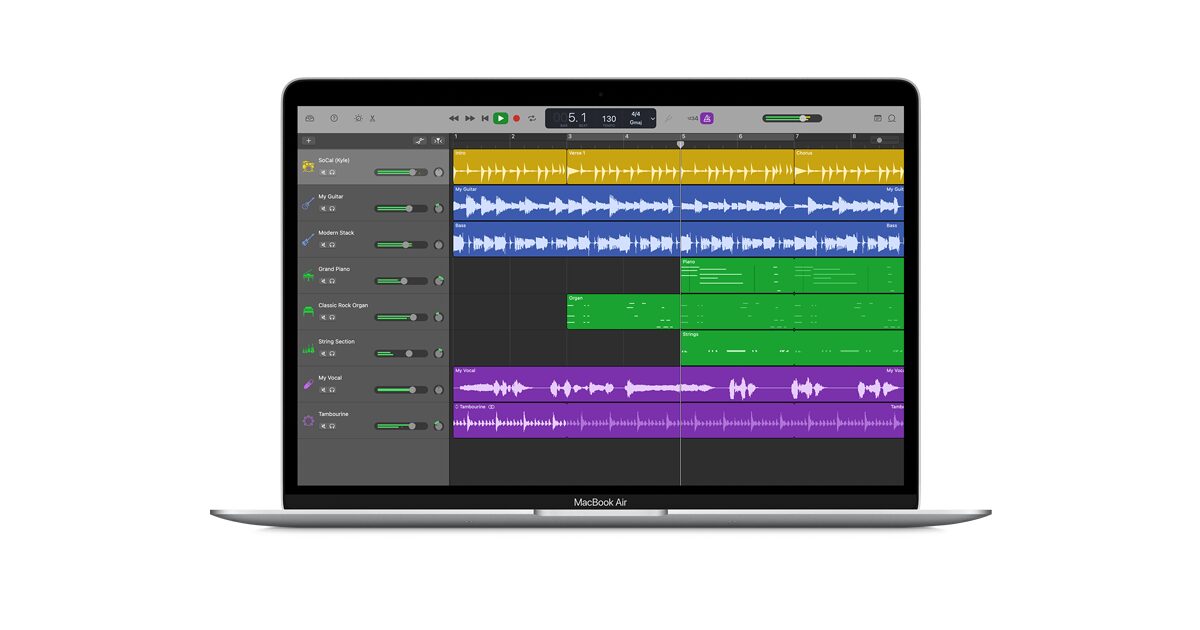
GarageBand is a free digital audio workstation developed by Apple exclusively for Mac. It provides a complete environment for recording instruments and vocals, programming MIDI, arranging songs, using virtual instruments, adding effects and exporting finished music.
The software is often described as a beginner DAW, but that description can hide how much production work it can actually handle. GarageBand supports projects containing up to 255 tracks, multitrack recording, automation, third-party Audio Units, pitch correction, Flex Time editing and a large collection of instruments and Apple Loops.
GarageBand is available through the Mac App Store without a subscription or paid feature upgrade. The current version requires macOS 15.6 or later, which means users with older Macs may need to check whether a compatible previous version remains available through their App Store purchase history.
| Developer | Apple |
|---|---|
| Software type | Digital audio workstation |
| Platform | macOS only |
| Audio recording | Single-track and multitrack recording with multiple takes |
| MIDI production | Software instruments, piano roll, score editor and MIDI recording |
| Maximum tracks | Up to 255 tracks |
| Plugin support | Audio Units instruments and effects |
| Included content | Virtual instruments, Apple Loops, Drummer, amps, pedals and effects |
| Price | Free |
Audio and MIDI Recording
GarageBand can record vocals, guitars, keyboards and other external instruments through the Mac’s built-in input or a compatible audio interface. Multiple audio tracks can be recorded simultaneously when the connected interface provides enough inputs.
Loop recording and multiple takes make it possible to capture several performances without creating a new track for every attempt. The preferred take can then be selected from the recorded alternatives.
MIDI performances can be recorded from a USB keyboard, pad controller or the Musical Typing keyboard built into GarageBand. Notes can be edited inside the Piano Roll Editor, with controls for timing, velocity, length and pitch.
Editing and Arrangement
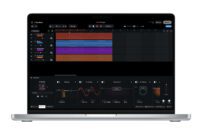
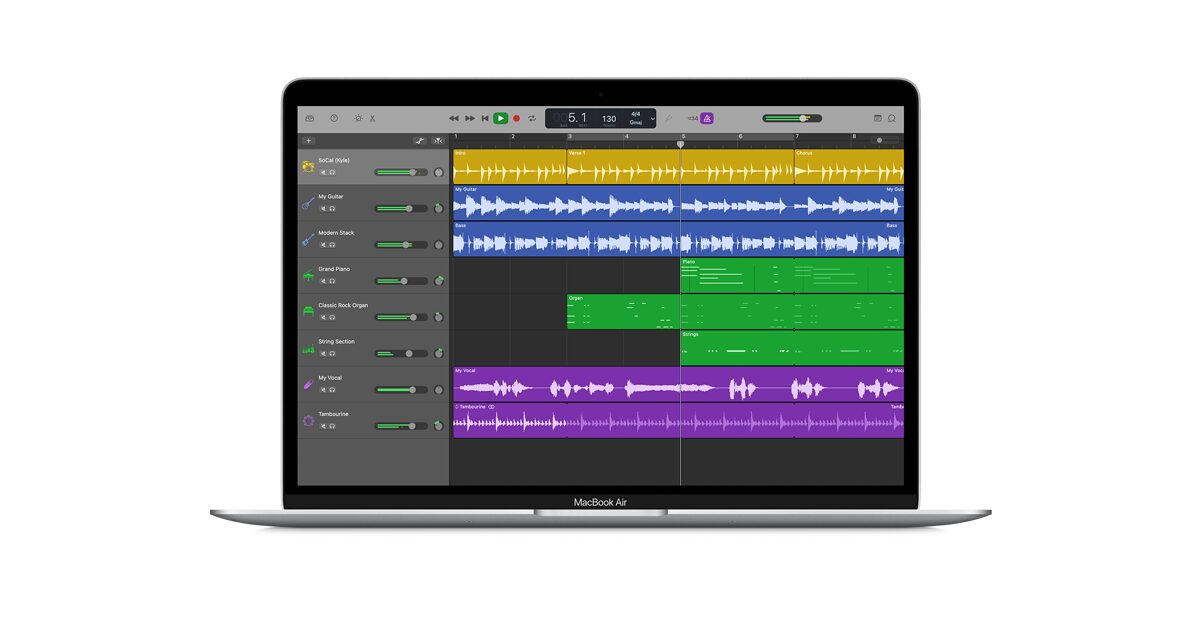
The main Tracks area uses a familiar horizontal arrangement. Audio recordings, MIDI regions, Apple Loops and Drummer performances can be moved, copied, split, resized and repeated to build complete song sections.
Flex Time allows producers to adjust the timing of recorded audio without cutting every note manually. GarageBand can also quantize audio regions, correct pitch, transpose recordings and reverse selected regions.
A Groove Track can be used to make other tracks follow the timing of one reference performance. This can help tighten guitars, percussion and virtual instruments while preserving more musical movement than rigidly placing every sound on the grid.
Virtual Instruments and Sound Library
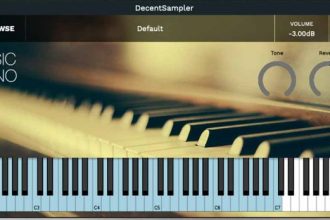
GarageBand includes software instruments covering keyboards, synthesizers, basses, orchestral sounds, drums and electronic production. Smart Controls provide a simplified set of parameters adapted to each selected patch.
Apple’s Sound Library also contains downloadable instruments, presets and Apple Loops for styles such as Hip-Hop, EDM, Rock, Indie and electronic music. Loops automatically follow the project tempo and can be rearranged or combined with original recordings.
The library is broad enough for songwriting, beatmaking and demo production. Producers who need a more personal sound can expand the software with third-party Audio Units instruments and effects.
Drummer and Beat Production
Drummer creates editable drum performances using virtual session musicians and beat producers. Users can select a musical style, adjust complexity and intensity, control fills and choose which drum-kit elements are emphasized.
Drummer regions can follow the rhythm of another track, making it easier to build a performance around a bass line, guitar part or existing loop. The generated regions remain editable throughout the arrangement.
This system is useful for songwriters who do not play drums and for producers who want a natural rhythmic foundation before replacing or layering individual sounds.
Guitar and Bass Tools
GarageBand includes Amp Designer, Bass Amp Designer and Pedalboard. Guitarists and bass players can connect directly to an audio interface, choose virtual amplifiers, change cabinets and build custom effect chains.
The included collection covers clean, driven and heavily distorted tones. Pedalboard provides modulation, delay, distortion and other stompbox-style effects that can be reordered inside a virtual signal chain.
These tools can also process synthesizers, vocals and samples. A guitar amp is under no legal obligation to remain attached to a guitar.
Mixing, Effects and Automation
Every track provides volume, pan, mute and solo controls. Smart Controls expose the main parameters of instruments and effects, while the visual EQ makes broad tonal corrections accessible without requiring a separate plugin.
Track automation can control volume, panning and compatible effect parameters across the arrangement. Producers can draw automation points to create fades, filter movement, changing effect levels and other transitions.
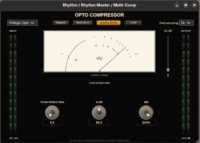
GarageBand also supports third-party Audio Units. Compatible synthesizers, compressors, reverbs and creative effects installed on the Mac can be loaded alongside Apple’s built-in processors.
Best Uses
- Beginner music production on Mac
- Recording vocals, guitars and instruments
- Songwriting and demo production
- Hip-Hop and electronic beatmaking
- Pop, Rock and Indie arrangements
- Podcast and spoken-word recording
- MIDI composition and virtual instruments
- Learning recording, editing and mixing fundamentals
Export and Apple Integration
Finished songs can be exported to disk or iCloud and shared through Apple’s Music app, AirDrop or Mail. Projects can also move between GarageBand for iPhone, iPad and Mac through iCloud.
Logic Remote allows a compatible iPhone or iPad to control GarageBand wirelessly. Producers can navigate the project, adjust Smart Controls and play software instruments from the mobile device.
GarageBand projects can later be opened in Logic Pro, providing a natural upgrade path for users who need more advanced mixing, routing, editing and mastering functions.
Compatibility and Installation
The current Mac App Store version requires macOS 15.6 or later. The initial application download is approximately 732 MB, but installing additional instruments, loops and sound packs requires more storage space.
GarageBand is installed through the Mac App Store. An Apple Account is therefore required to obtain the application and manage future updates, but no separate subscription or license manager is needed.
Main Limitations
- Available only for Mac
- The current release requires a recent version of macOS
- Only Audio Units plugins are supported natively
- No native VST, VST3 or AAX plugin hosting
- Routing and mixer controls are simpler than in professional DAWs
- Advanced editing, mastering and production tools remain reserved for applications such as Logic Pro
- Additional sound-library downloads require extra storage space
Final Verdict
GarageBand is one of the strongest free DAWs available to Mac users. It combines an approachable interface with audio and MIDI recording, 255-track projects, useful editing tools, a substantial sound library, virtual session drummers and third-party Audio Units support.
It is particularly well suited to beginners, songwriters, beatmakers, guitarists and musicians who want to produce complete tracks without purchasing additional software immediately.
Its simplified mixer and Mac-only compatibility prevent it from replacing every professional DAW, but these limitations do not reduce its value as a serious starting point for music production.
For anyone who already owns a compatible Mac, GarageBand turns the computer into a capable studio before the plugin shopping addiction has even had time to warm up.