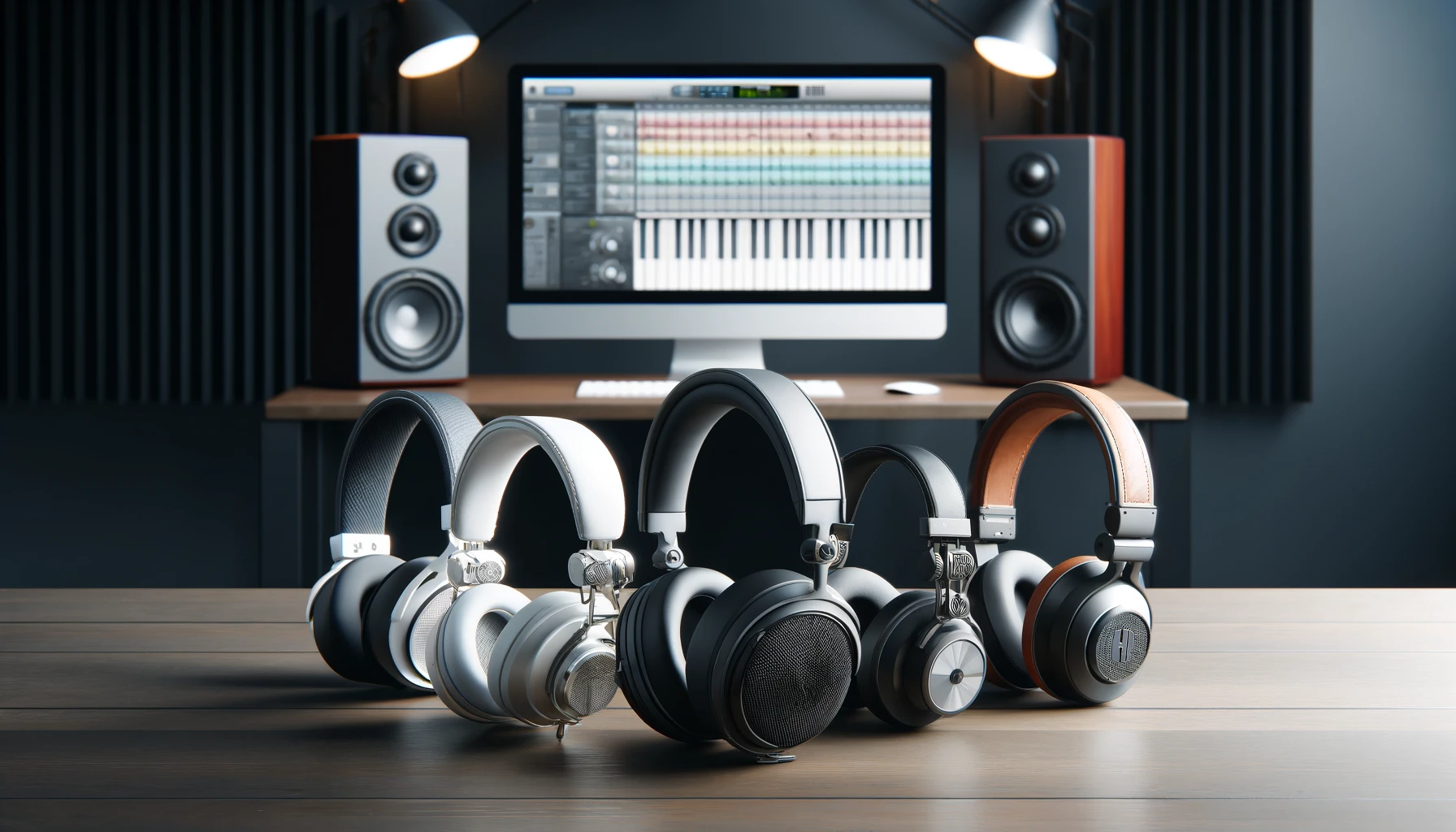

Stepping into music production for the first time can feel like entering a cockpit filled with blinking lights and unfamiliar terminology. Yet the reality is far less intimidating. With a clear workflow, a few essential tools, and a grasp of core audio concepts, beginners can create polished, listenable tracks in a single session. This guide cuts through jargon and focuses on practical, results-driven methods to help new producers start strong.
Your First Beat in 30 Minutes: A Simple Method That Works
A beginner’s first success should come quickly. Momentum matters more than perfection, and a structured 30-minute workflow can turn a blank project into a complete, coherent beat.
Start with drums. Load a kick, snare, and hi-hat pattern using stock sounds from your DAW. Keep the rhythm simple and consistent. Next, add a bassline that follows the root notes of your chord progression. Even a two-note bass pattern can provide depth and groove.
For harmony, choose a preset piano, pad, or synth chord sound. Most DAWs include high-quality stock instruments that are more than capable for early projects. If you want additional free options, plugins like Vital (https://vital.audio) or Surge XT (https://surge-synthesizer.github.io) offer professional-grade synthesis without cost.
Finally, arrange your loop into a basic structure: intro, main section, short break, and return. The result won’t be a chart-topper—but it will be a complete piece of music, and that’s the milestone that builds confidence.
Beginner Gear Guide: What to Buy — and What to Skip
New producers often assume great music requires expensive equipment. In truth, smart, minimal choices produce better results than impulsive spending.
A Digital Audio Workstation (DAW) is the foundation. Reliable beginner-friendly options include:
- Ableton Live — https://www.ableton.com
- FL Studio — https://www.image-line.com
- PreSonus Studio One — https://www.presonus.com
- Logic Pro (Mac) — https://www.apple.com/logic-pro
Each offers trial versions, allowing newcomers to explore workflows before committing.
An audio interface improves sound quality and reduces latency, but beginners can start with built-in sound cards. When ready to upgrade, entry-level models from Focusrite or PreSonus provide clean audio capture without complexity.
Headphones matter more than speakers in untreated rooms. Neutral, closed-back models help beginners hear details without misleading bass exaggeration. Avoid “bass-boosted” consumer headphones—they flatter the sound but sabotage mixing decisions.
What to avoid early on: expensive microphones, large plugin bundles, and studio monitors without acoustic treatment. These investments make sense later, once listening skills mature.
The Beginner Mixing Mistakes That Quietly Destroy Tracks
Most early mixes fail for predictable reasons. Recognizing these pitfalls accelerates improvement more than any plugin ever will.
The most common issue is frequency clutter. When multiple sounds occupy the same range, the mix becomes muddy. A simple EQ cut—removing low frequencies from non-bass instruments—instantly restores clarity.
Another frequent mistake is overusing reverb. Beginners often drown tracks in ambience to make them sound “professional,” but excessive reverb pushes elements backward and blurs definition. Subtlety creates depth; excess creates distance.
Volume imbalance is equally damaging. If vocals, drums, or bass dominate, the track feels unstable. Regularly lowering all faders and rebuilding balance from scratch is a surprisingly effective reset.
Finally, comparing your mix to a professionally mastered track without level matching leads to discouragement. Always match loudness before evaluating quality.
Gain Staging Without the Headache: Volume, Headroom, and Clipping
Gain staging sounds technical, but its principle is simple: maintain healthy signal levels at every stage of production.
Digital audio operates best when signals peak around -12 to -6 dBFS during mixing. This range preserves headroom for processing and prevents clipping, which occurs when audio exceeds 0 dBFS and distorts irreversibly.
Headroom is not wasted space—it is safety and flexibility. Plugins such as compressors and saturators respond more naturally when fed balanced signals. If a track sounds harsh or brittle, excessive input gain is often the culprit.
Modern DAWs include built-in metering tools, and free plugins like Youlean Loudness Meter (https://youlean.co/youlean-loudness-meter/) provide detailed insight into levels and perceived loudness.
Understanding gain staging early prevents countless mixing problems and ensures cleaner, more professional results.
Audio 101: Understanding Hz, dB, Stereo, Mono, and Phase
Behind every great mix lies a few core audio principles. Once understood, they transform guesswork into intentional decision-making.
Hertz (Hz) measures frequency. Low frequencies (20–200 Hz) shape bass and kick impact, midrange (200 Hz–4 kHz) defines clarity and presence, and high frequencies (4 kHz–20 kHz) add brightness and air.
Decibels (dB) measure level. Small adjustments—often just 1–2 dB—can dramatically change how a sound sits in the mix.
Stereo vs. mono defines spatial placement. Bass elements often work best in mono for stability, while pads, reverbs, and effects create width in stereo.
Phase describes alignment between waveforms. When two similar sounds are out of phase, they cancel each other, weakening the mix. This commonly occurs when layering kicks or recording with multiple microphones. Checking mono compatibility reveals phase issues quickly.
These concepts are not academic—they are practical tools that guide every mixing decision.
The Power of Starting Simple
The biggest obstacle for beginners is not lack of tools but excess choice. Modern DAWs ship with everything needed to produce professional music. Mastering the basics—clean gain staging, balanced mixing, thoughtful arrangement—delivers greater results than chasing trends or plugins.
A first beat created in 30 minutes may seem modest, yet it represents the most important step in music production: finishing. From that moment forward, each project becomes less intimidating, each mix more controlled, and each creative decision more intentional.
In the end, great production is not about complexity. It is about clarity, confidence, and the willingness to keep pressing play.